All features
Nolio adapts to your vision of training
Calendar
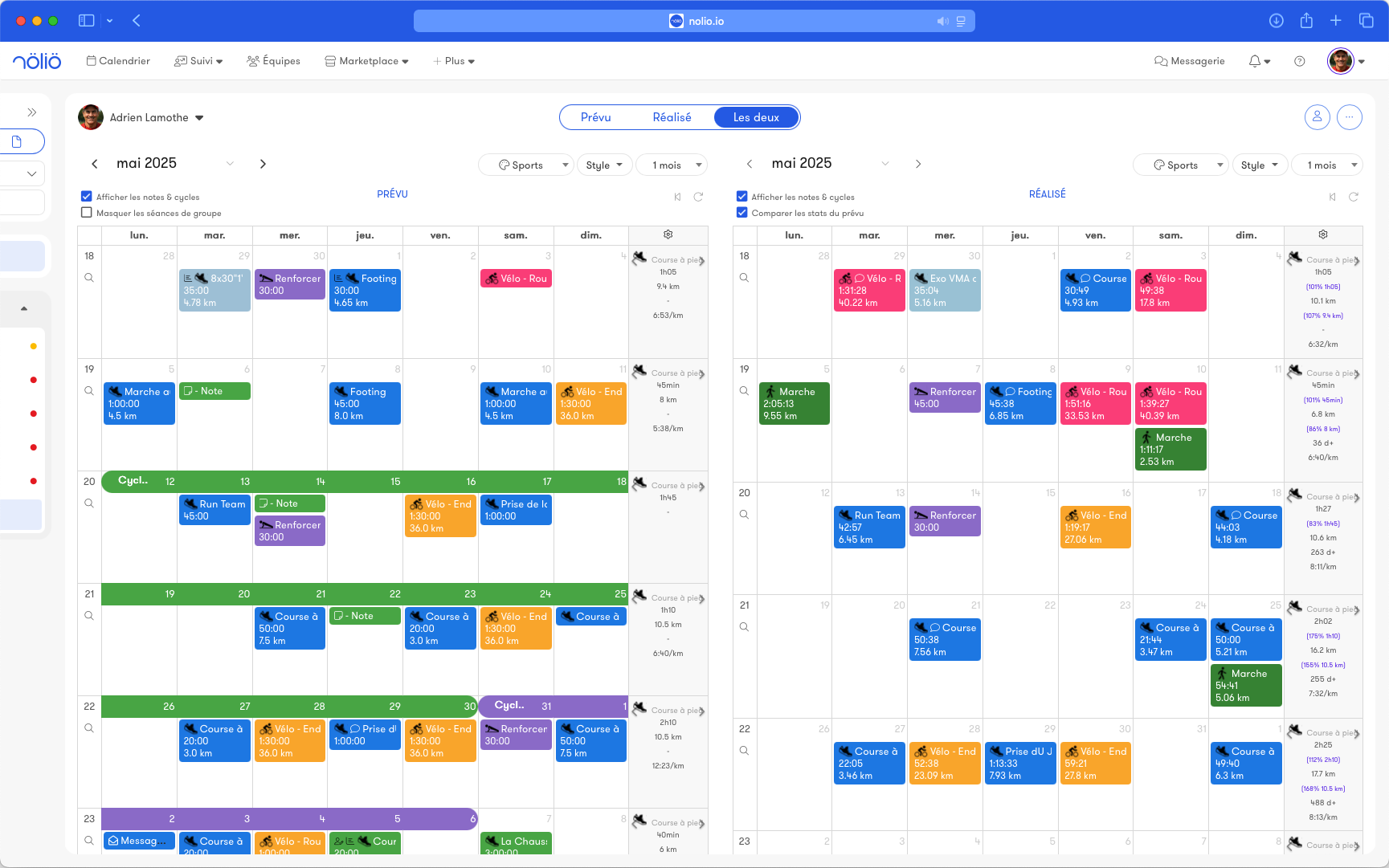
Planned and completed
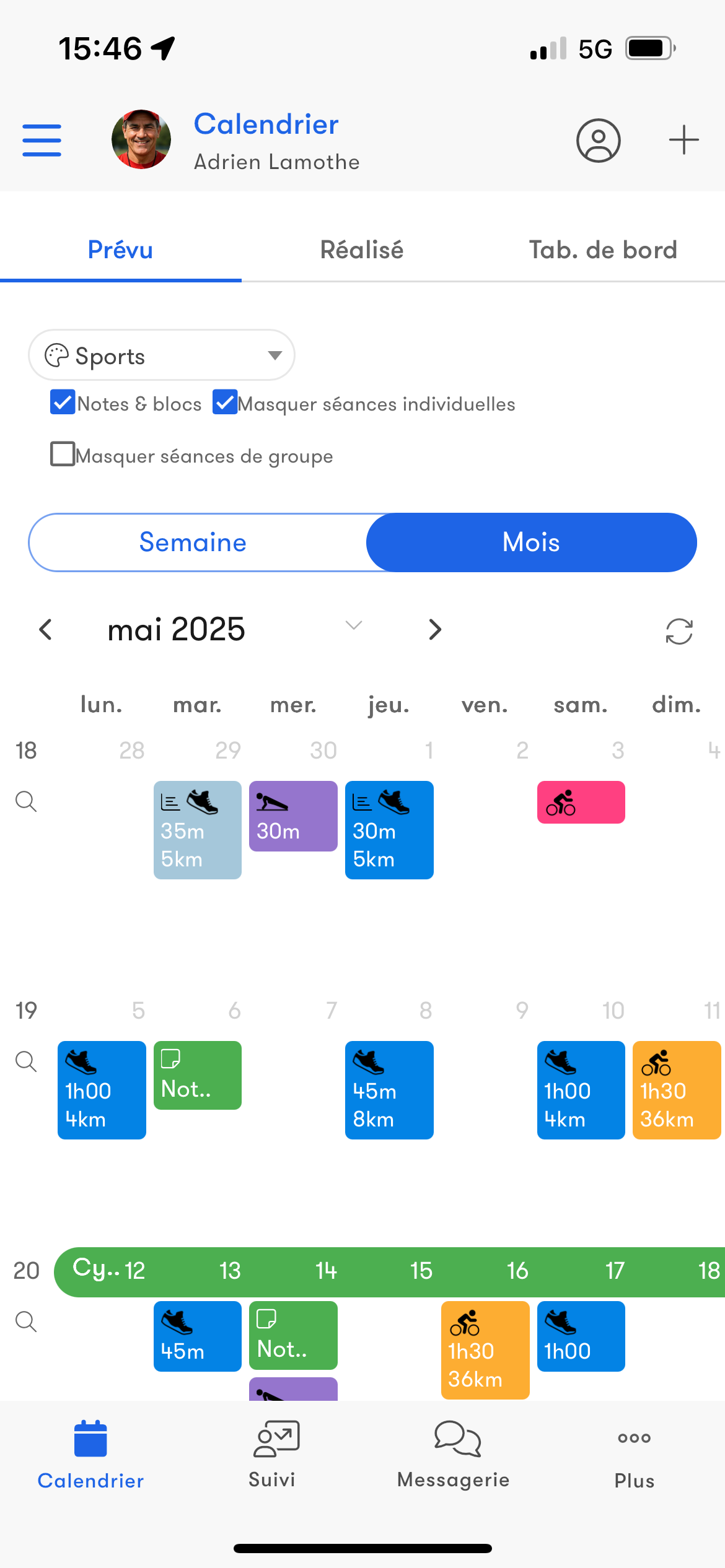
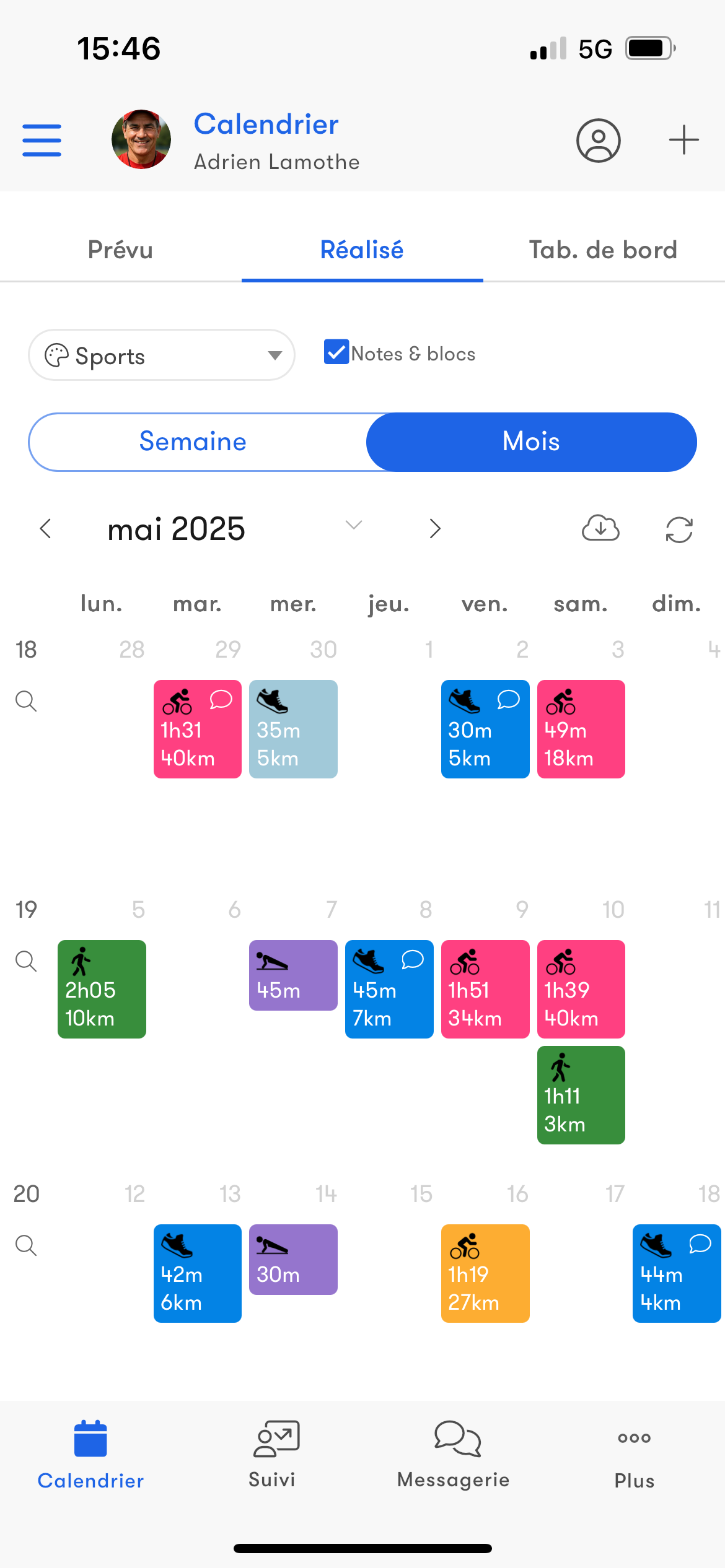
View your workouts in two separate calendars: a planned calendar to schedule your workouts and a completed calendar to track the ones you have done. Compare planned and completed to fine-tune your training.
Events
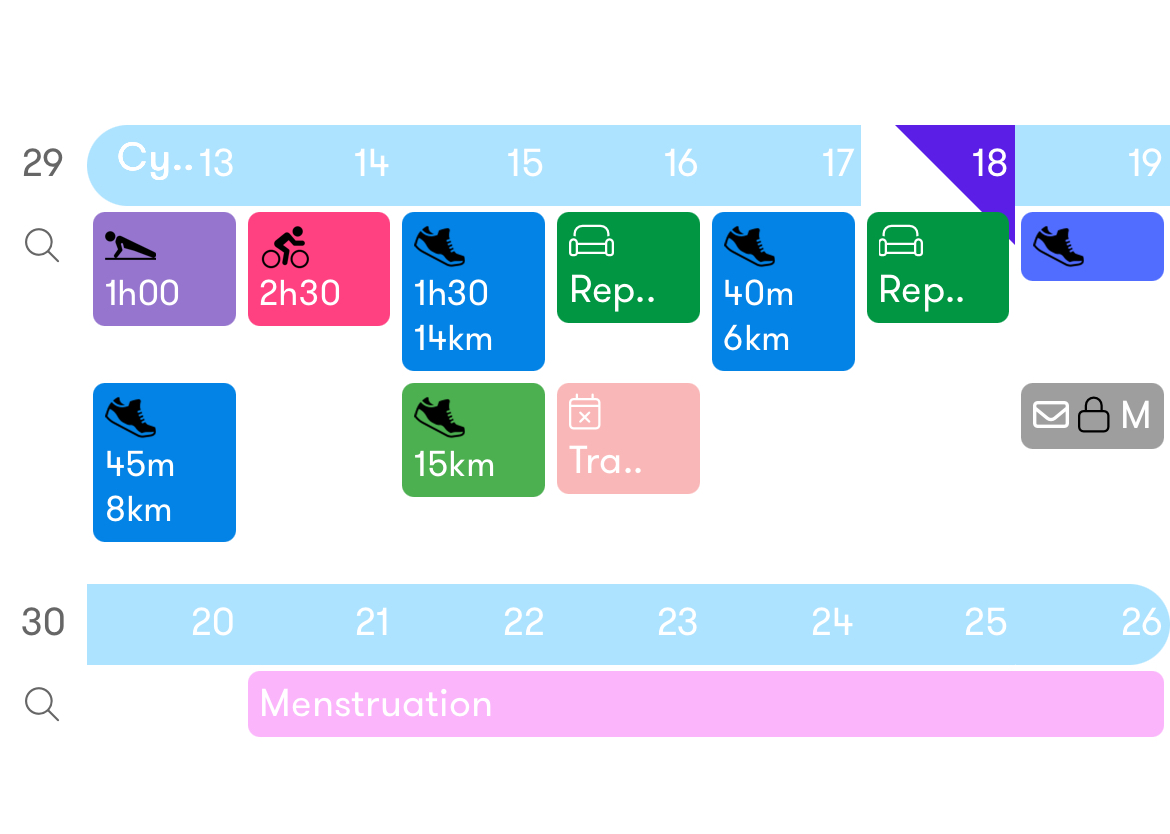
In the calendar, build your training with the various events available: workouts, notes, competitions, forms…
Everything is designed so you can create, view and adjust your program throughout the season.
All events are customizable and can be recurring.
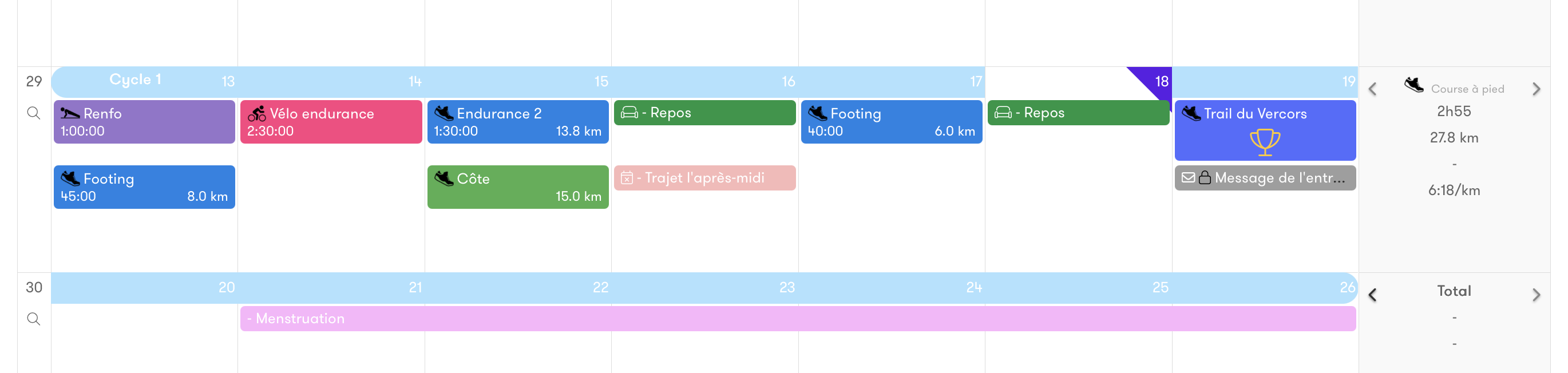
Everything is designed so you can create, view and adjust your program throughout the season.
All events are customizable and can be recurring.
Workout
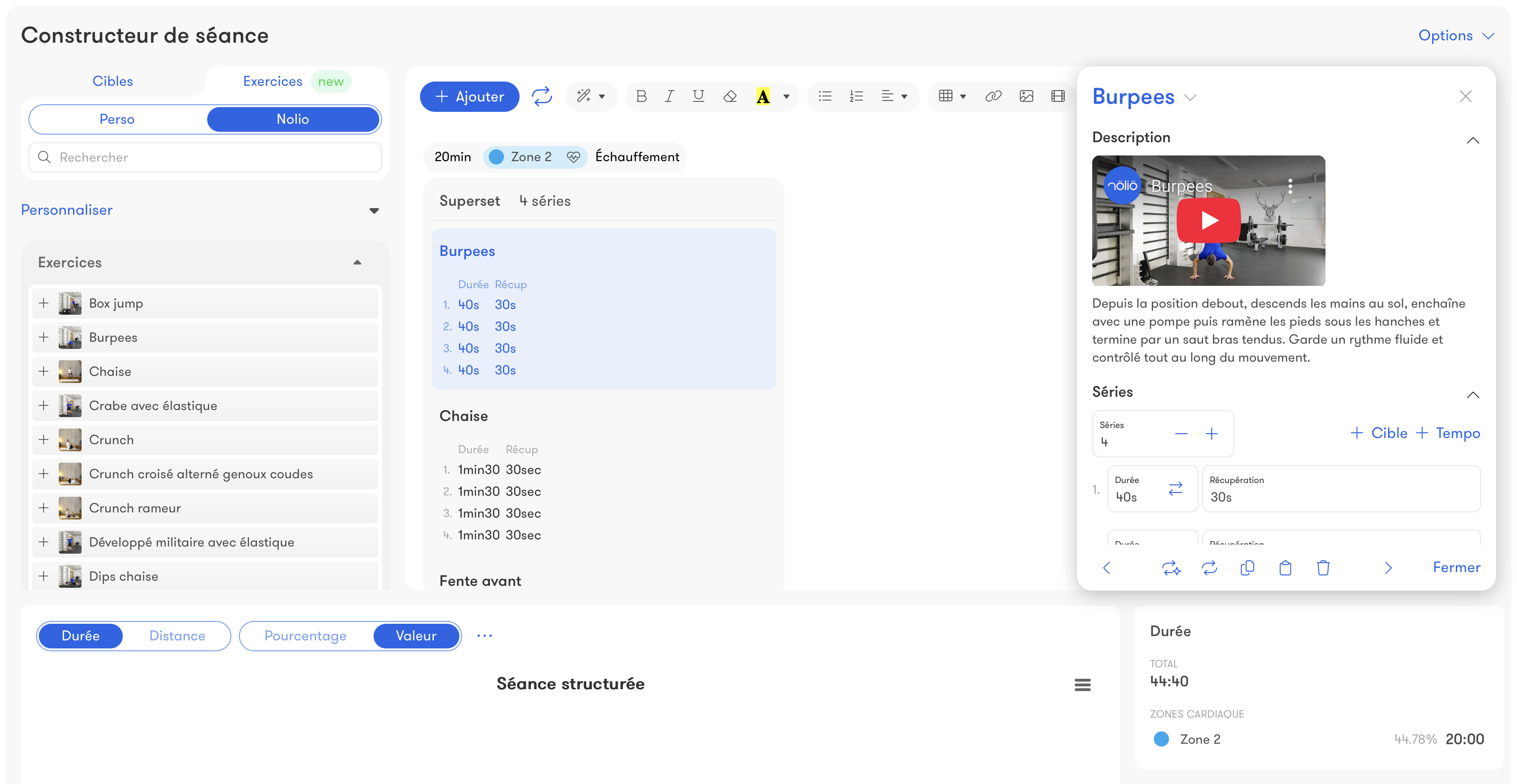
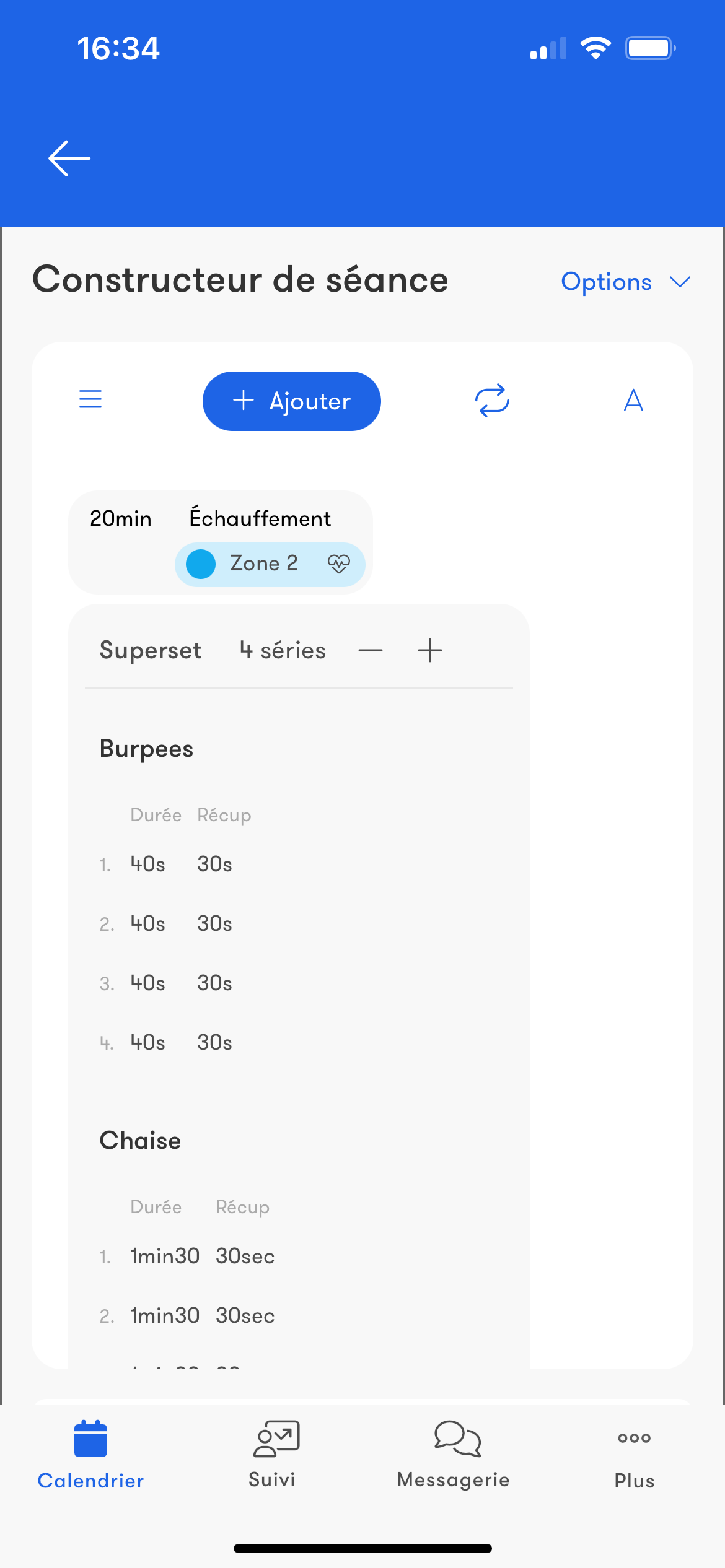
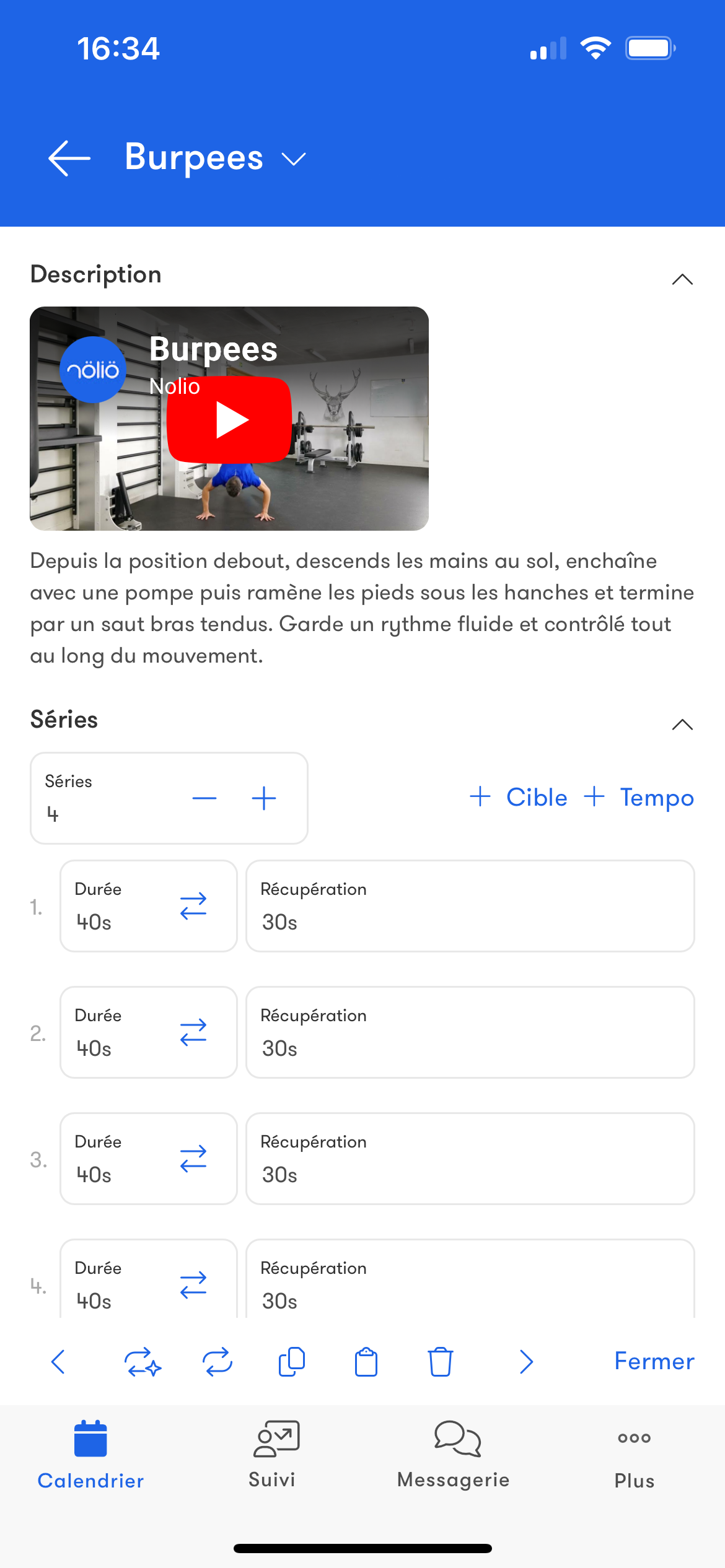
Plan your workouts with our structured workout builder: everything is customizable.All completed workouts are automatically uploaded to the platform through the various connectors.
Competition
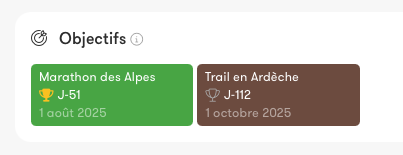
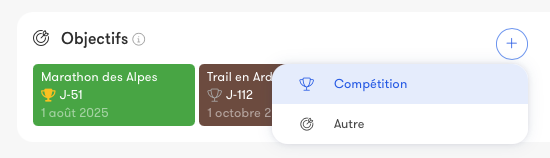
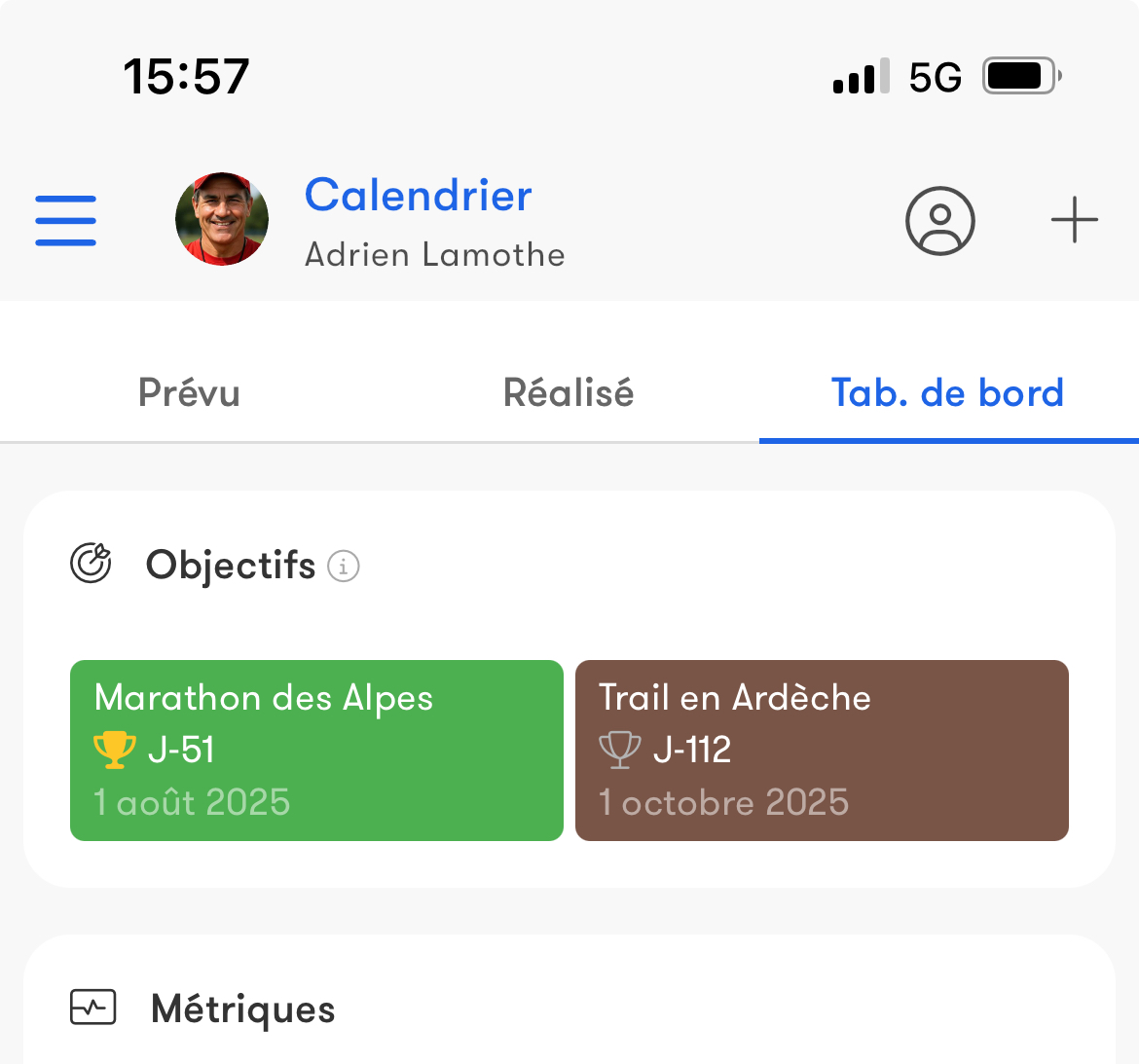
Add all your competitions to plan their preparation as well as possible.View upcoming competitions with a countdown right in your dashboard.
Notes & Cycles
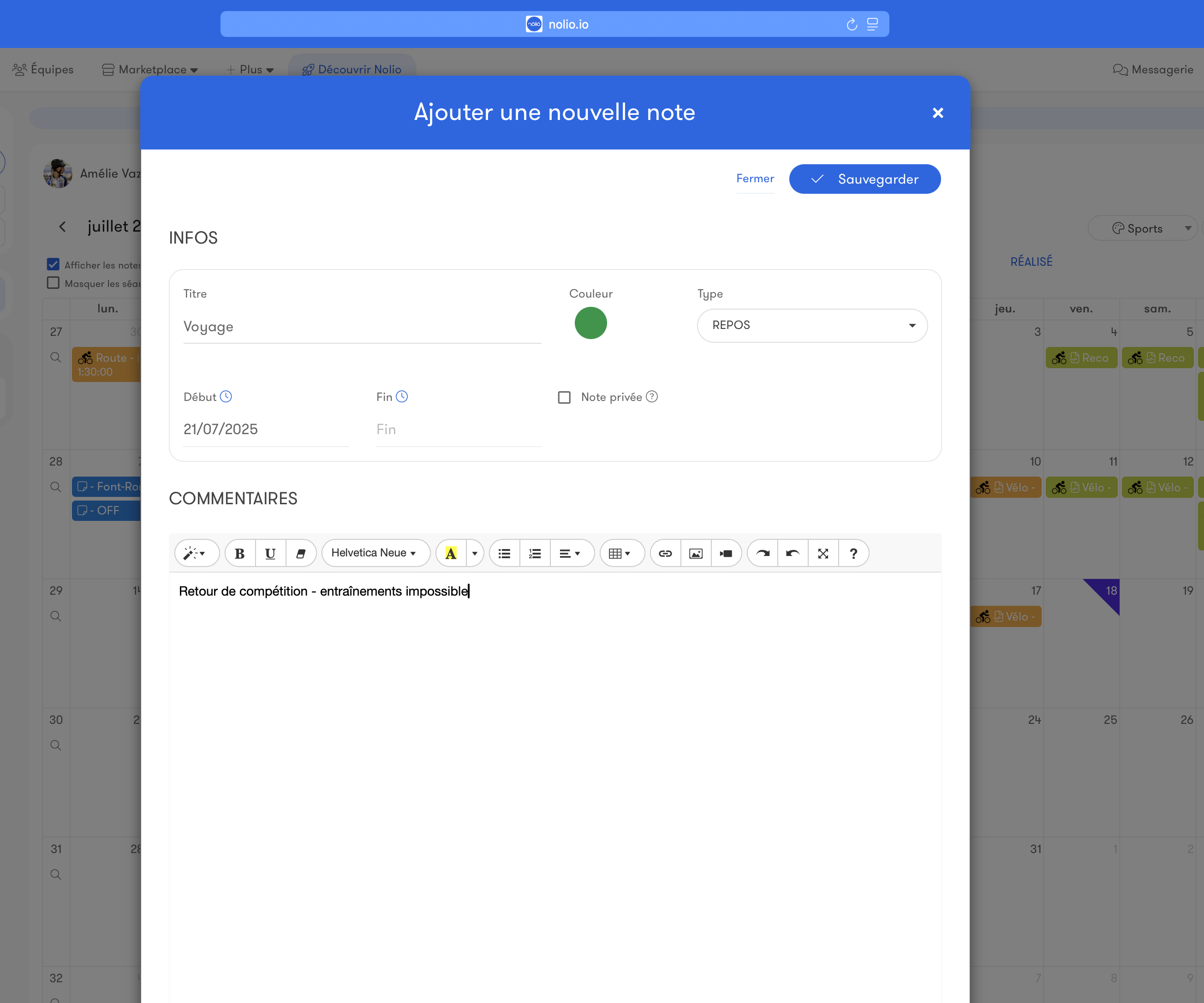
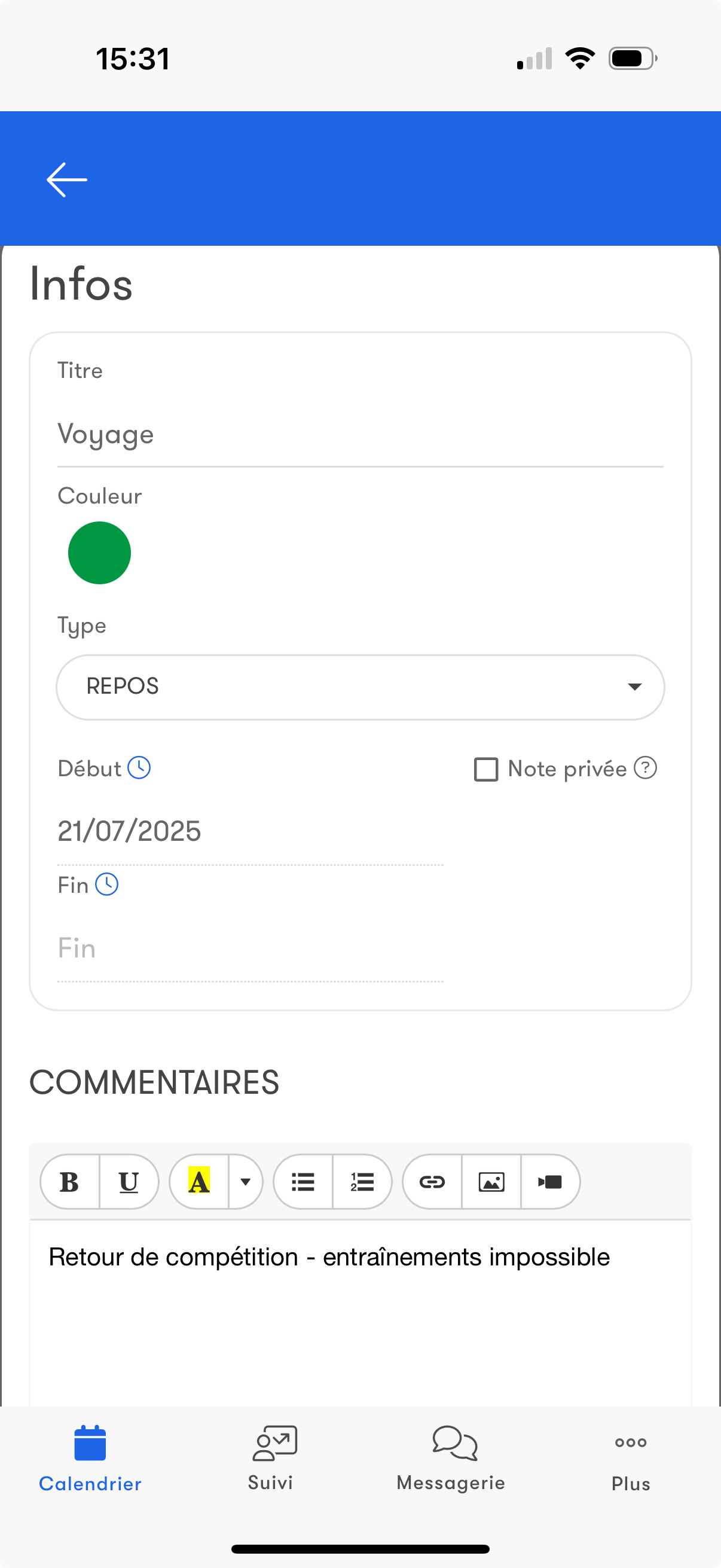
NotesNotes let you enrich the calendar with availabilities/unavailabilities, rest, menstruation, injuries, miscellaneous information…
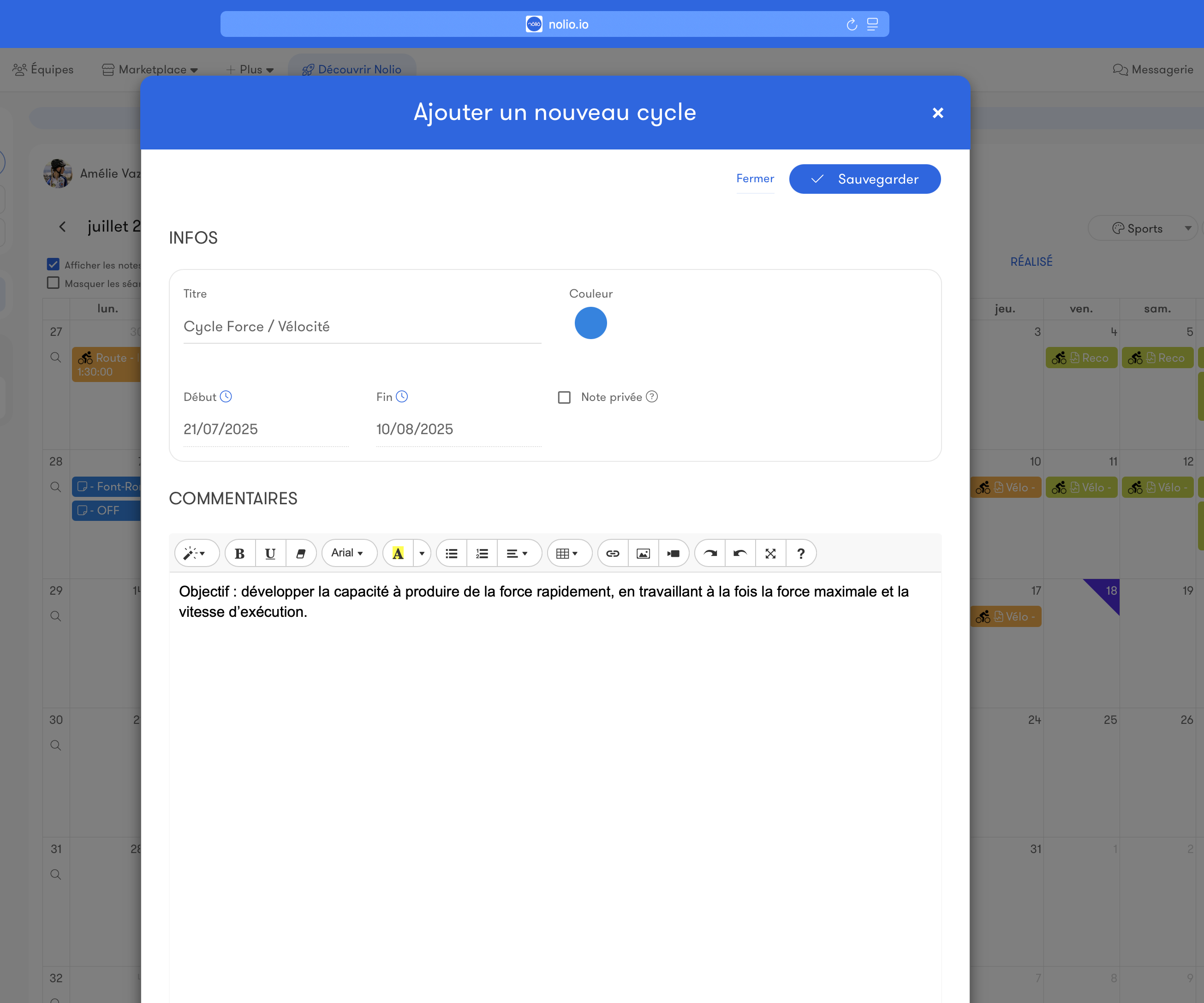
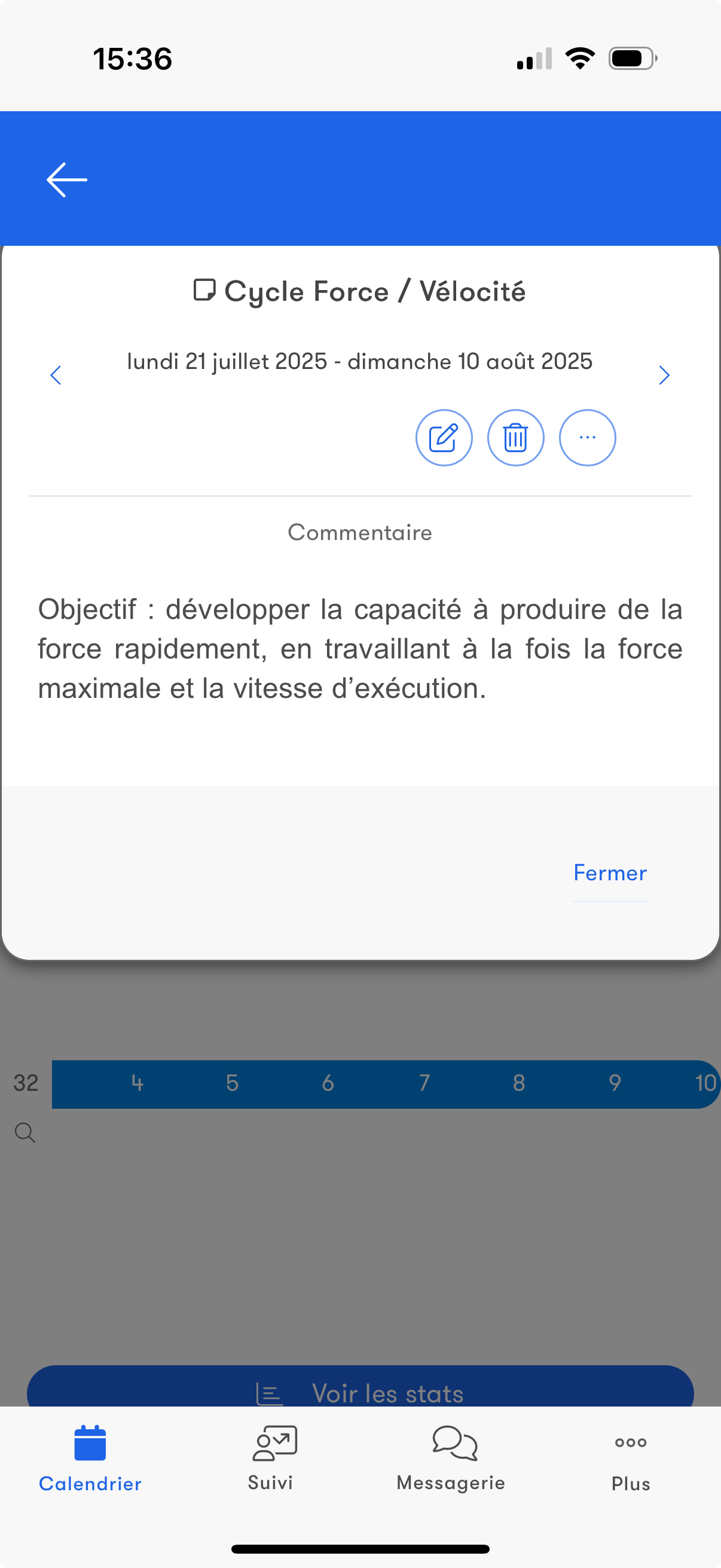
Cycles
View the different cycles to help you structure training.
Form
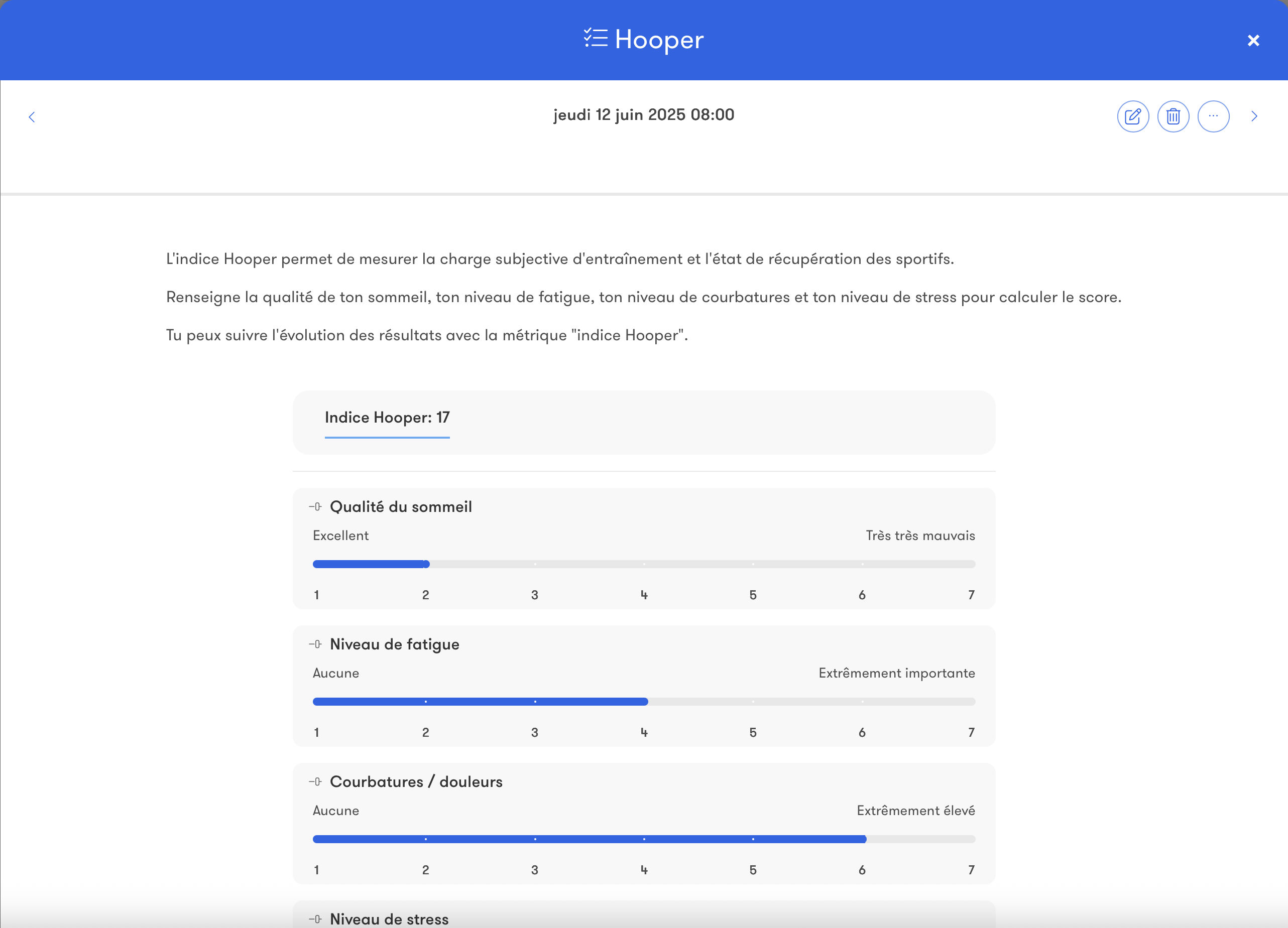
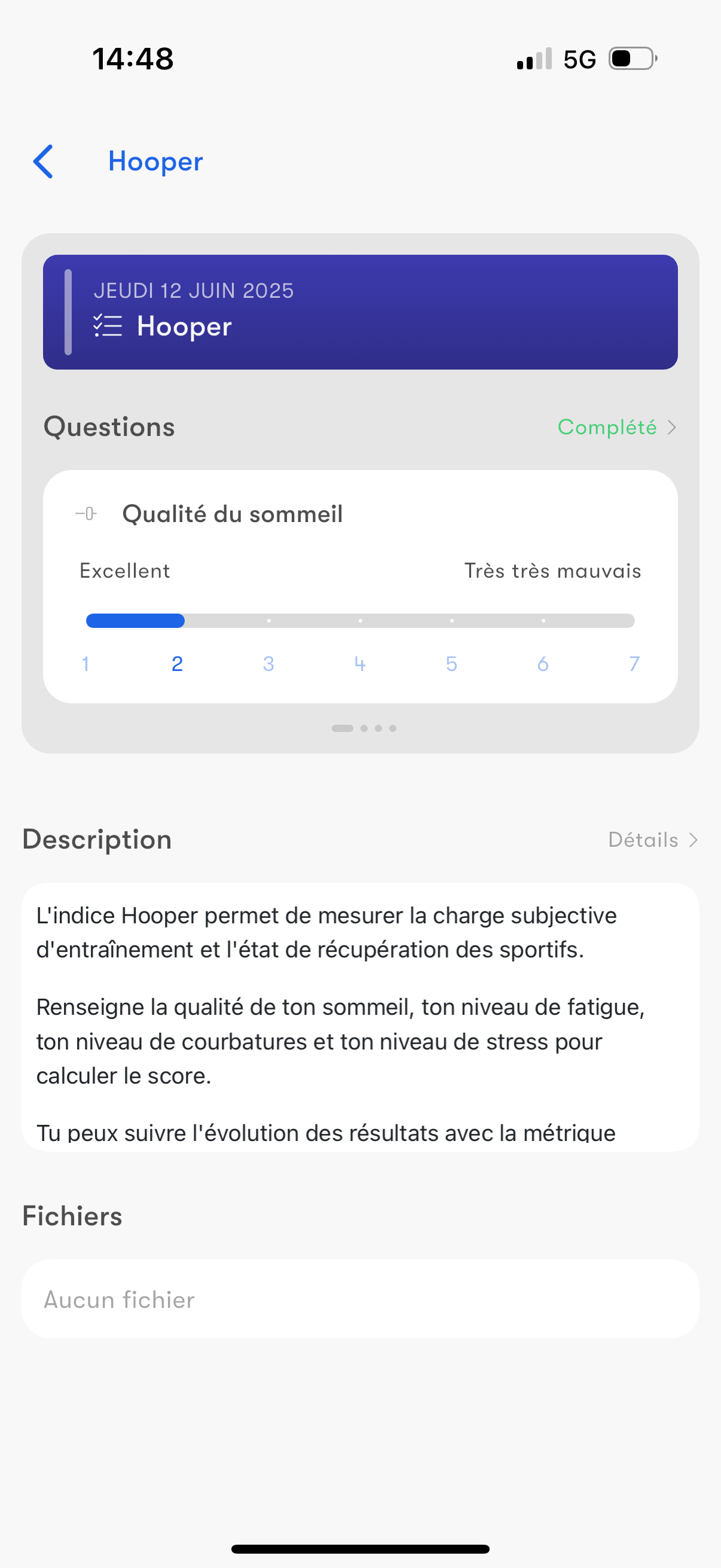
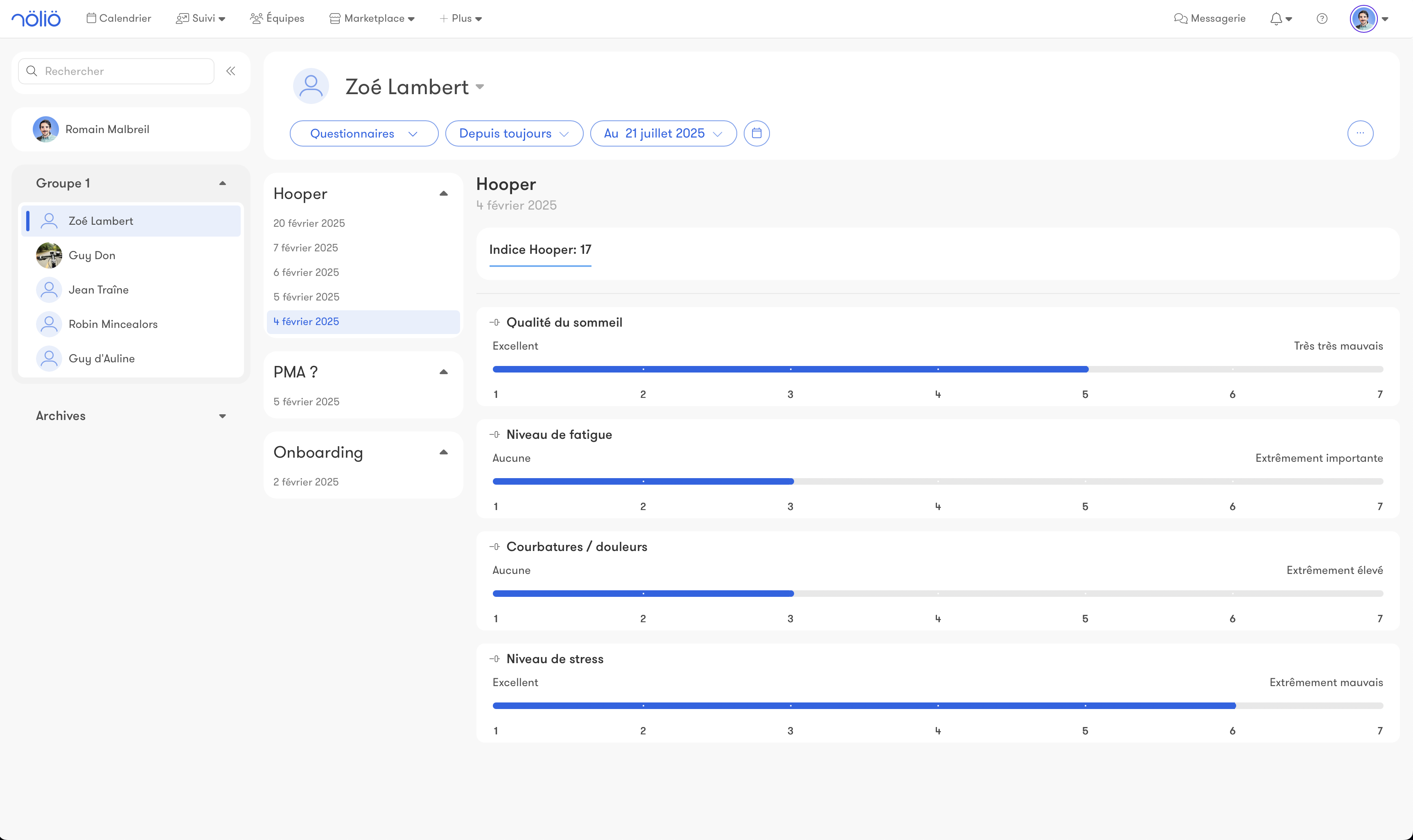
Create forms to collect additional training-related data.Every question is customizable.
Examples: Hooper, fatigue, mental state, athlete onboarding…
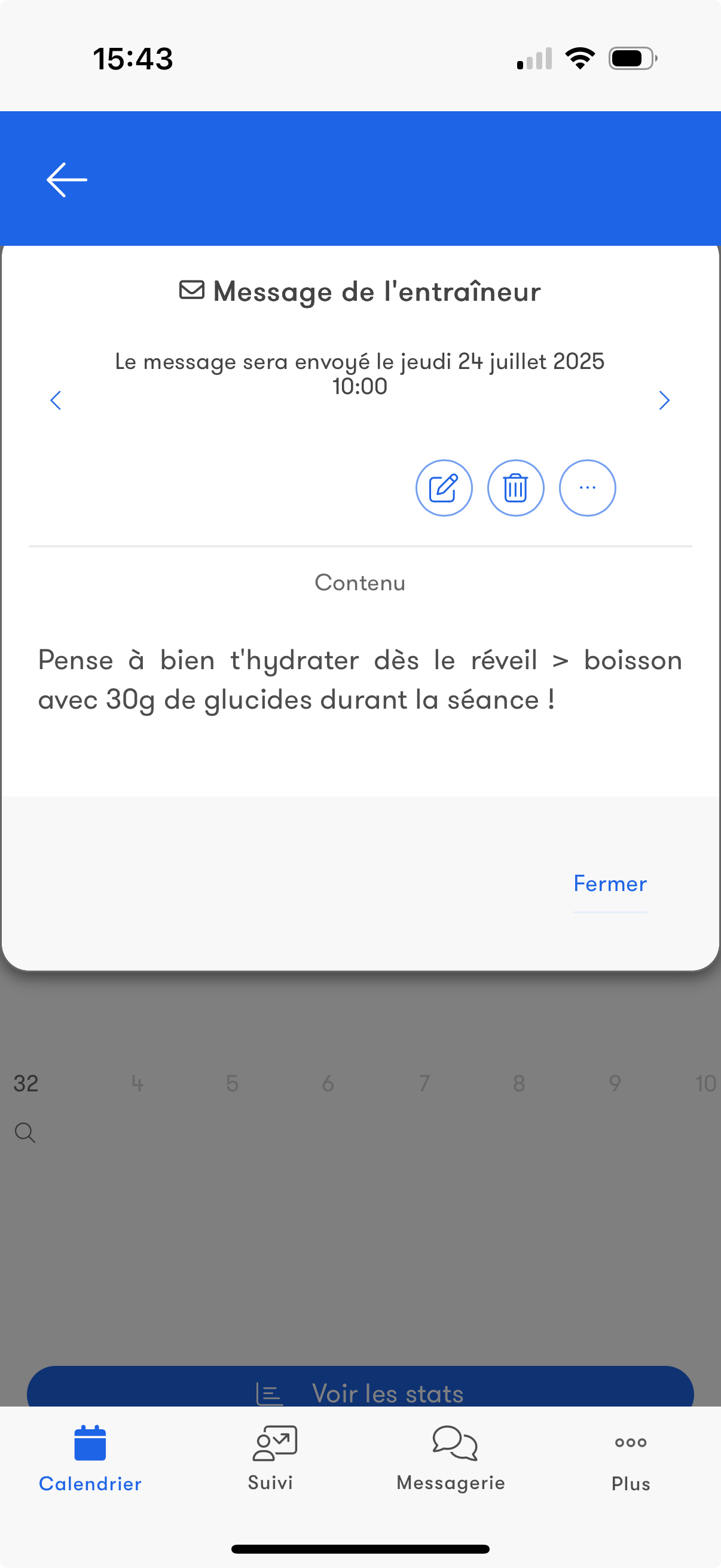
Scheduled message
Schedule your messages in advance by setting a specific day and time.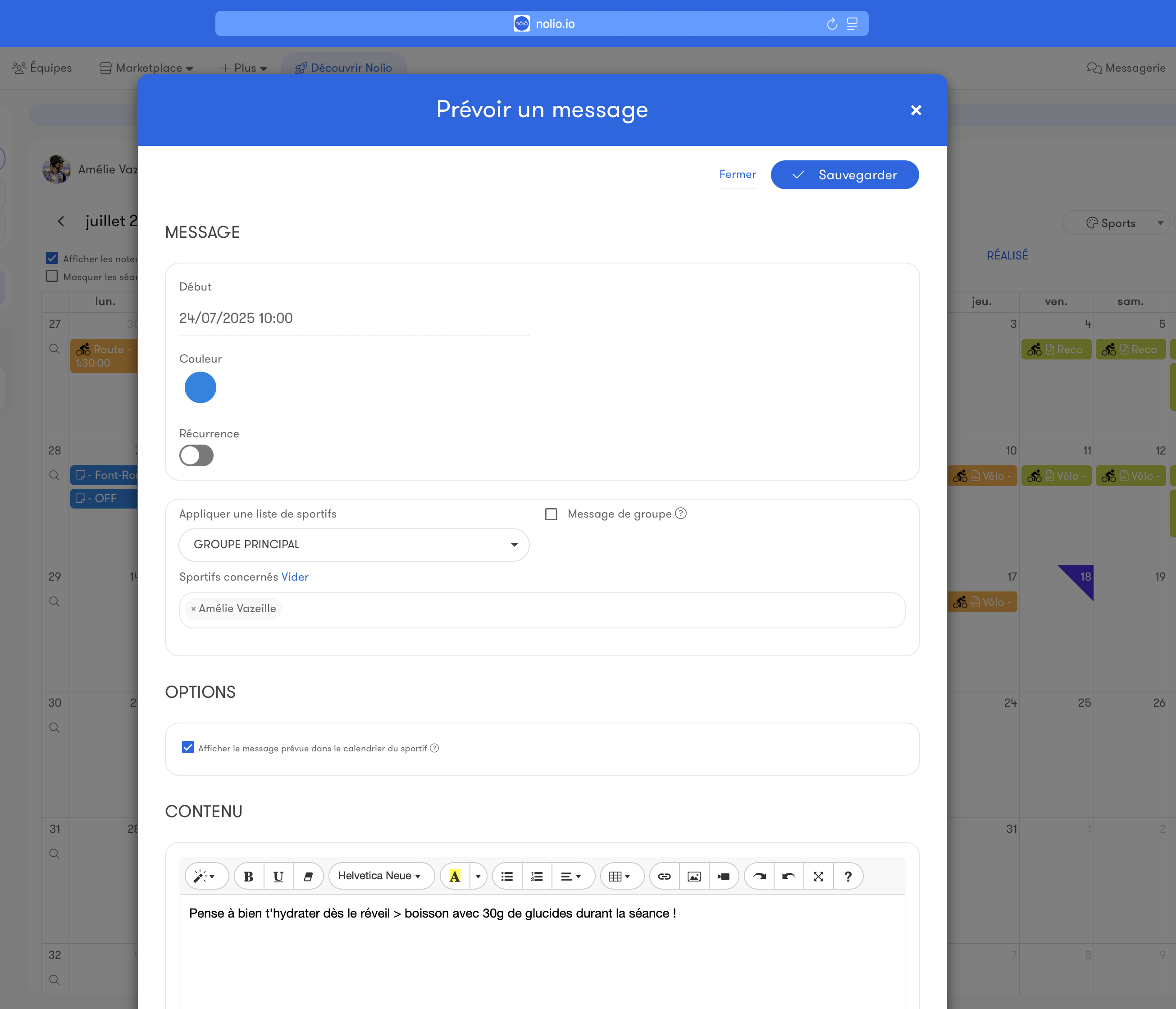
Templates
Event
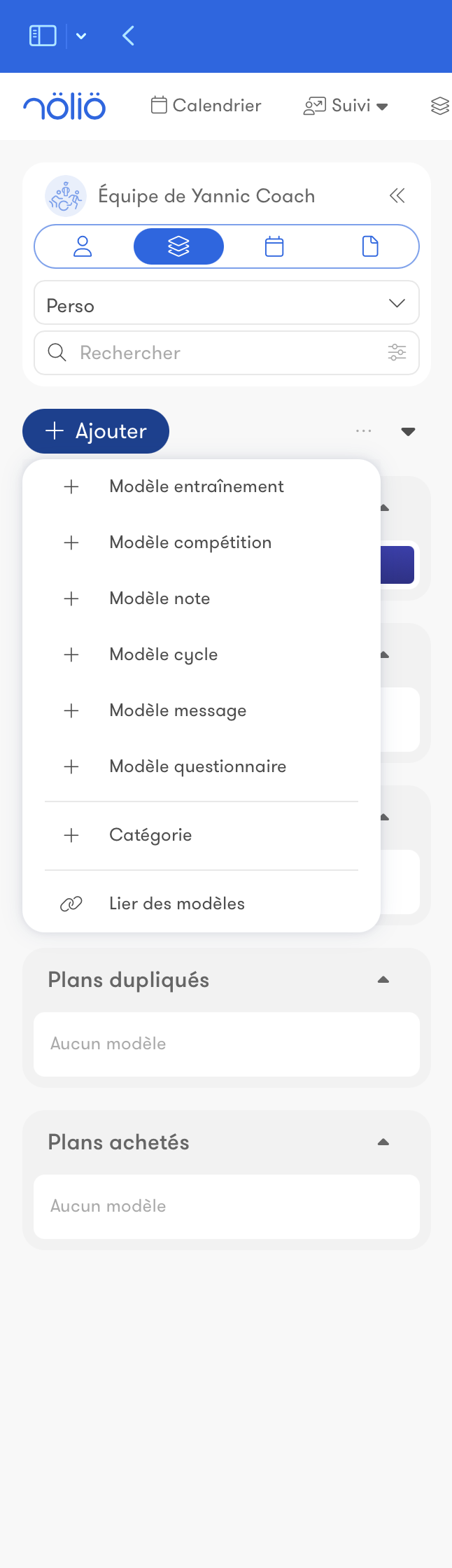
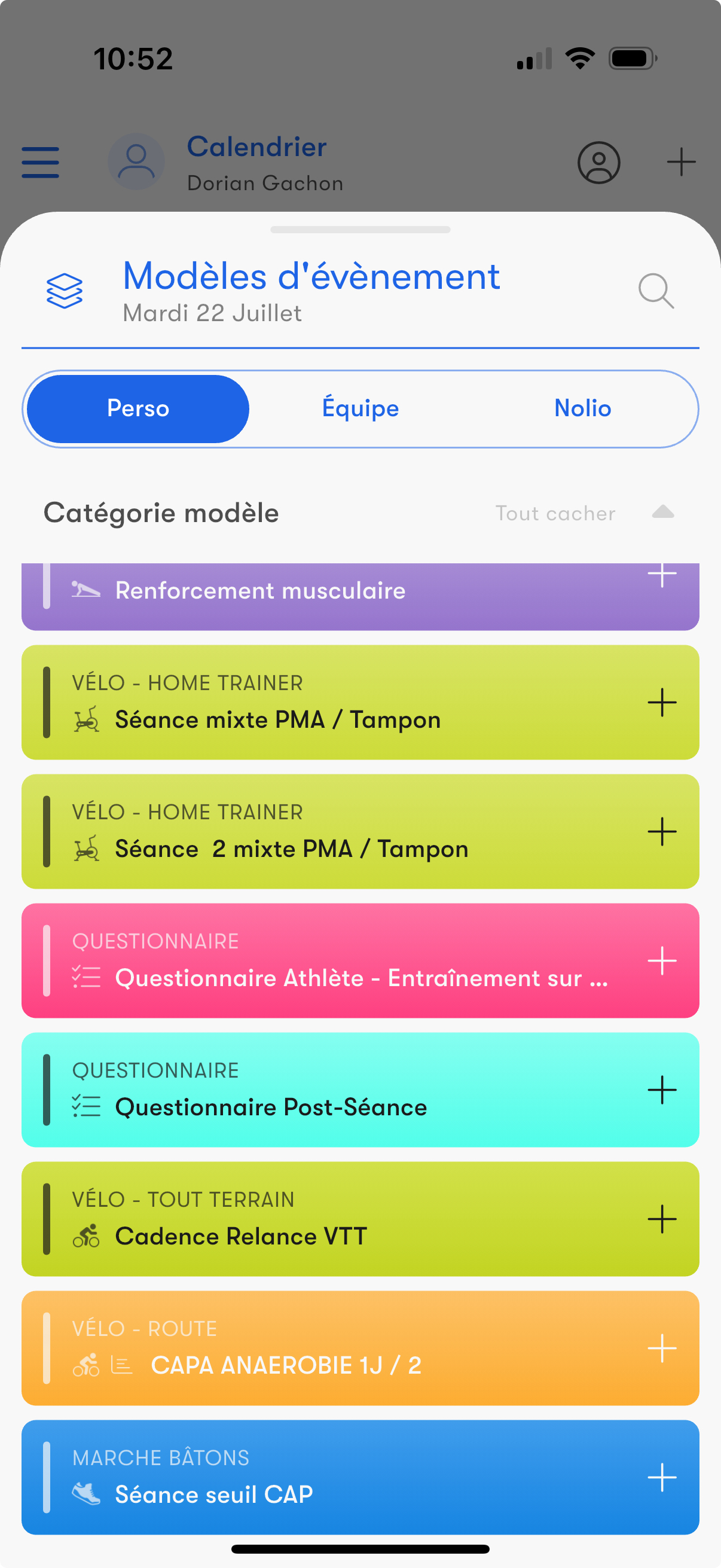
Templates let you endlessly reuse any calendar event across your athletes to save time.Build your own library of workouts, notes, forms…
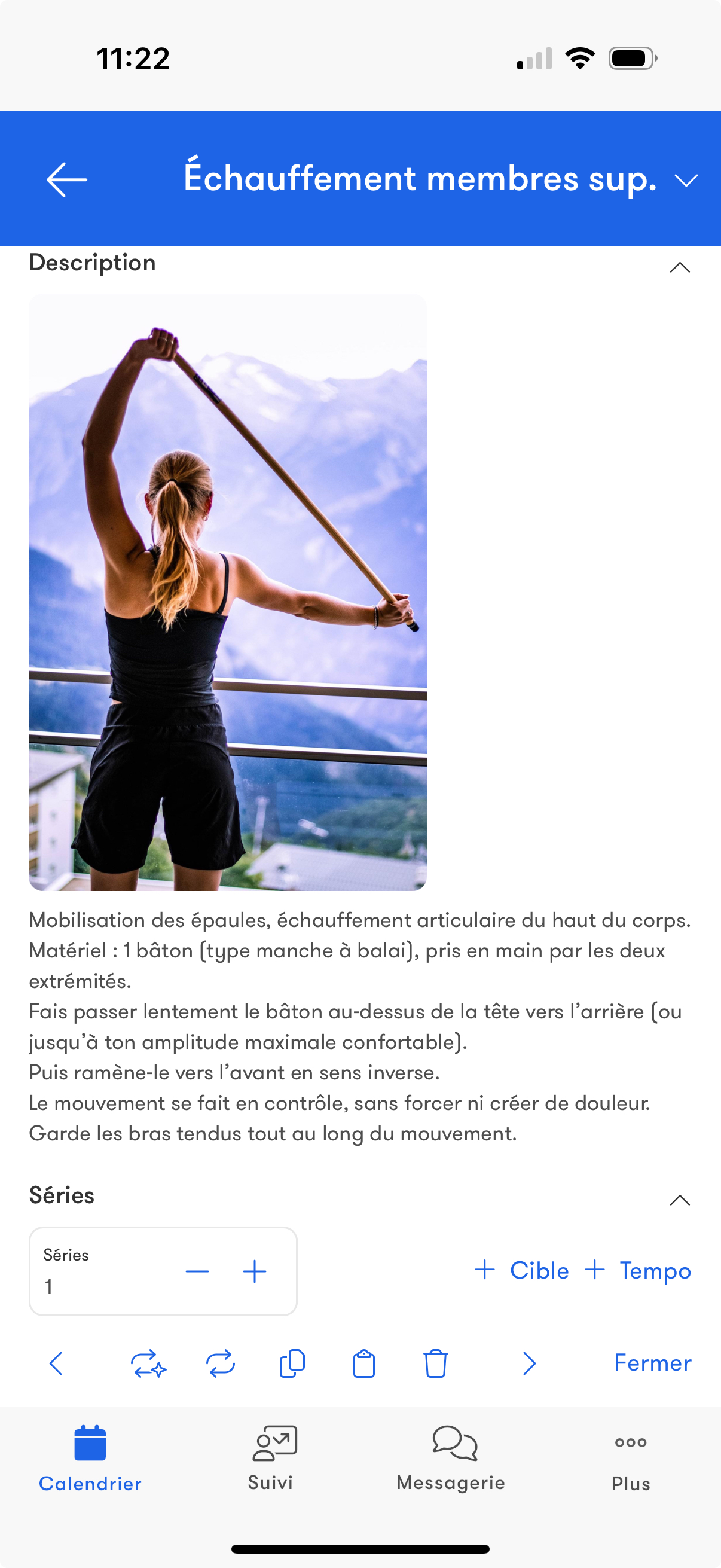
Exercise
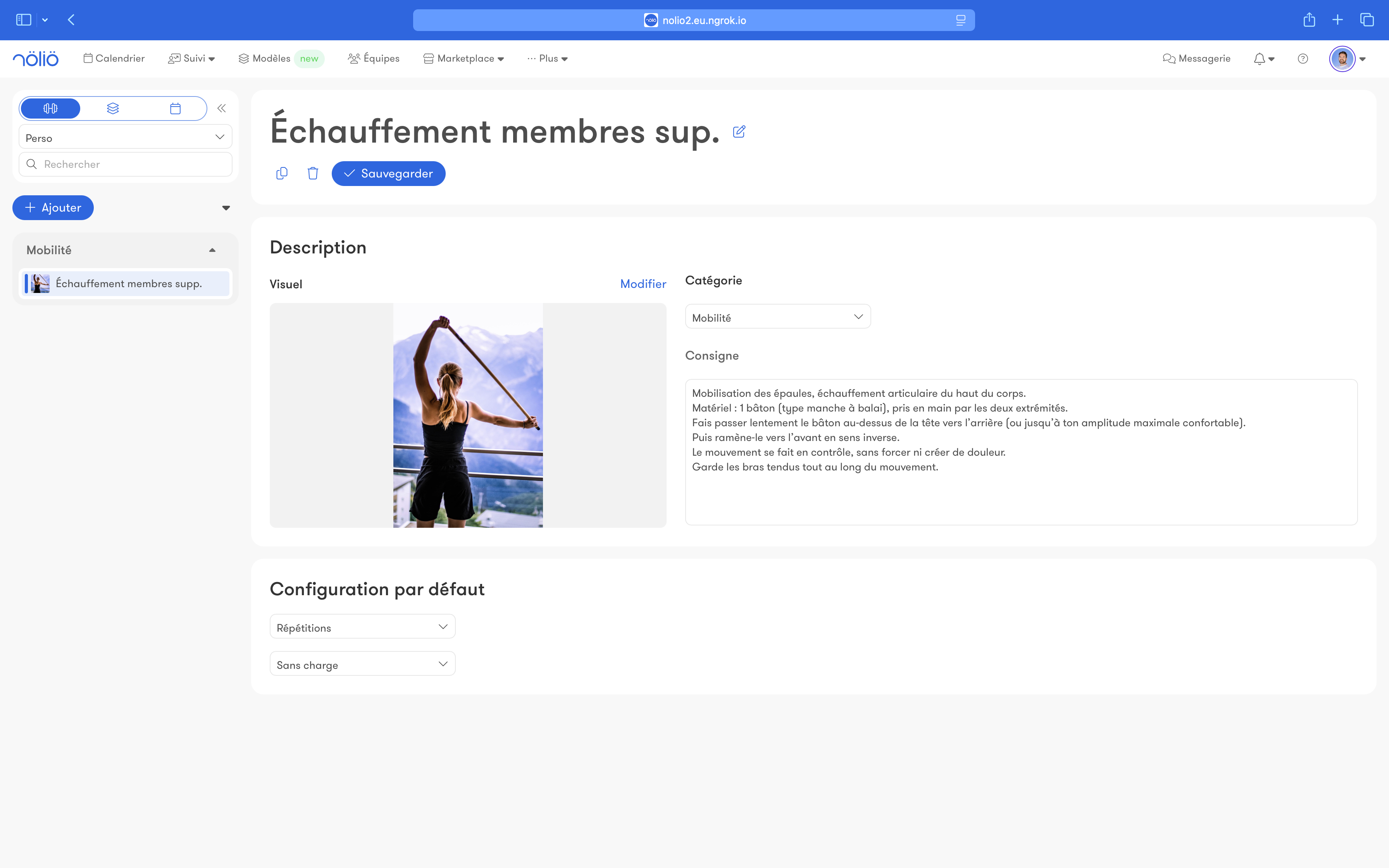
Create your own strength, technique and conditioning exercises and reuse them in your athletes' workouts.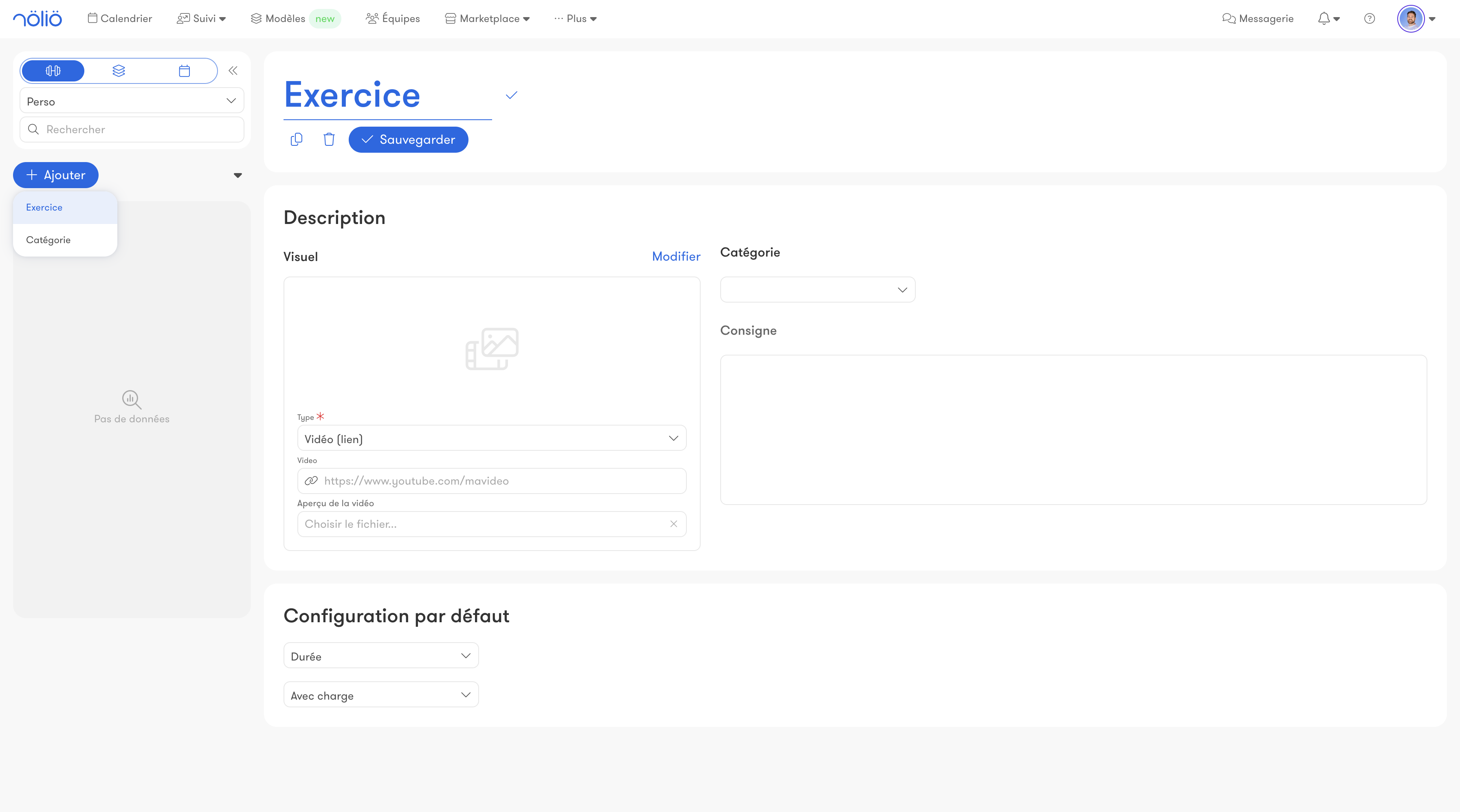
Plan
Create multi-day training outlines you can then duplicate or reuse.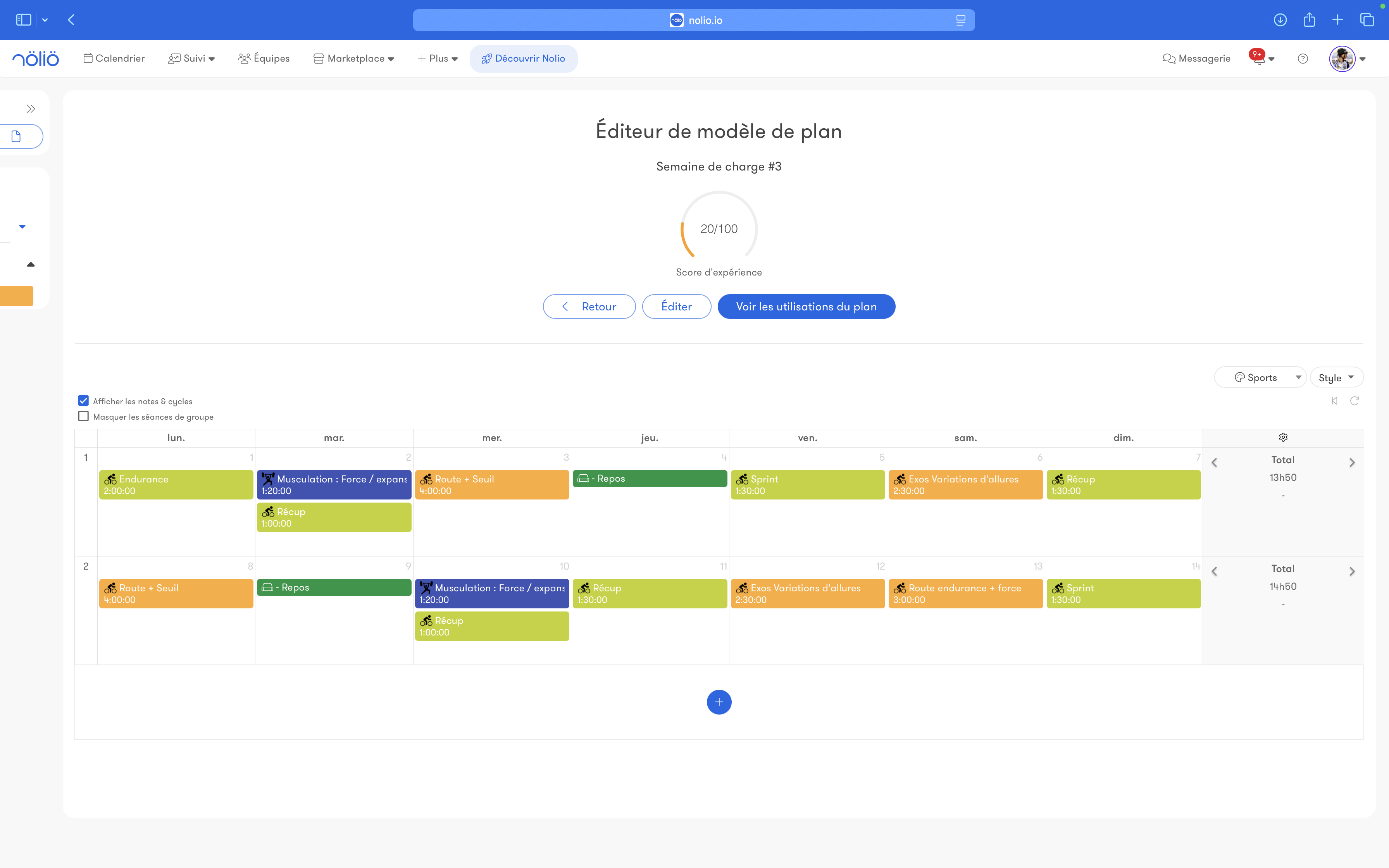
Tools
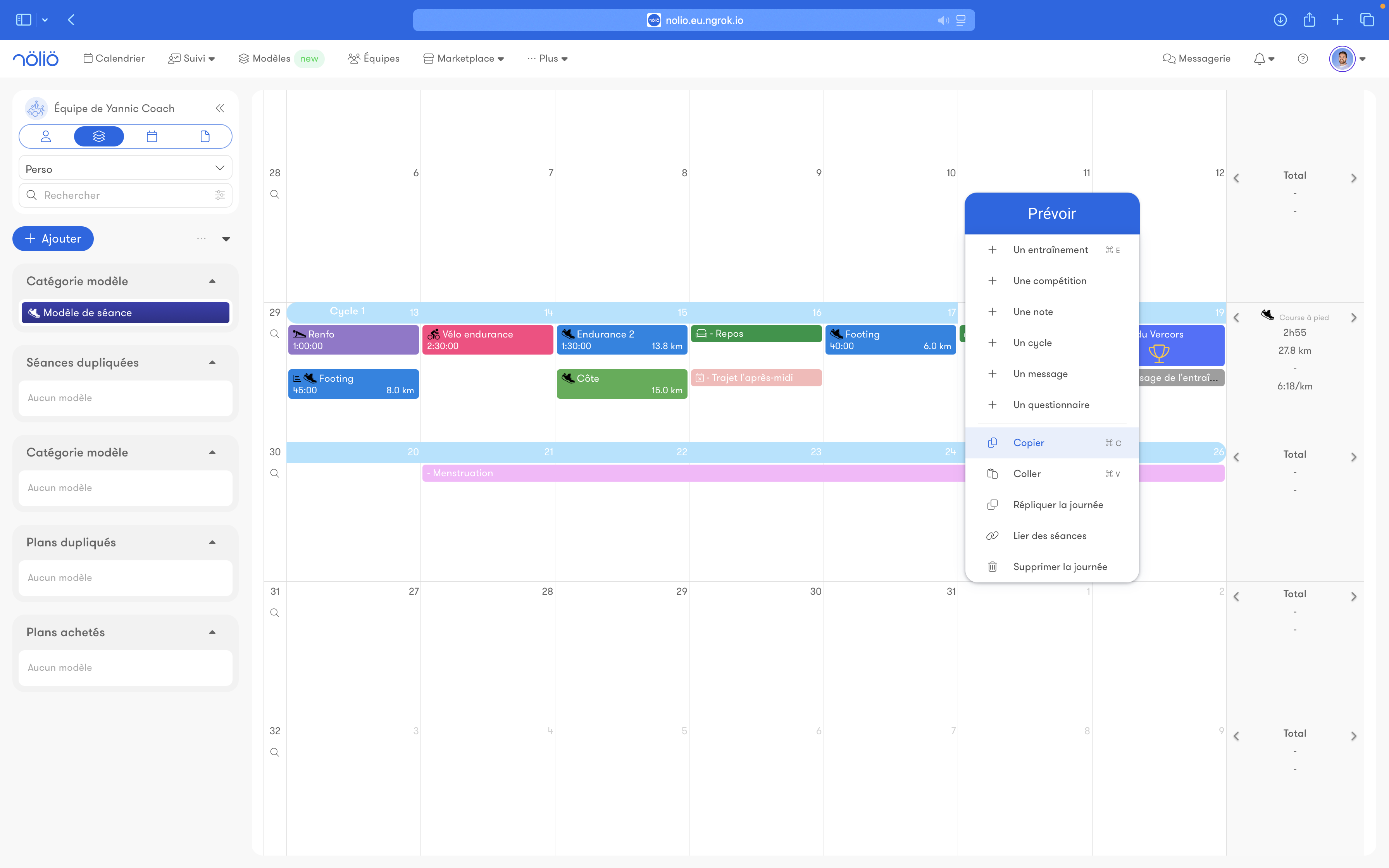
Copy/paste
Save time by copying and pasting between different days or different athletes.Cut and paste is also available.
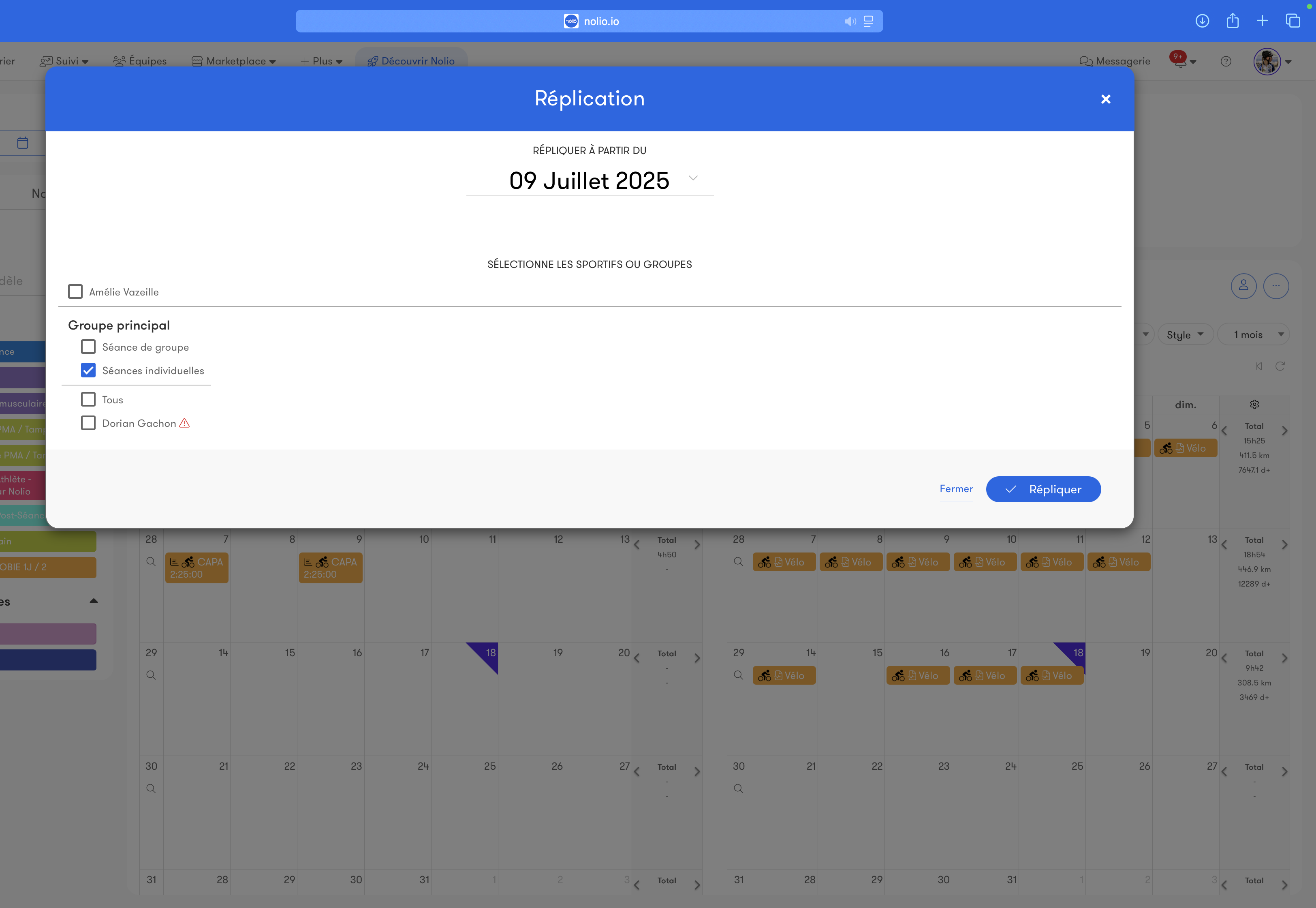
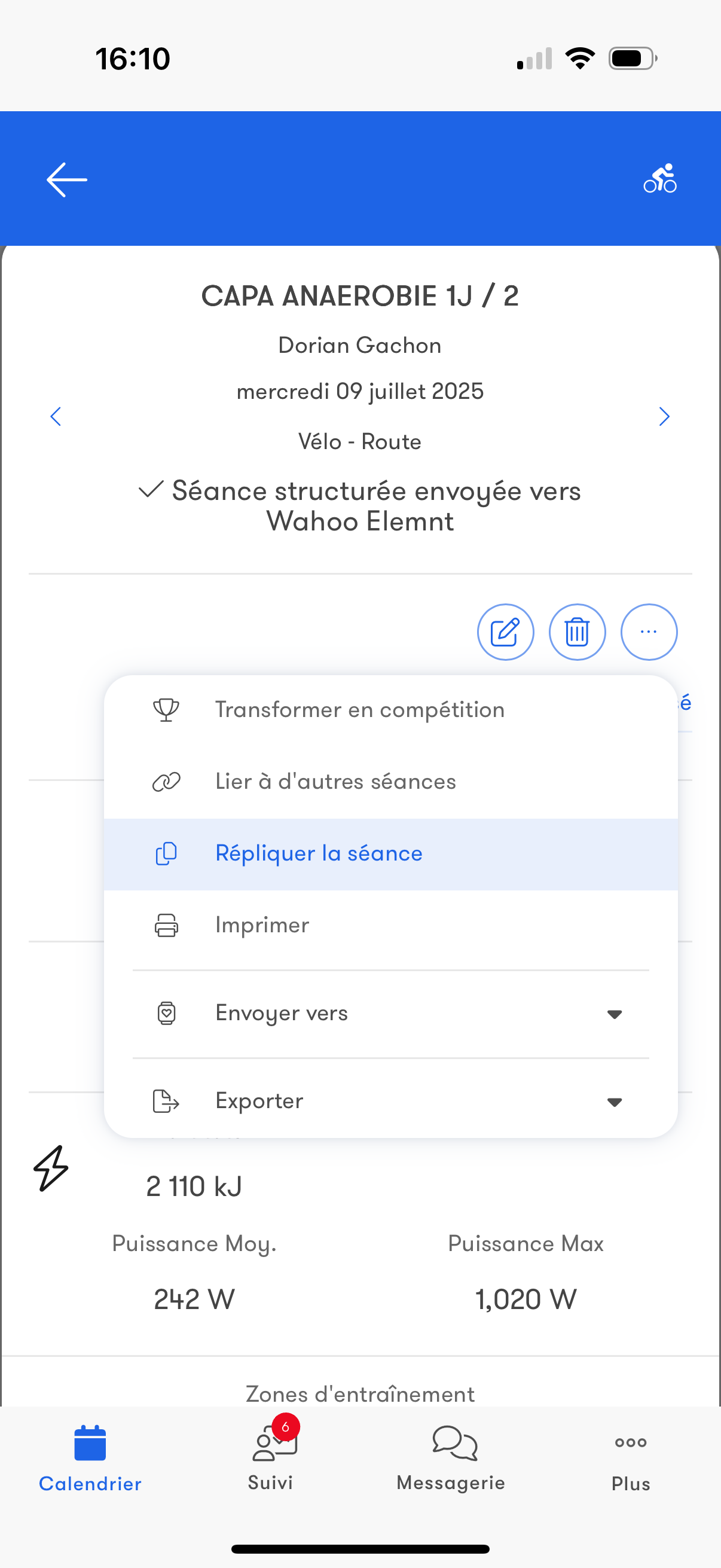
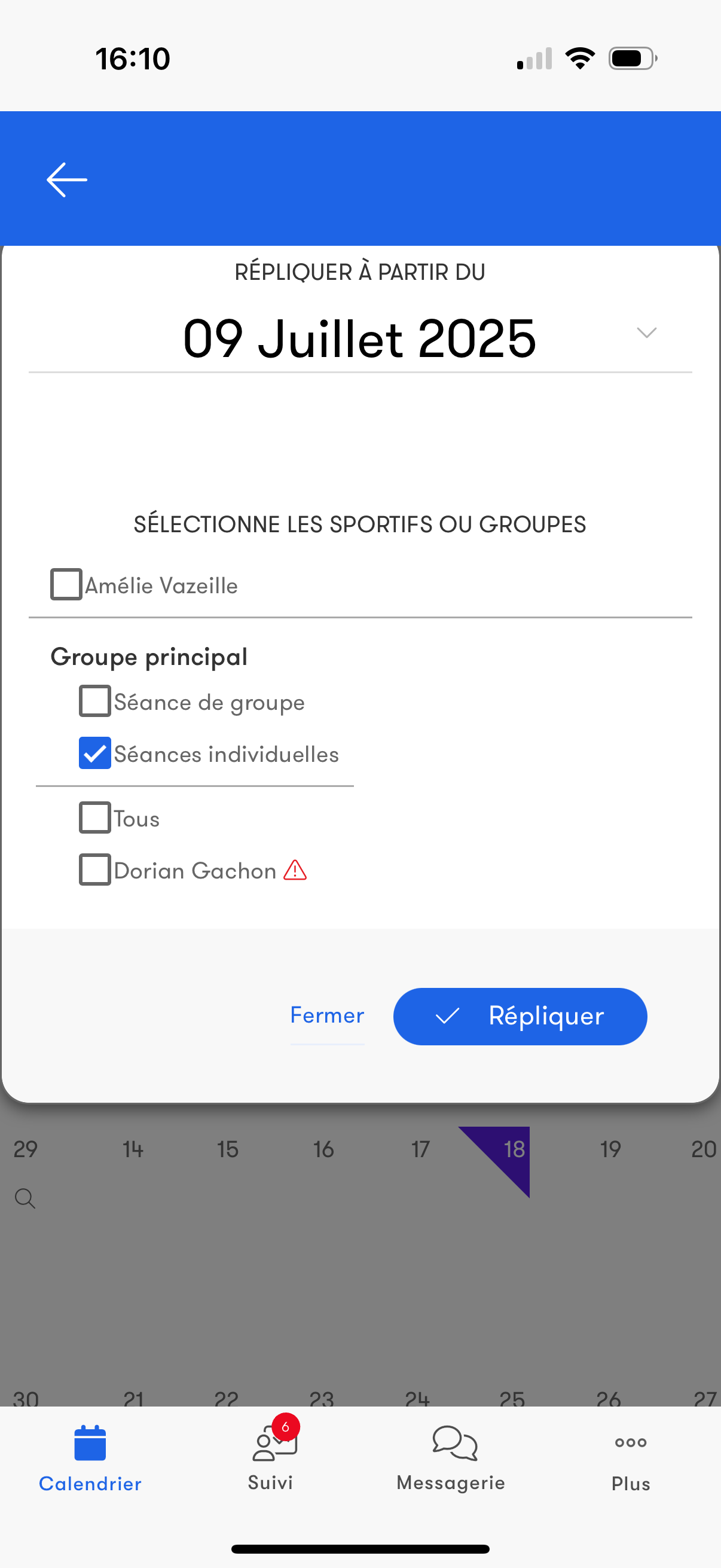
Replication
Like copy and paste, but with finer control over the events and target athletes.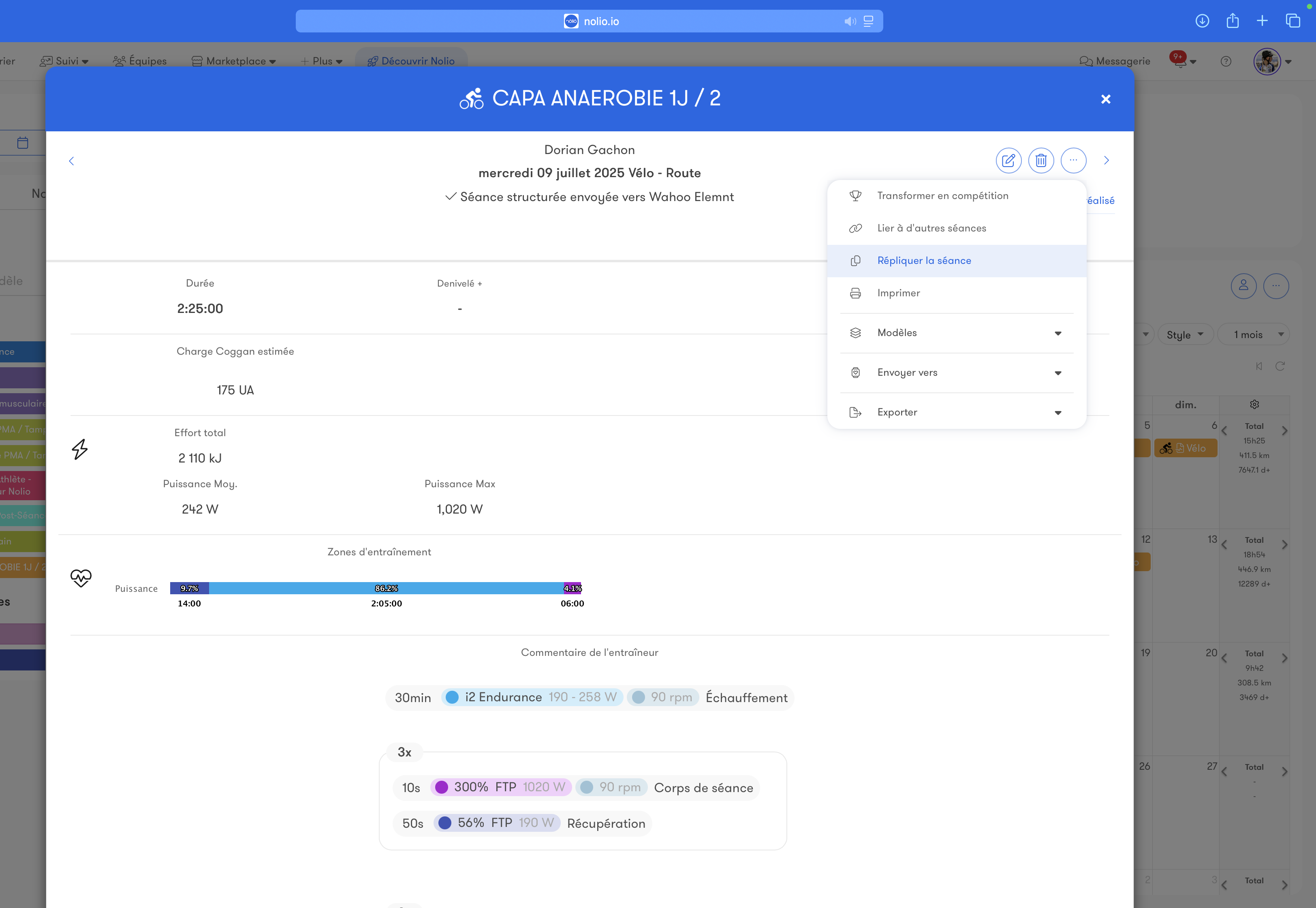
Other
Turn into a plan templateTurn several days of a planned calendar into a plan template to reuse it.
Link workouts
Linking workouts lets you see a single event that contains several workouts.
Example: a triathlon brick workout
Delete selection
Delete several days of a calendar.
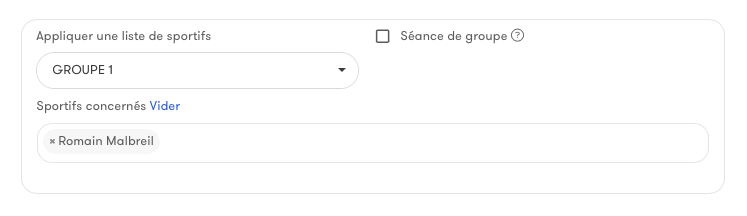
Group or individual assignment
Plan events for a whole group or subgroup for collective programs.
Need to individualize? Adapt each event to your athlete's specific needs.
Need to individualize? Adapt each event to your athlete's specific needs.
Training
Structured workouts
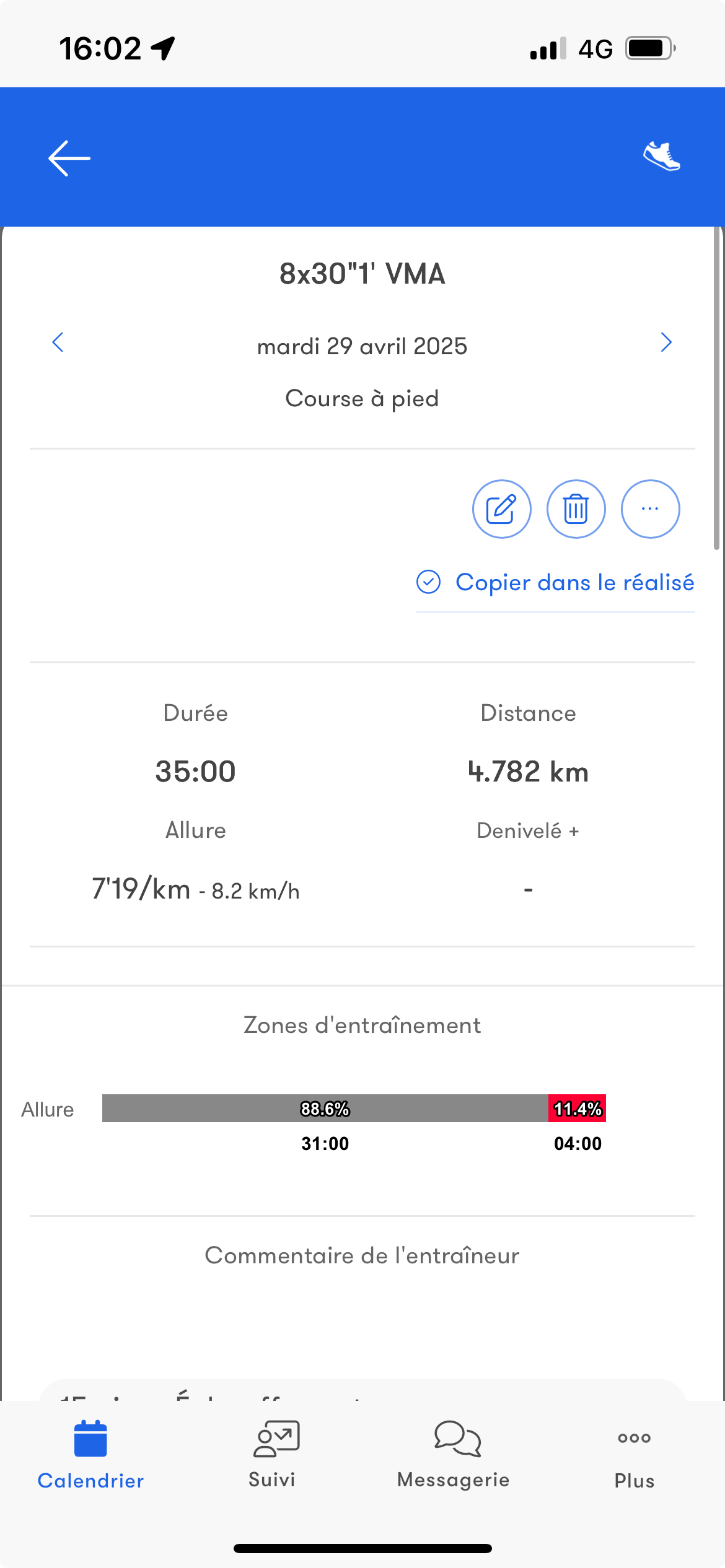
Build your workout with steps, targets, durations, distances and repetitions. View the chart of your intervals.
The workout is automatically sent to the athlete's watch.
Targets automatically adapt to the athlete's data.
You can mix endurance and strength training steps.
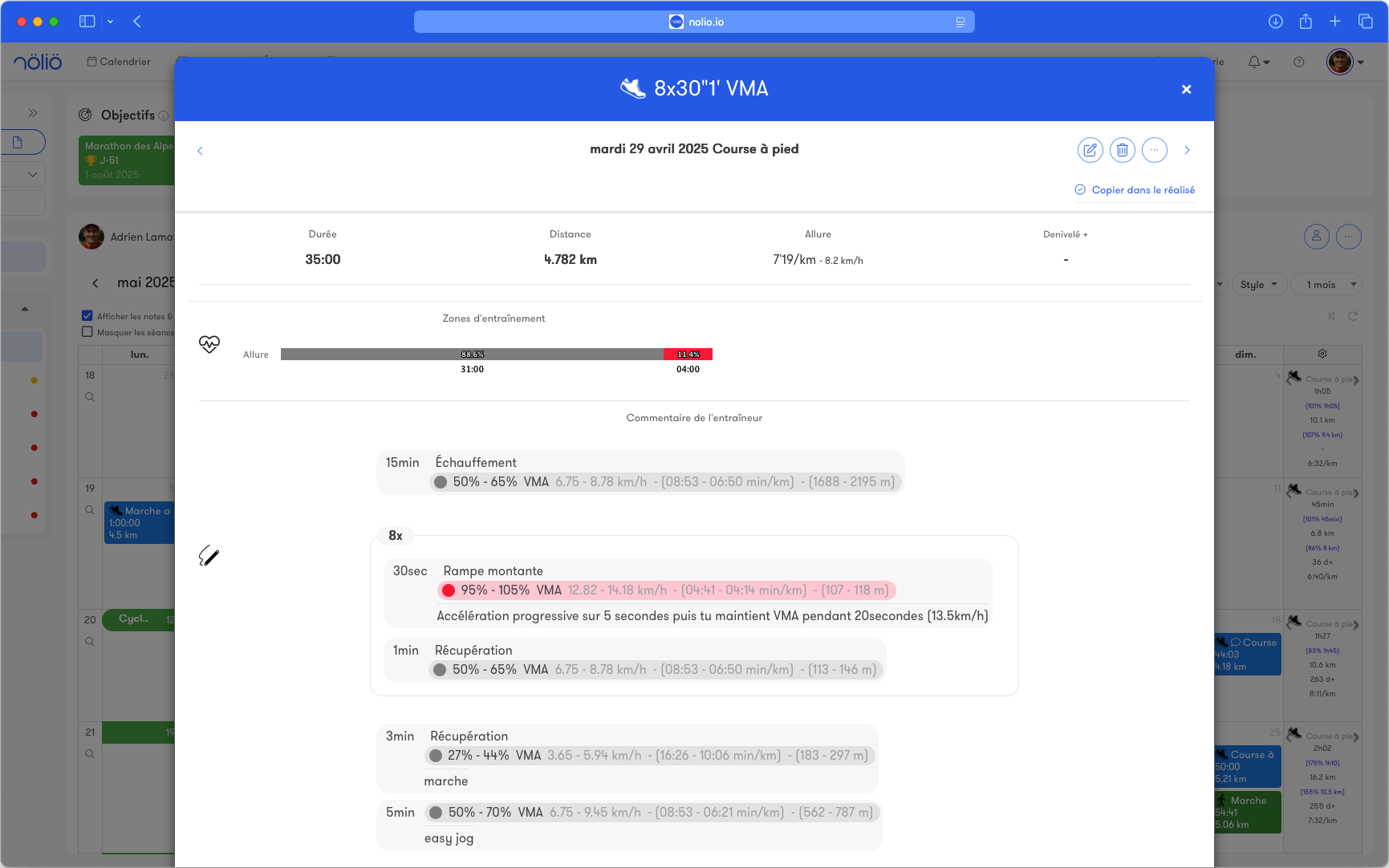
The workout is automatically sent to the athlete's watch.
Targets automatically adapt to the athlete's data.
You can mix endurance and strength training steps.
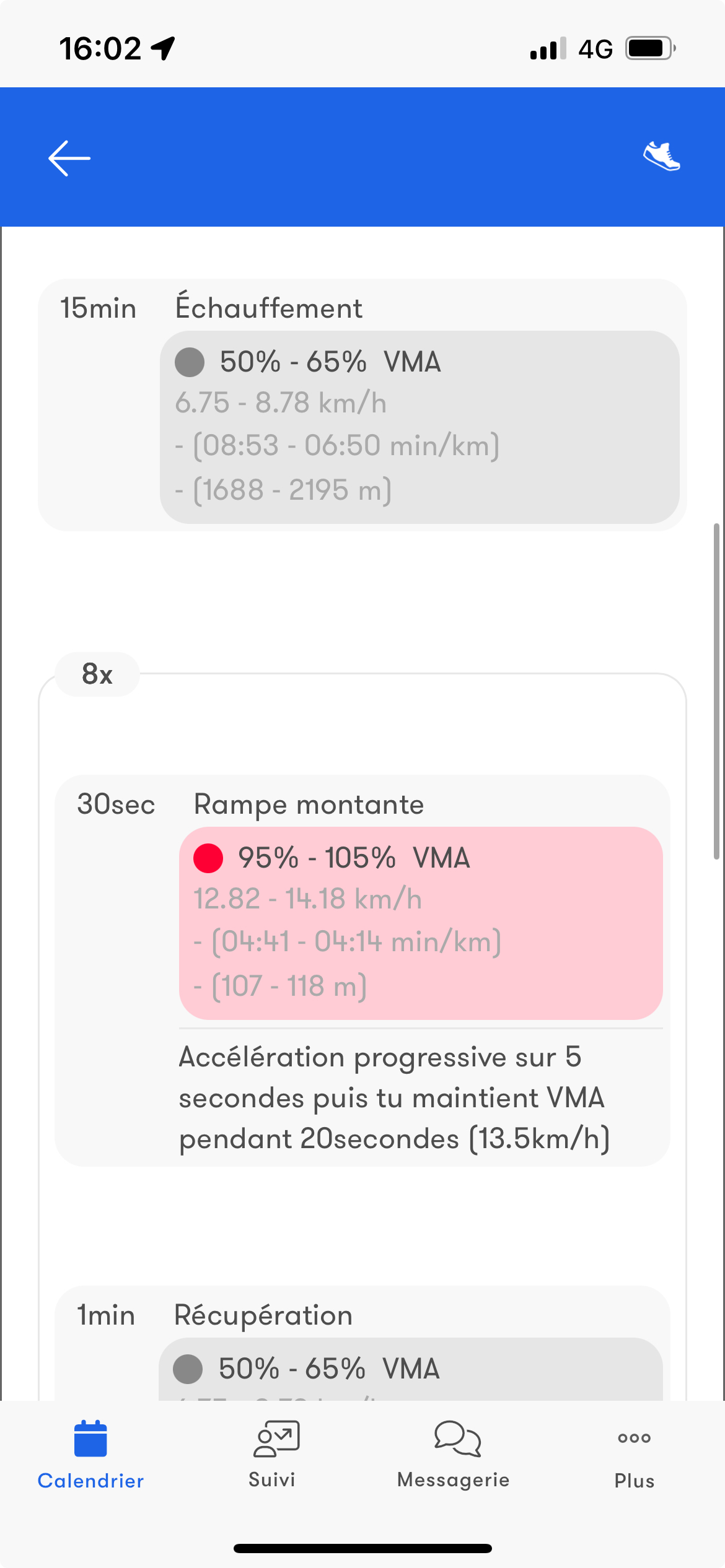
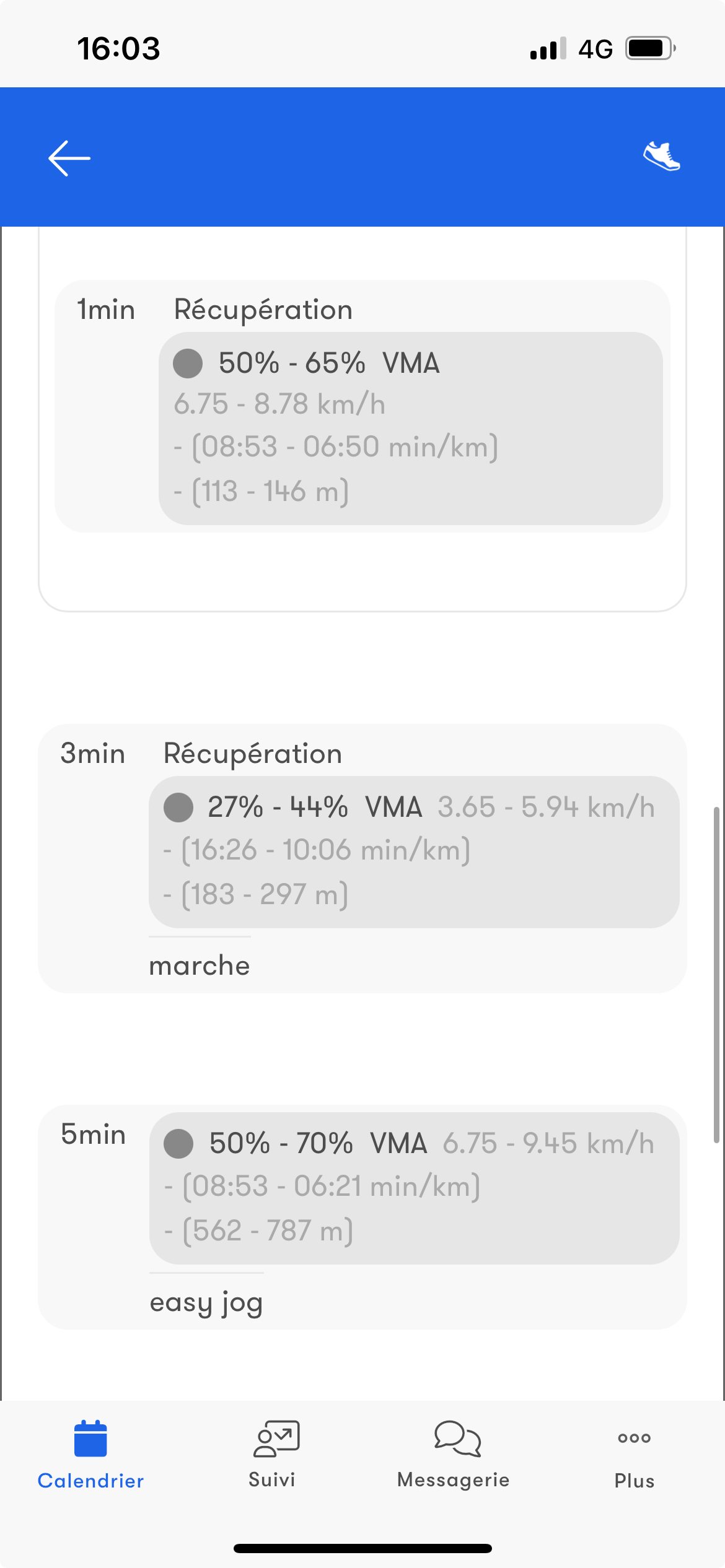
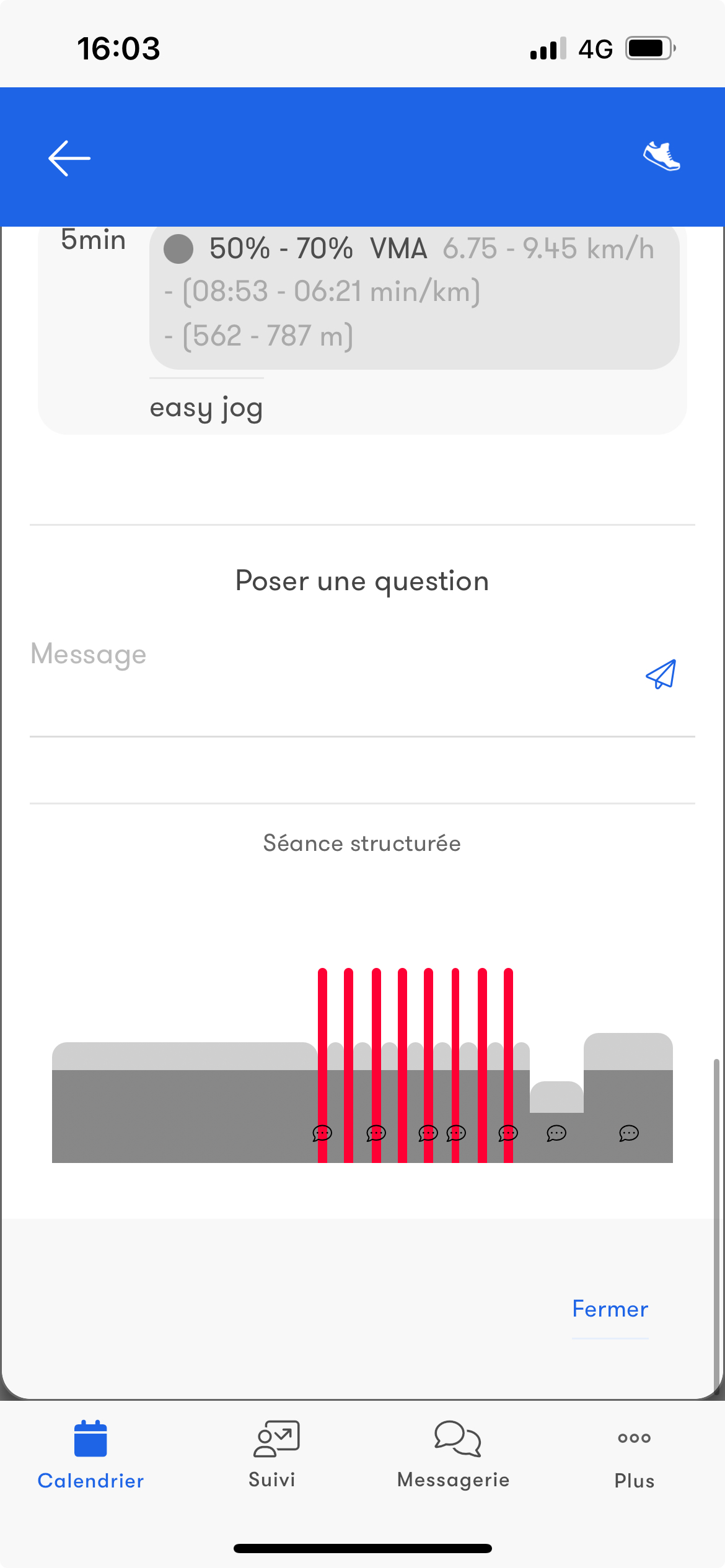
Endurance
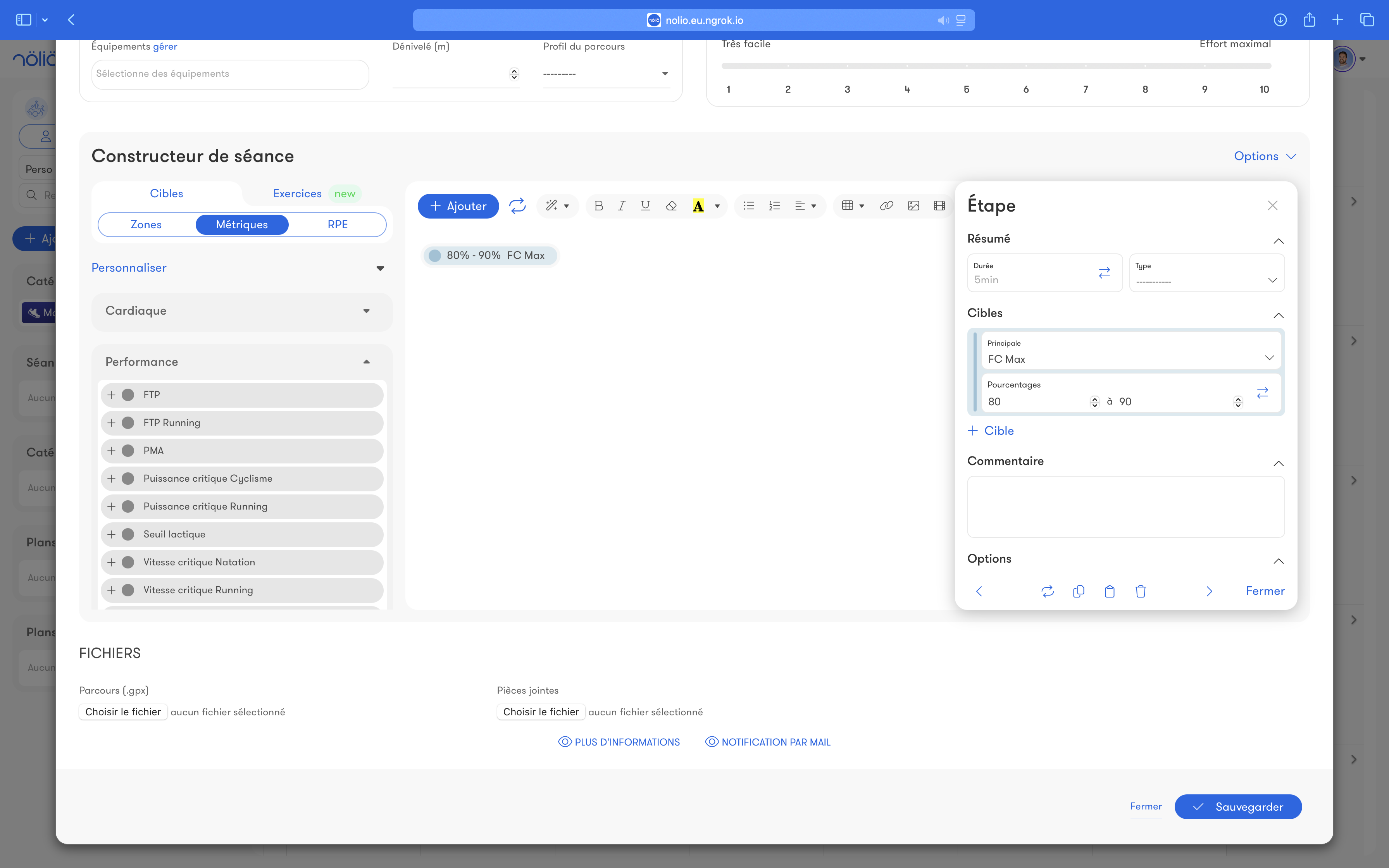
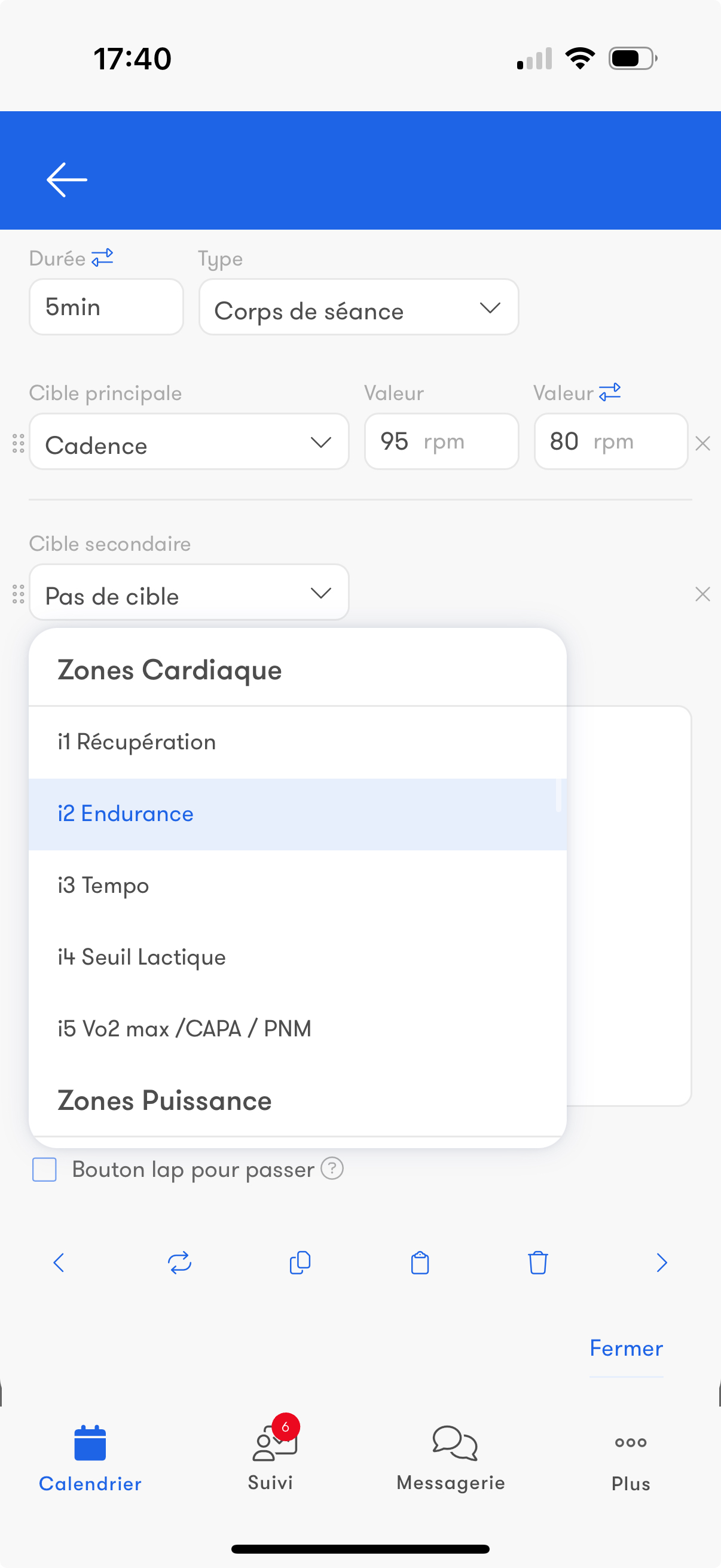
Workout steps can be based on:- all the configured training zones: heart rate, power, pace, ..
- metrics: max HR, max aerobic power, FTP, VMA, custom metrics
- RPE
- raw values
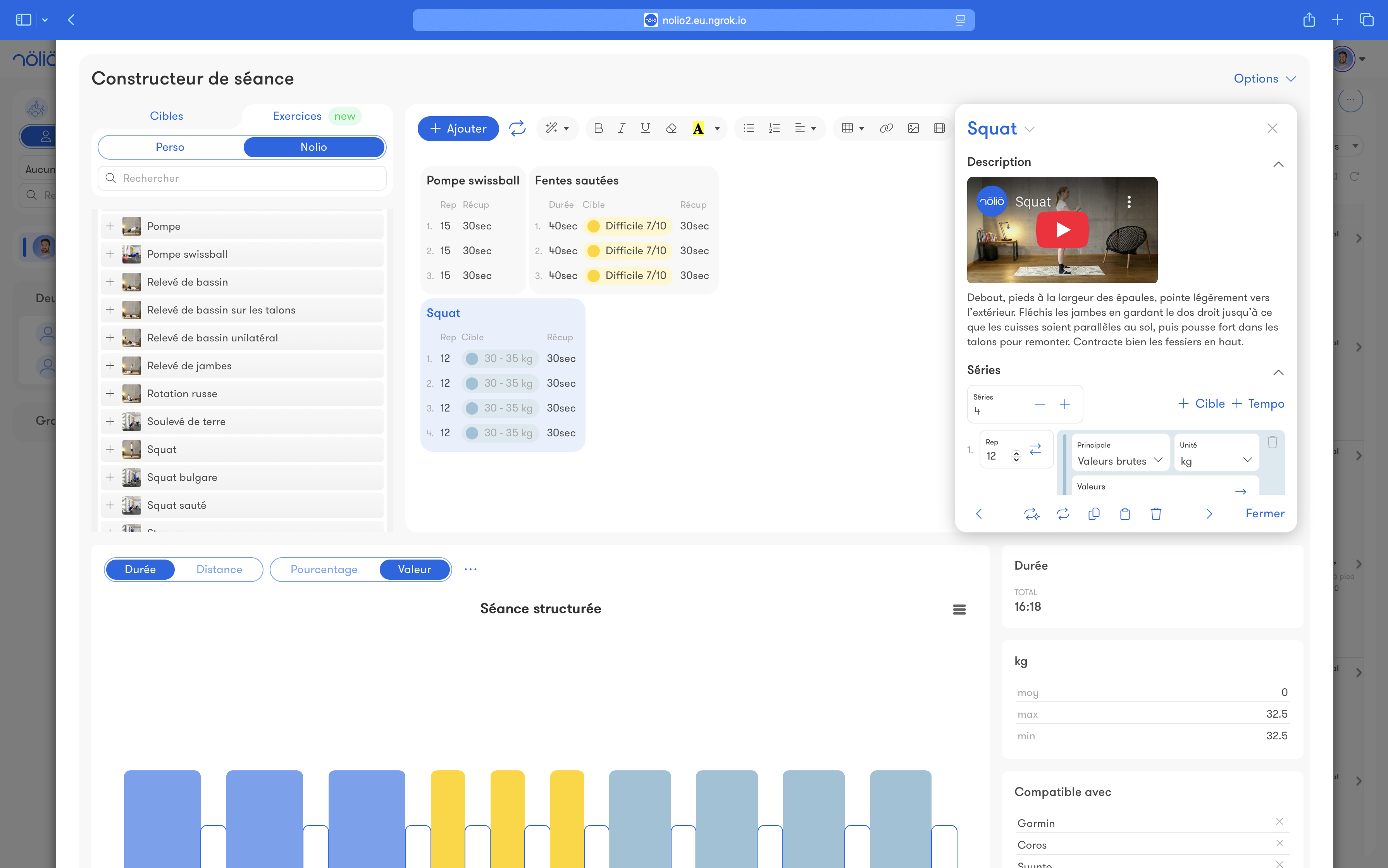
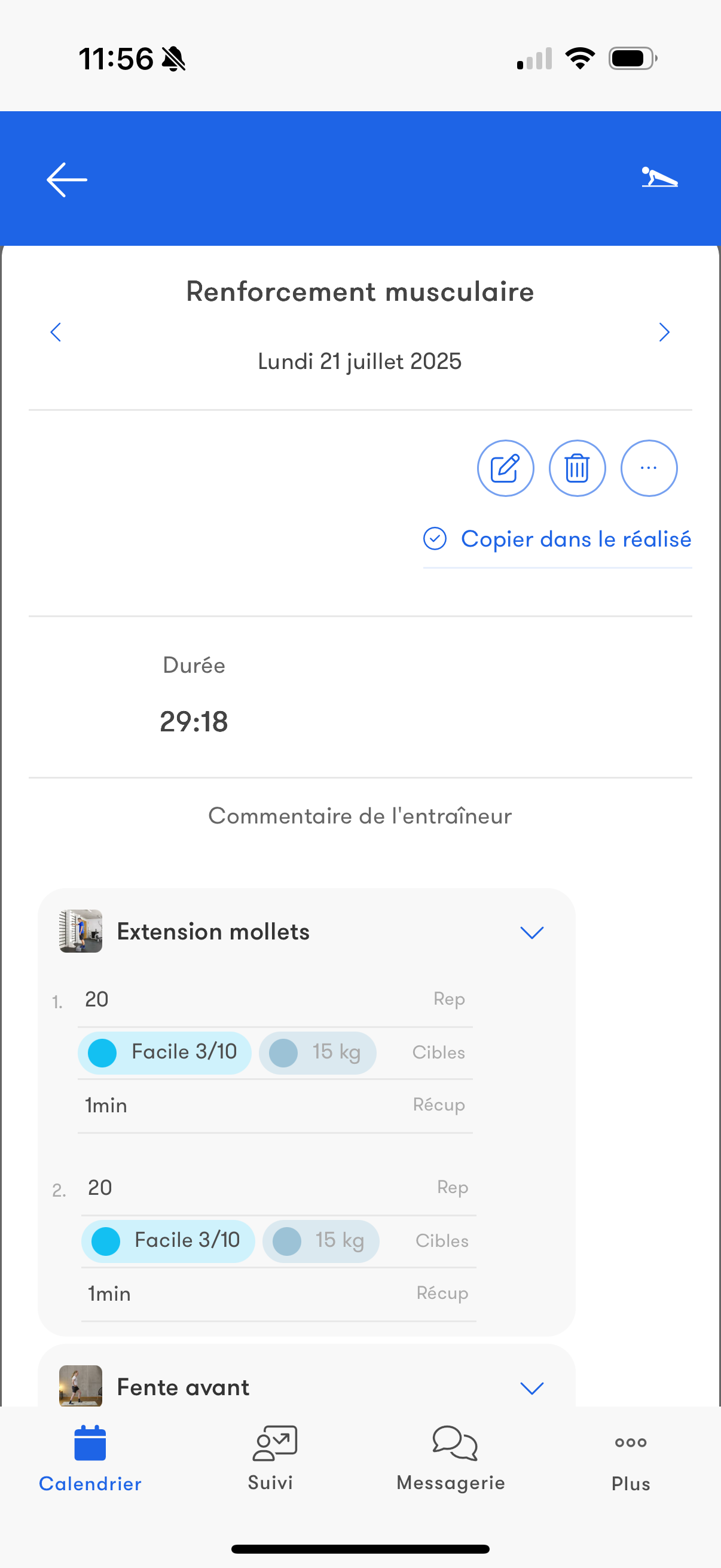
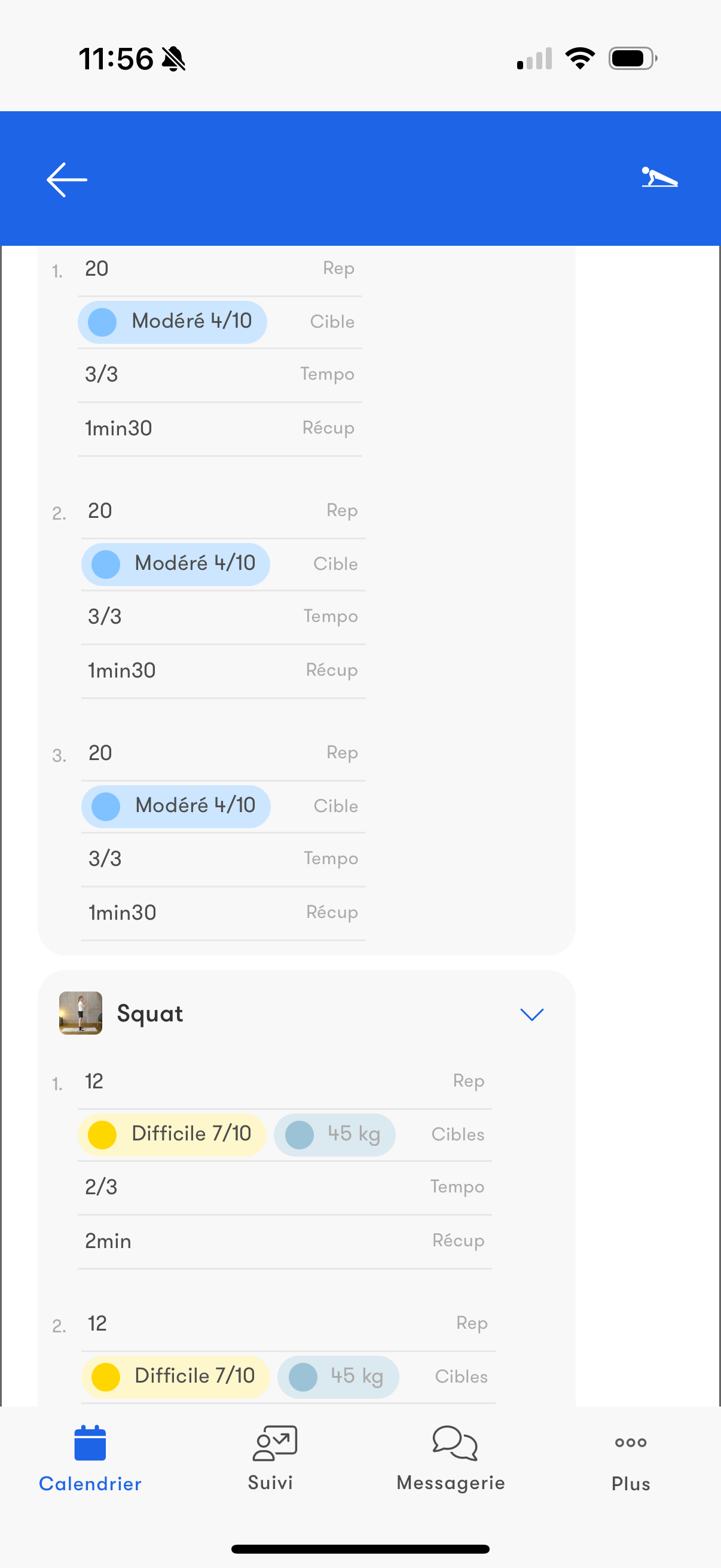
Strength training
Steps can contain exercises based on:- repetitions/duration/recovery
- loads (% of max load, ...)
- tempo
- RPE
- raw values
Data synchronization
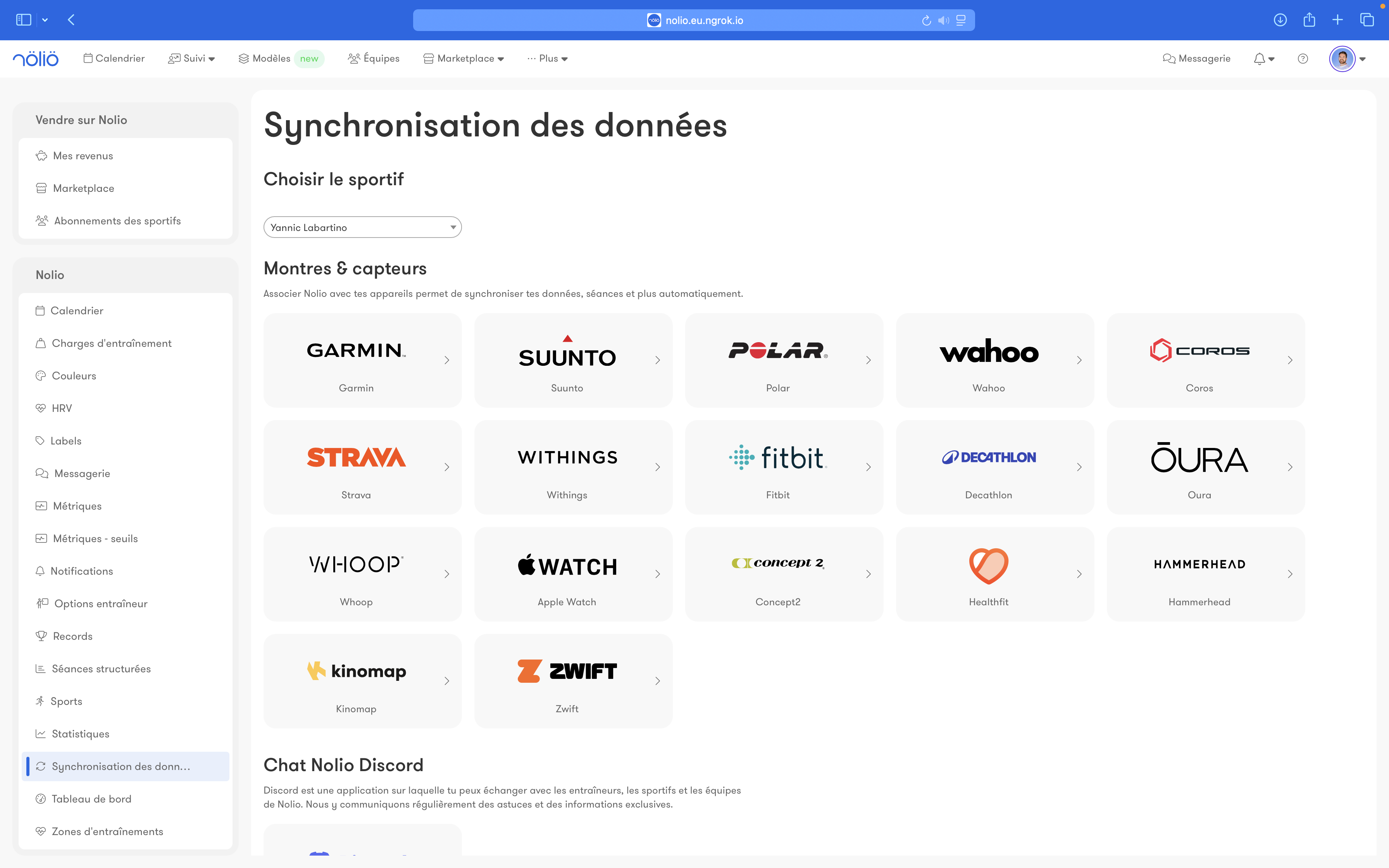
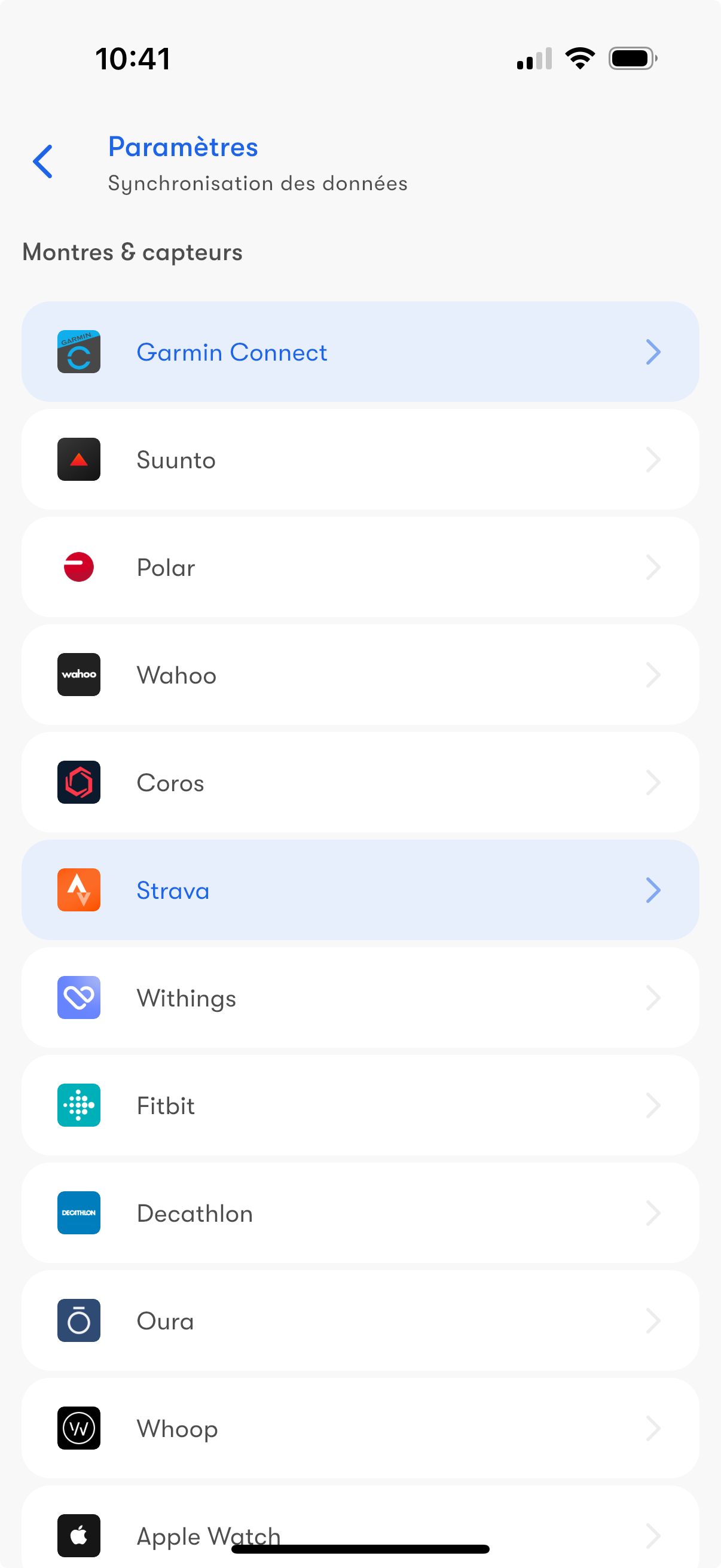
Nolio is compatible with all the major brands: Garmin, Polar, Coros, Suunto, Wahoo, Zwift, Strava, ...
Data sync:
- sends structured workouts to your watch or bike computer
- uploads all completed workouts as well as various training metrics, for example: max HR, weight, step count, ...
Data sync:
- sends structured workouts to your watch or bike computer
- uploads all completed workouts as well as various training metrics, for example: max HR, weight, step count, ...
Zones
Customize your athletes' training zones to match the way you coach.
Nolio supports heart rate, power and pace zones, among others.
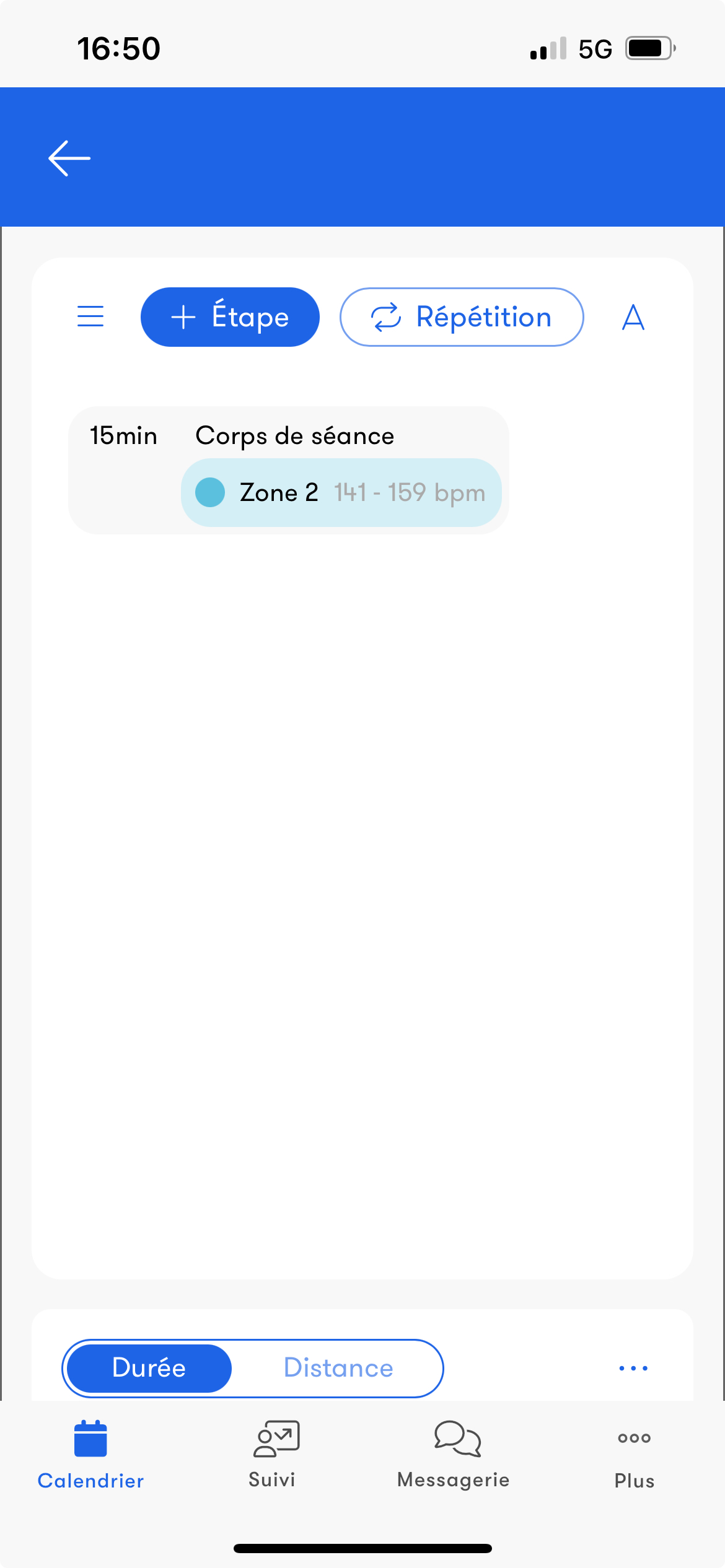
Zone templates let you create your own calculation formulas to save time.
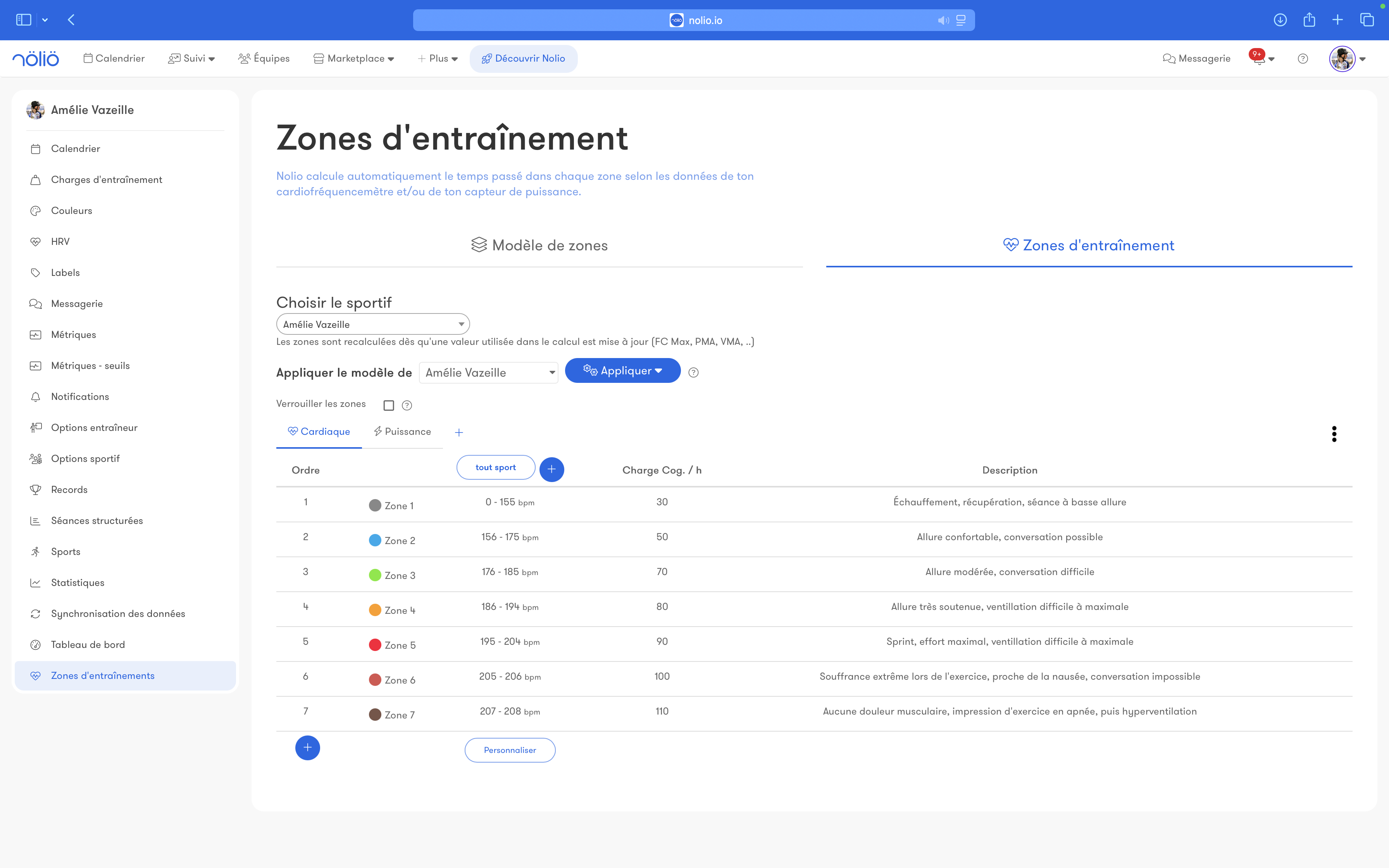
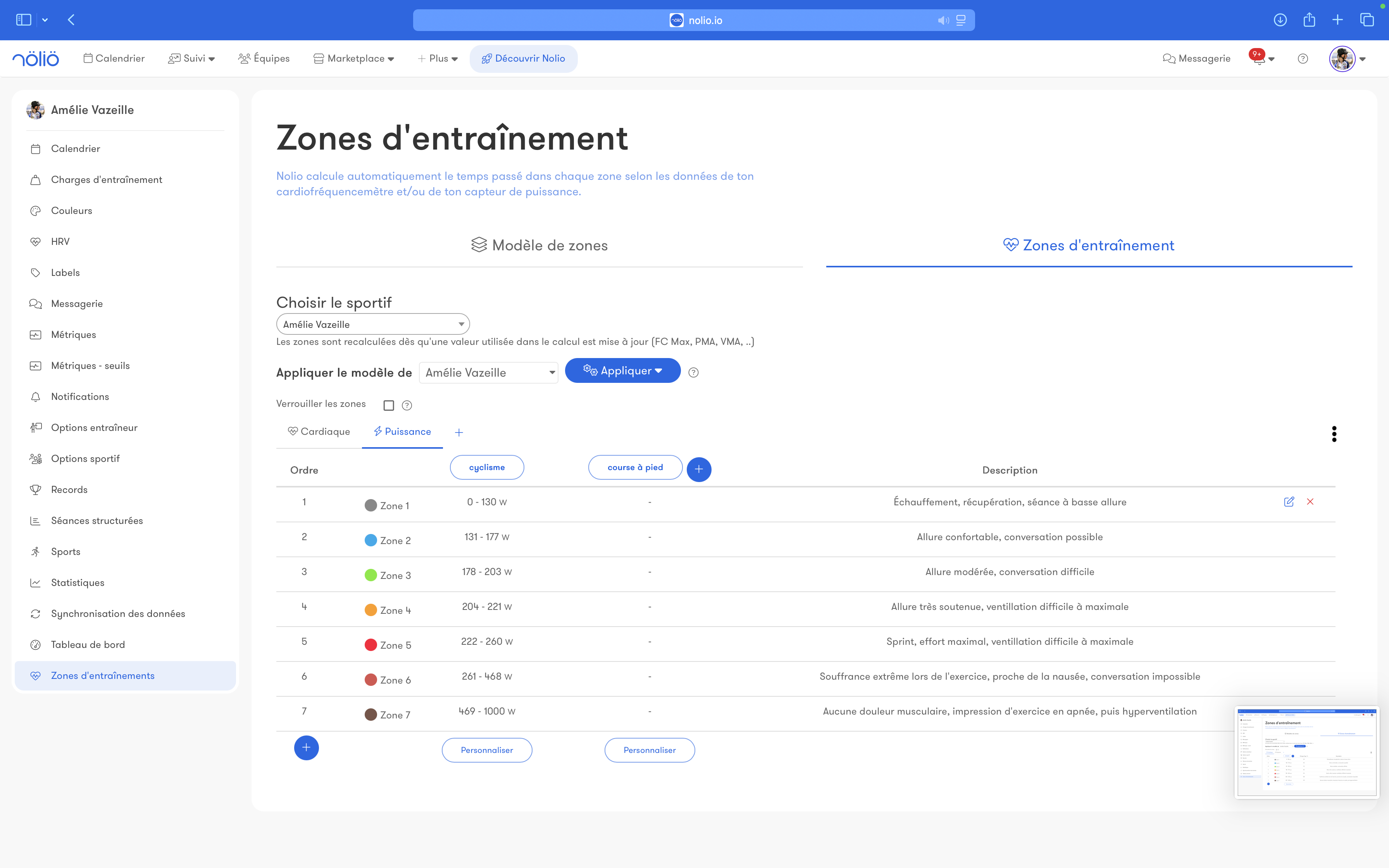
Nolio supports heart rate, power and pace zones, among others.
Zone templates let you create your own calculation formulas to save time.
Training load
Three training load models are available: Foster, Coggan and TRIMP.
You can use several models at the same time.
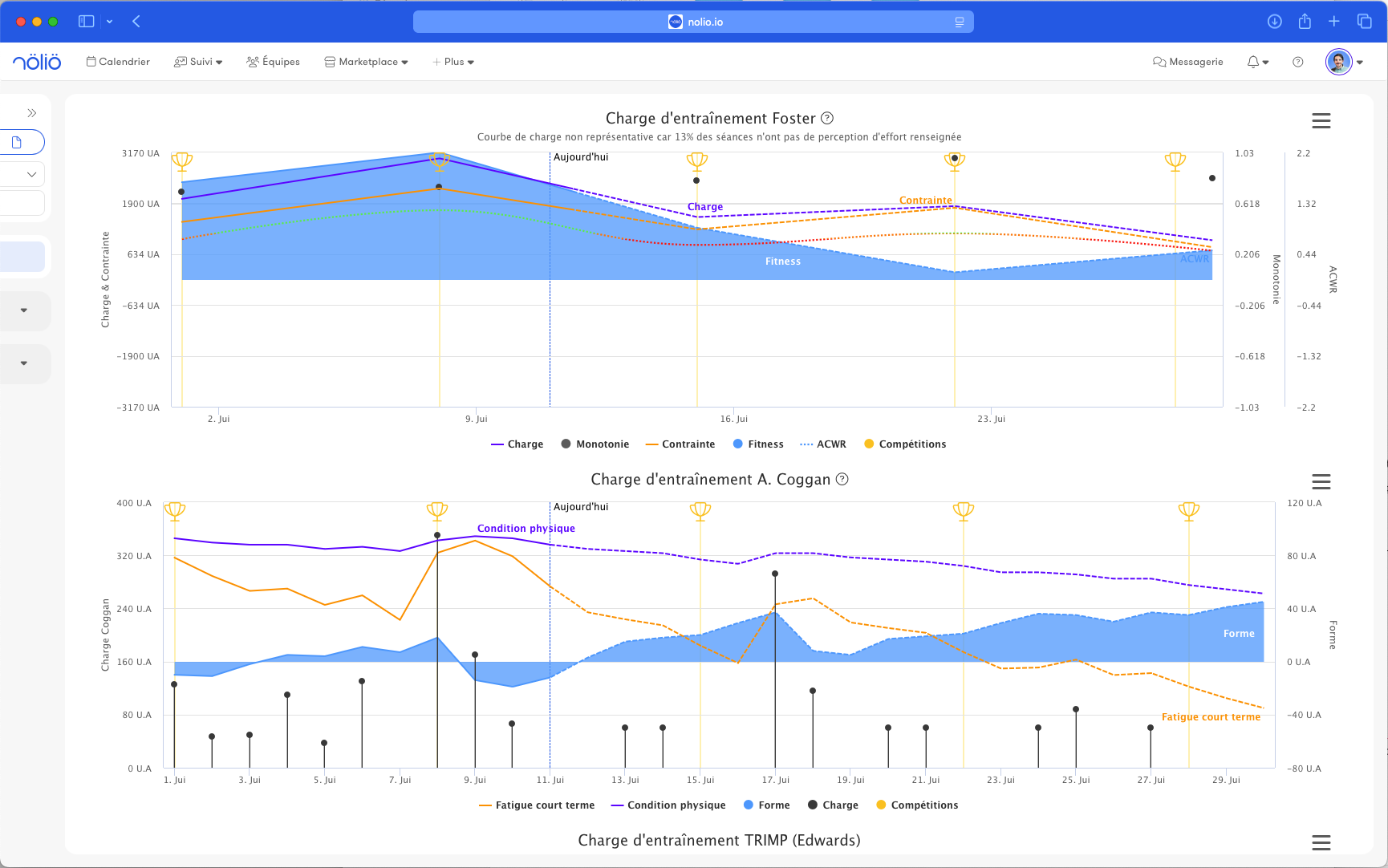
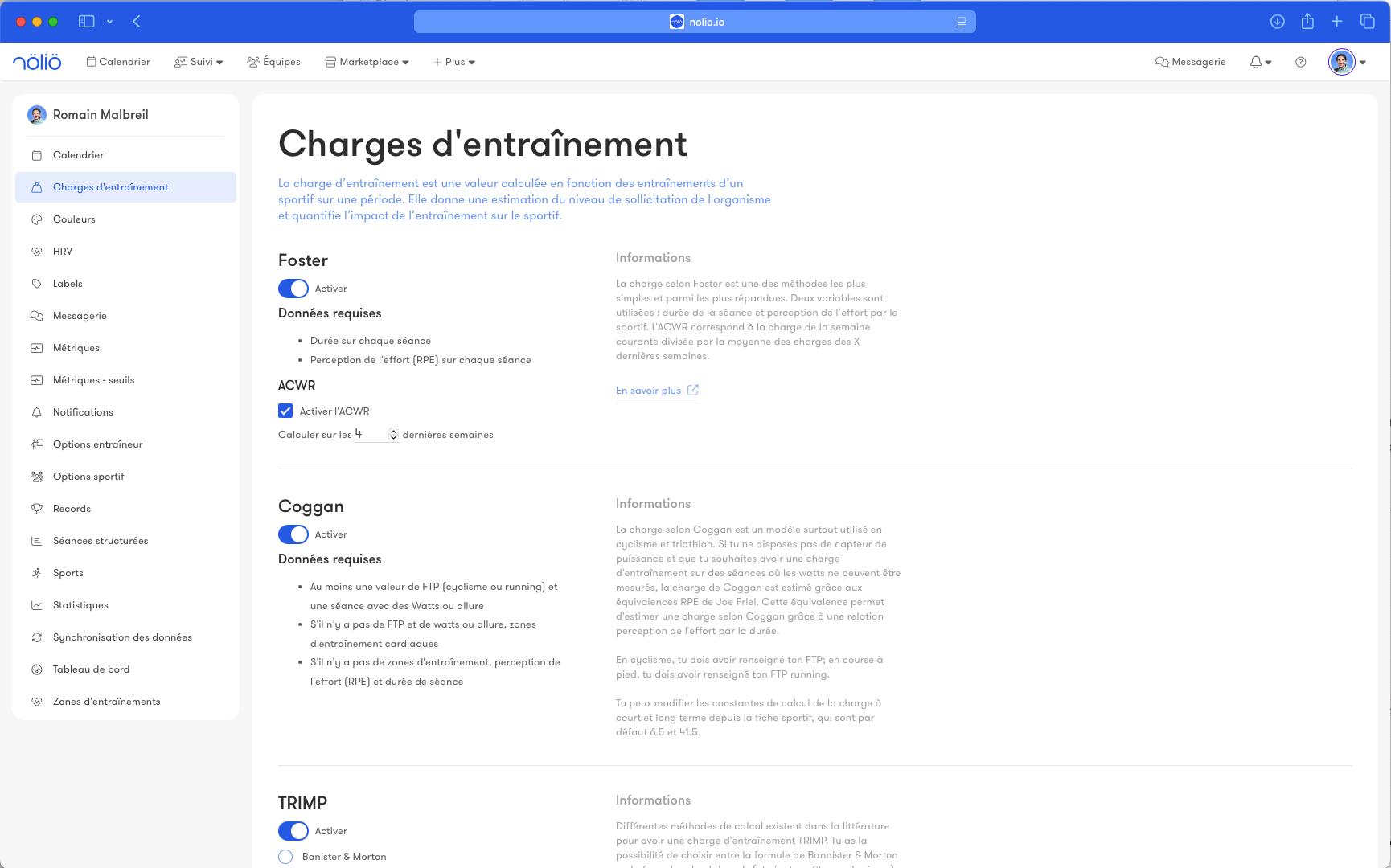
You can use several models at the same time.
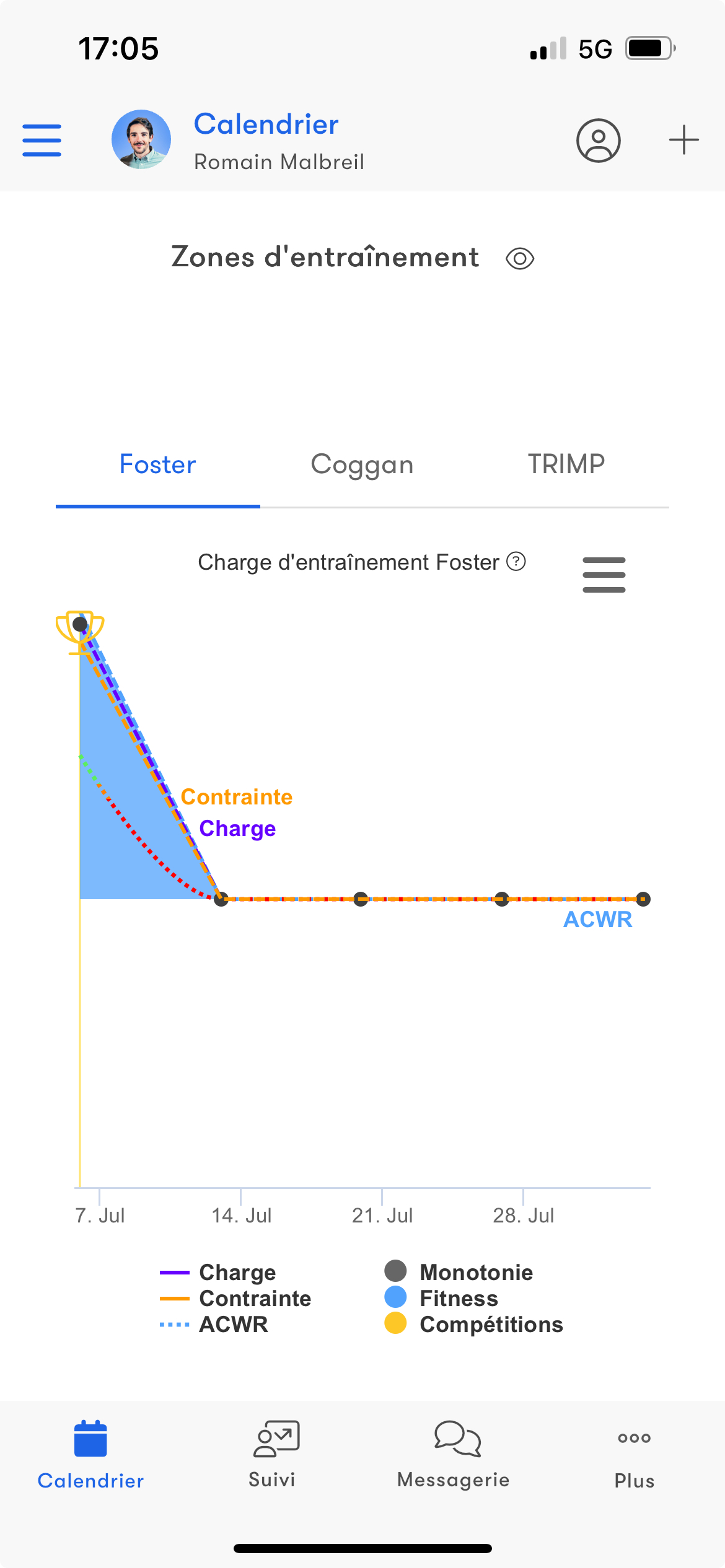
Foster
Foster is a subjective load, calculated from workout duration and perception of effort.Coggan
Coggan is an objective load, calculated from duration, adjusted power, workout intensity and FTP (or Running FTP for running).Estimates based on heart rate zones or RPE are used when needed.
TRIMP
TRIMP is also an objective load, calculated from time spent in training zones or by relating resting HR, max HR and the workout's average HR.You can choose between two calculation methods: Banister & Morton or Edwards & Stagno.
Debrief
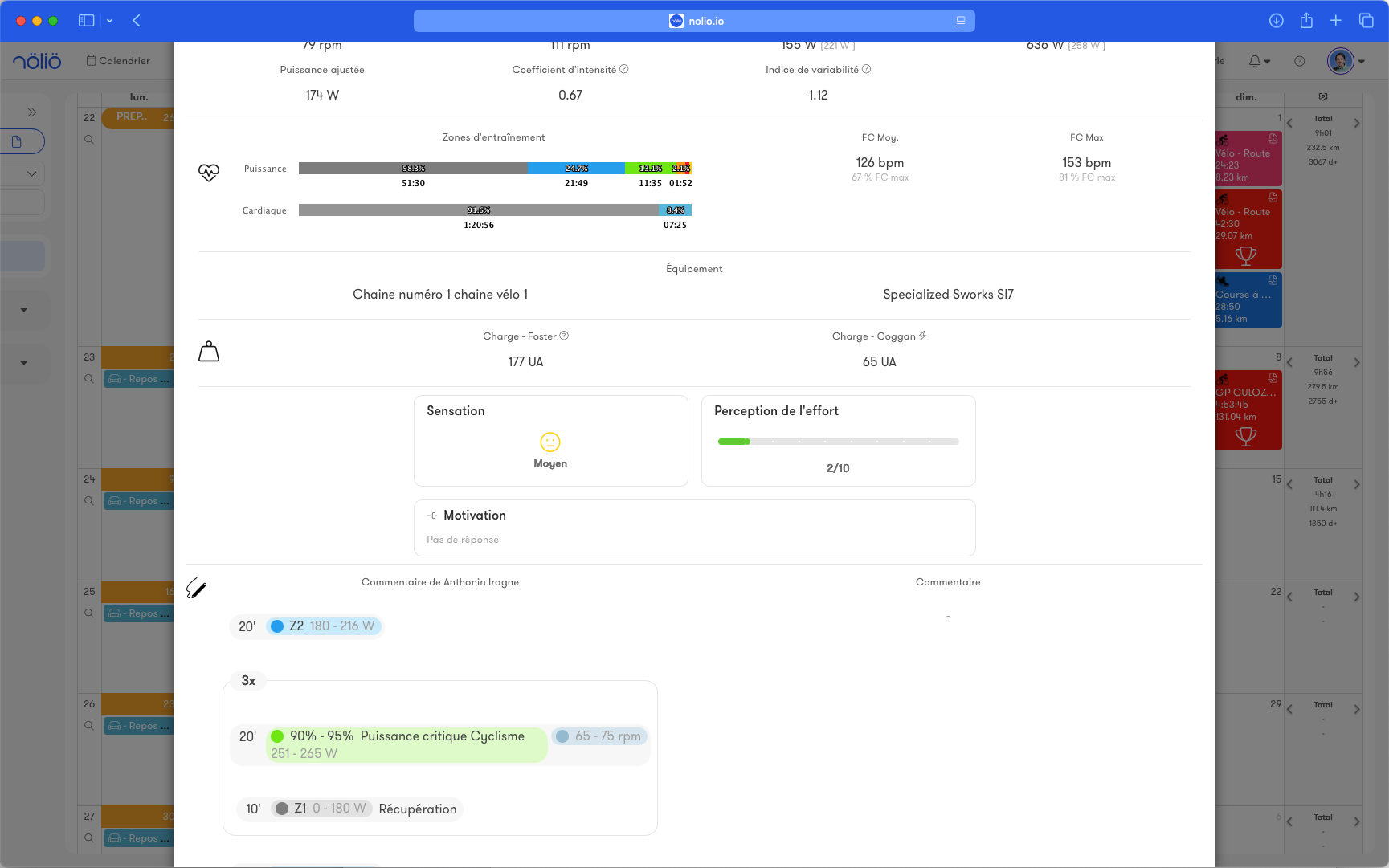
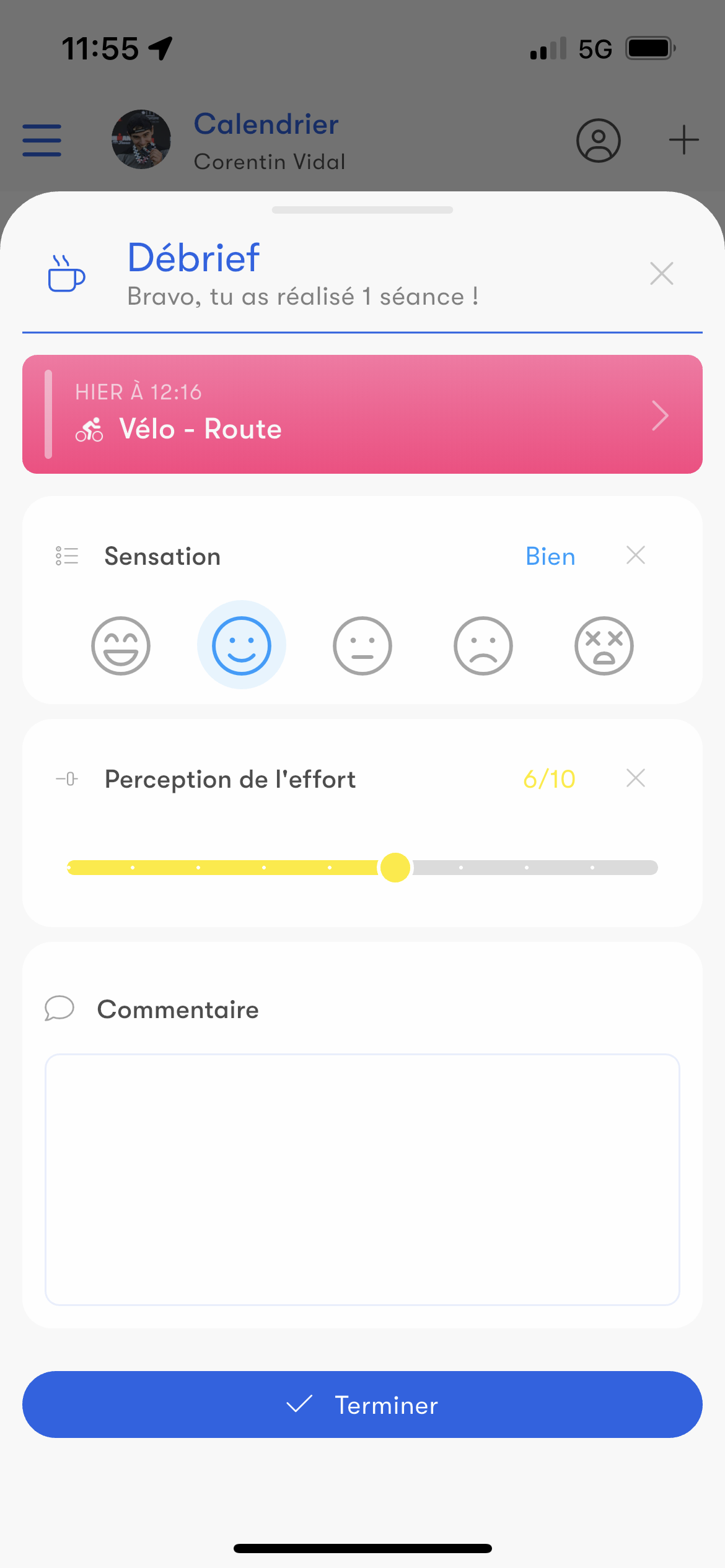
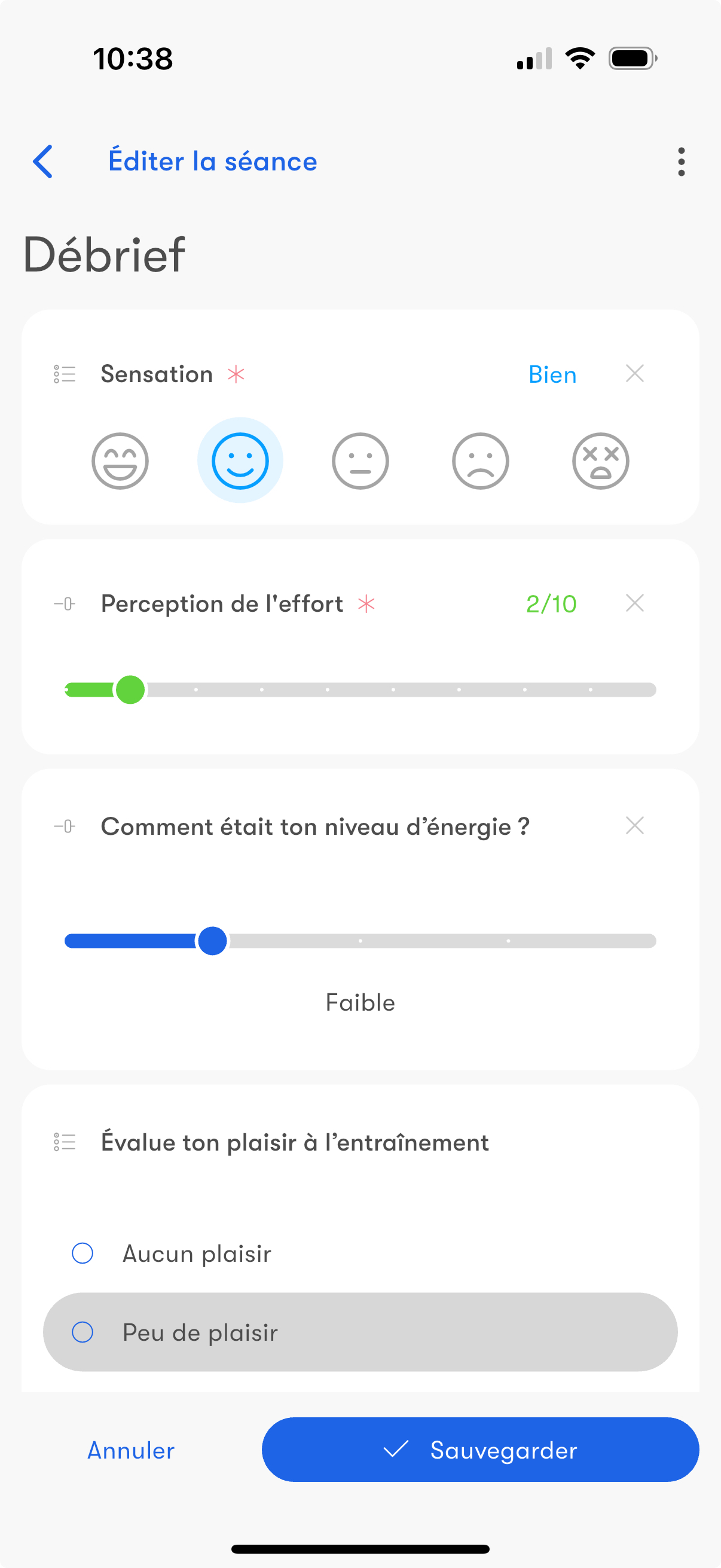
After each completed workout, a debrief lets you record your perception of effort (RPE) and feelings.
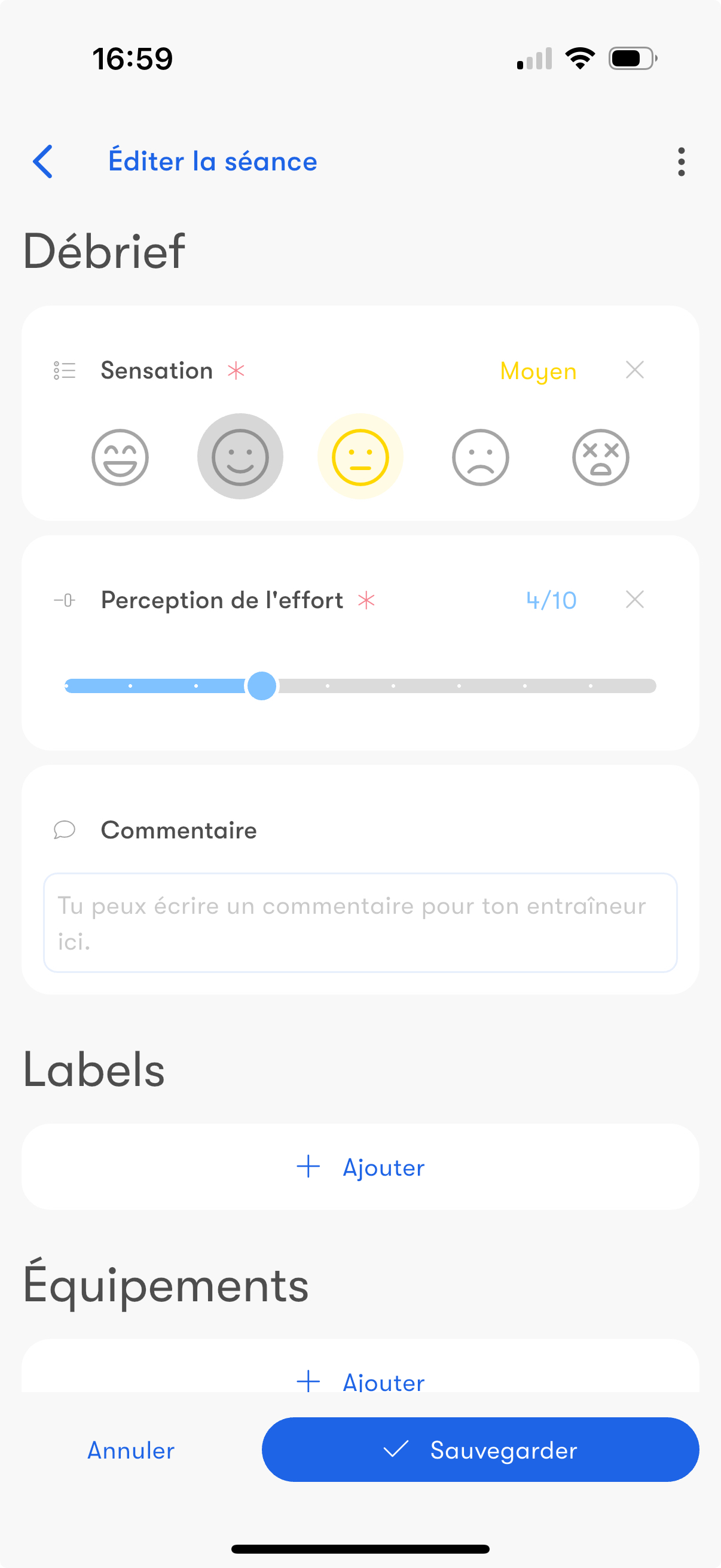
Fully customizable, it lets you add questions tailored to your needs (enjoyment, mood, etc).
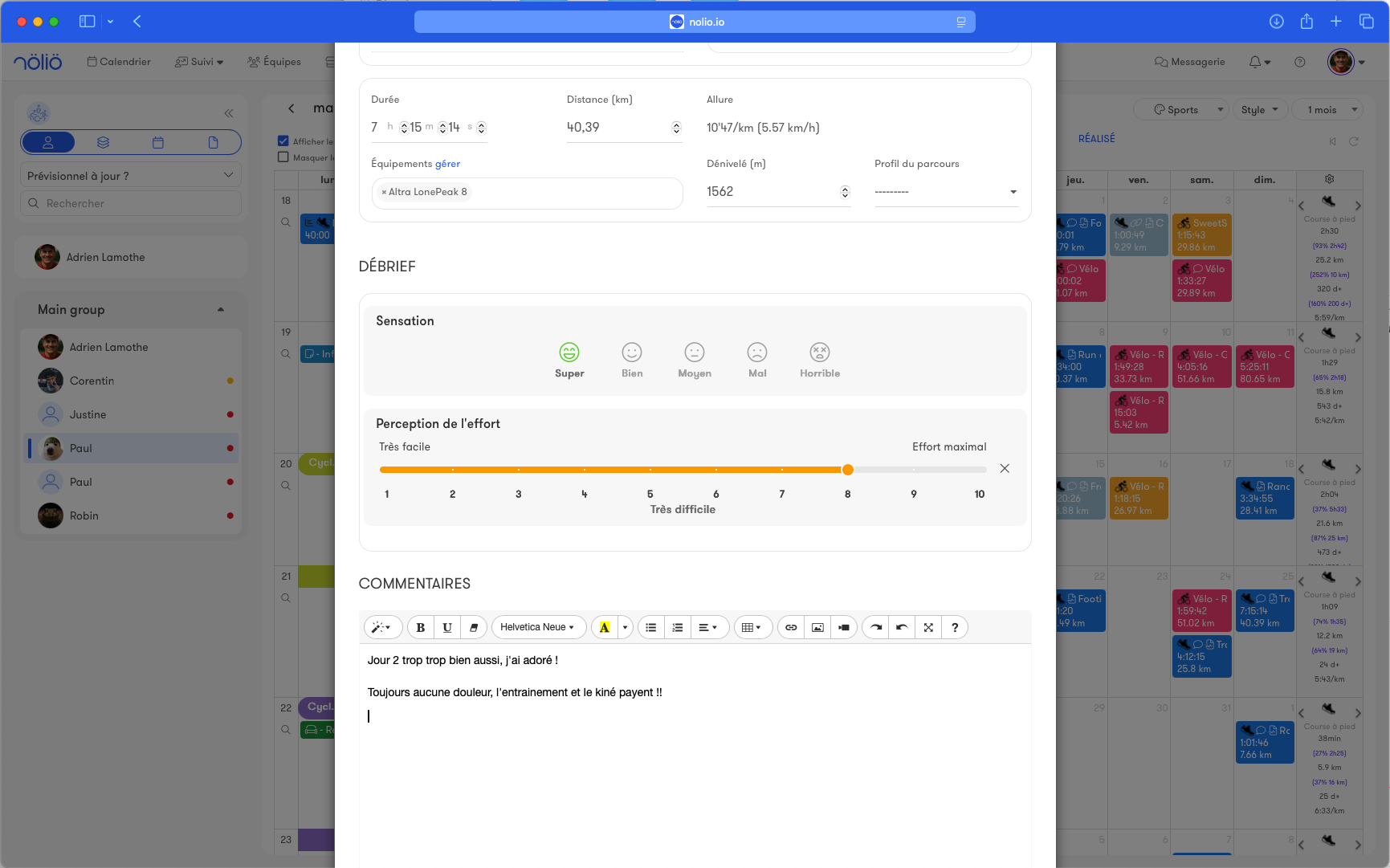
Fully customizable, it lets you add questions tailored to your needs (enjoyment, mood, etc).
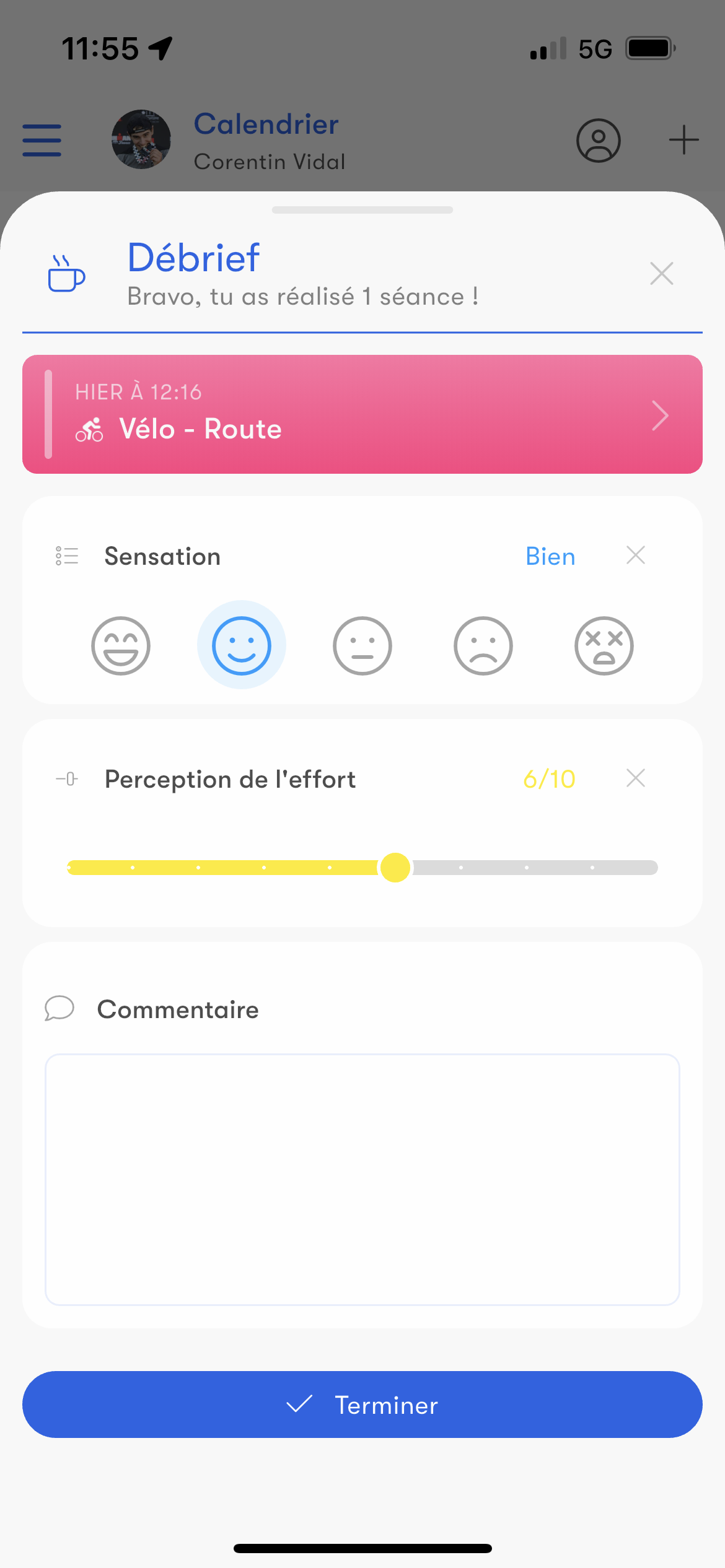
Perception of effort (RPE)
The perception of effort, or RPE (Rating of Perceived Effort), measures the subjective effort of a workout.With Nolio, you can easily add this data to your monitoring and combine it with objective data such as heart rate or power for a complete analysis of your fitness.
By default, after each workout, athletes are asked for their RPE in the debrief.
Feeling
Feelings are another subjective data point collected after a workout.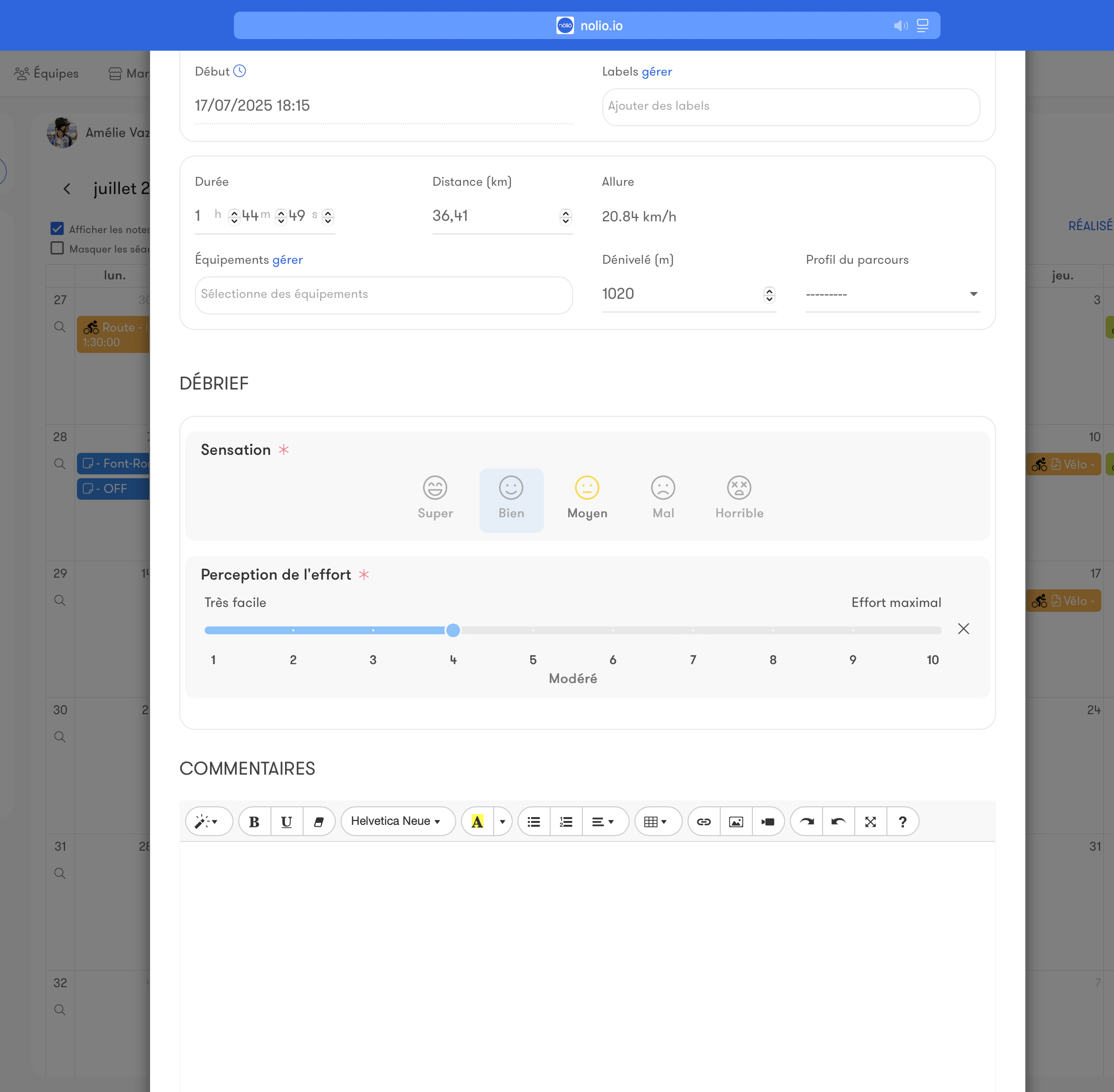
Customizable
On top of perception of effort and feelings, you can add more data to collect, such as mood or training enjoyment.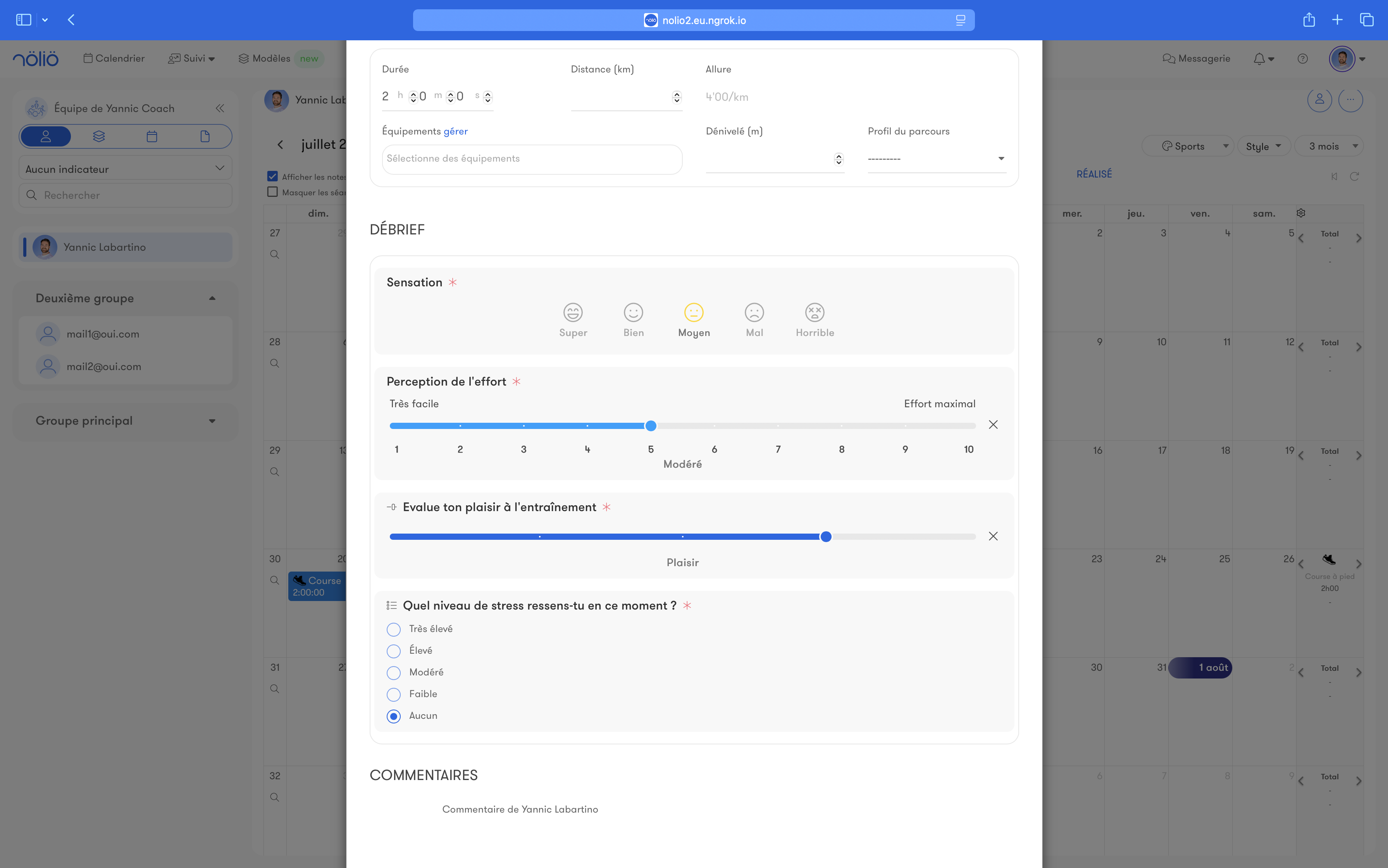
Workout analysis
General data
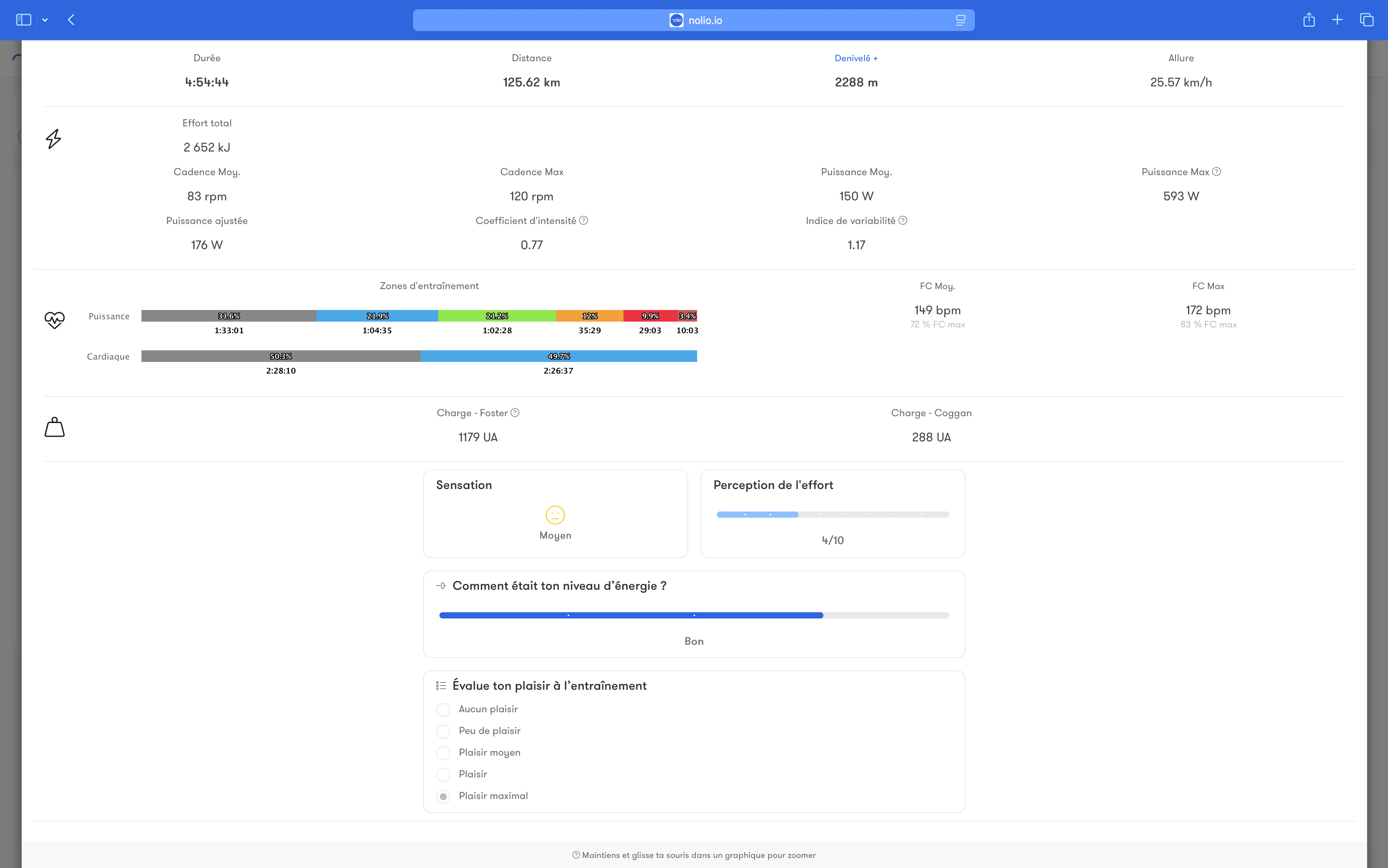
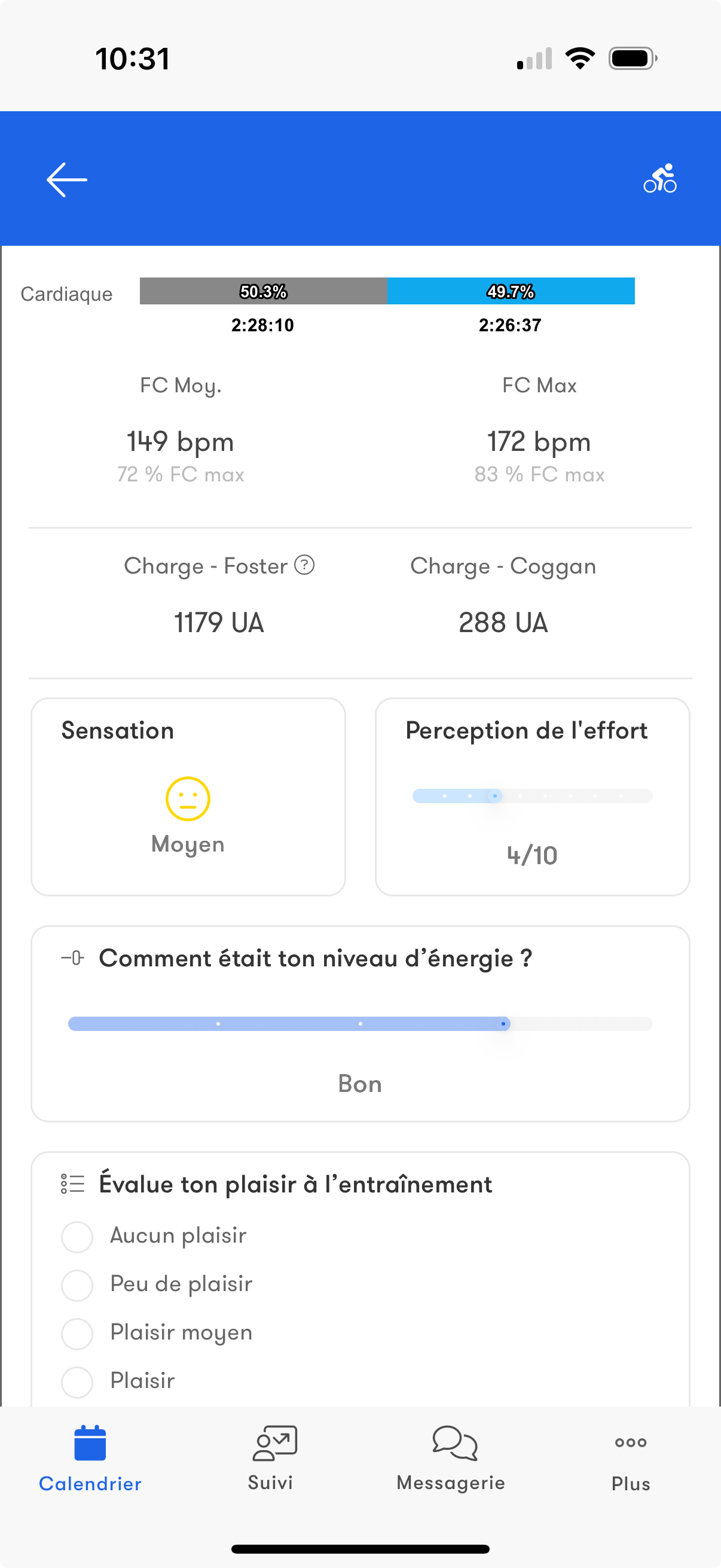
Duration, distance, elevation gain, pace and time in zones are automatically uploaded from watches and sensors, or can be entered manually.
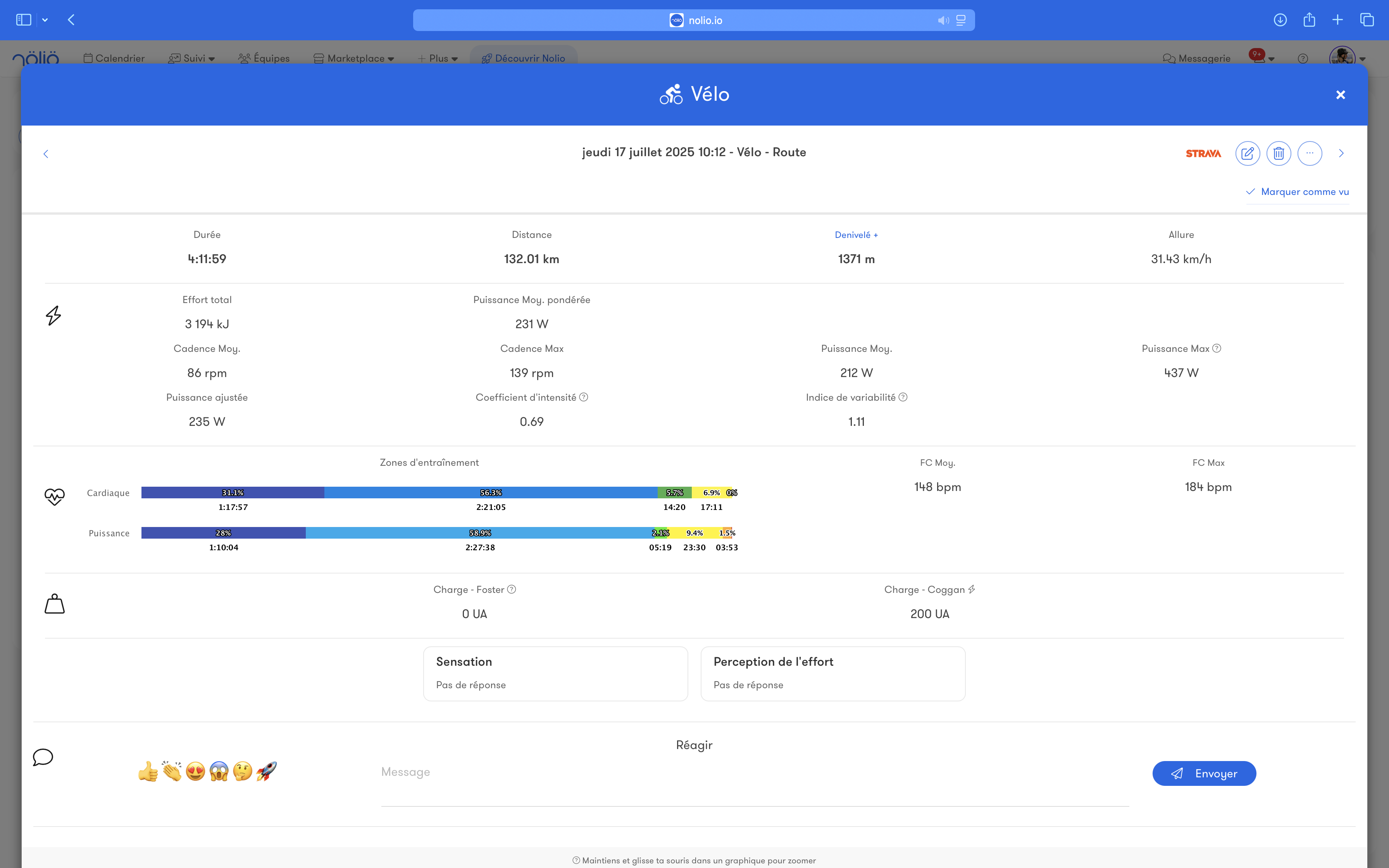
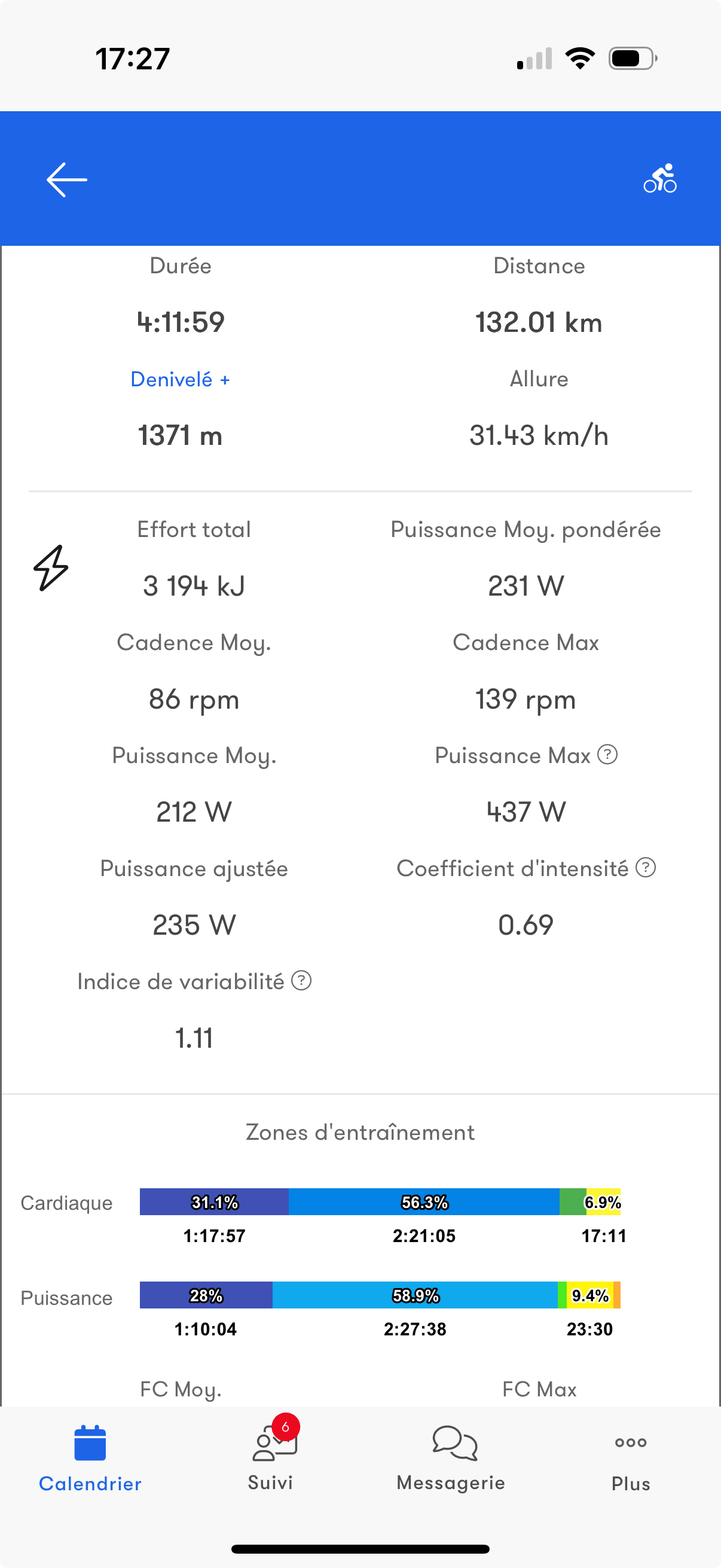
Subjective data
On top of objective data, perception of effort, feelings and customizable questions are available directly on the workout.
Data streams
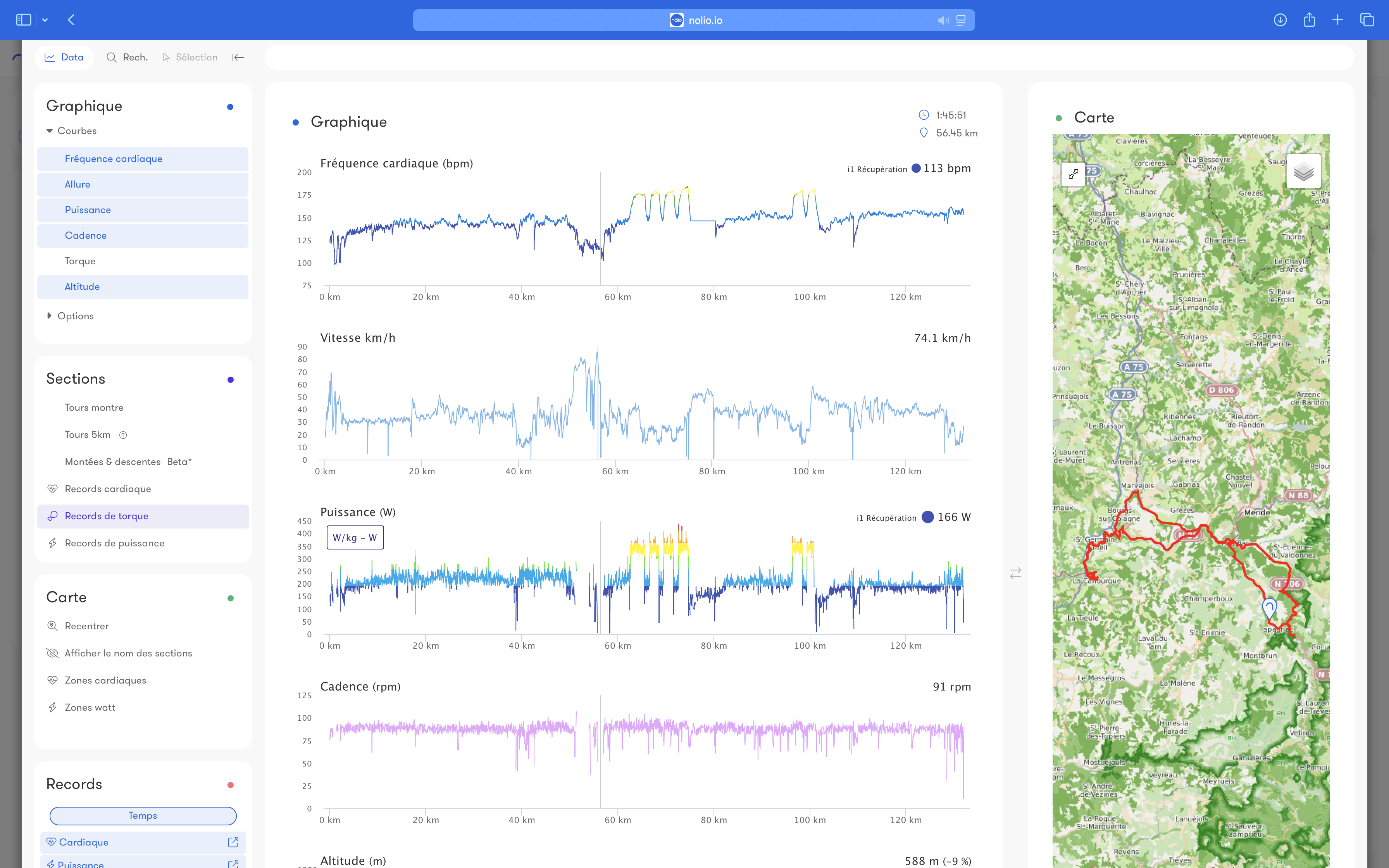
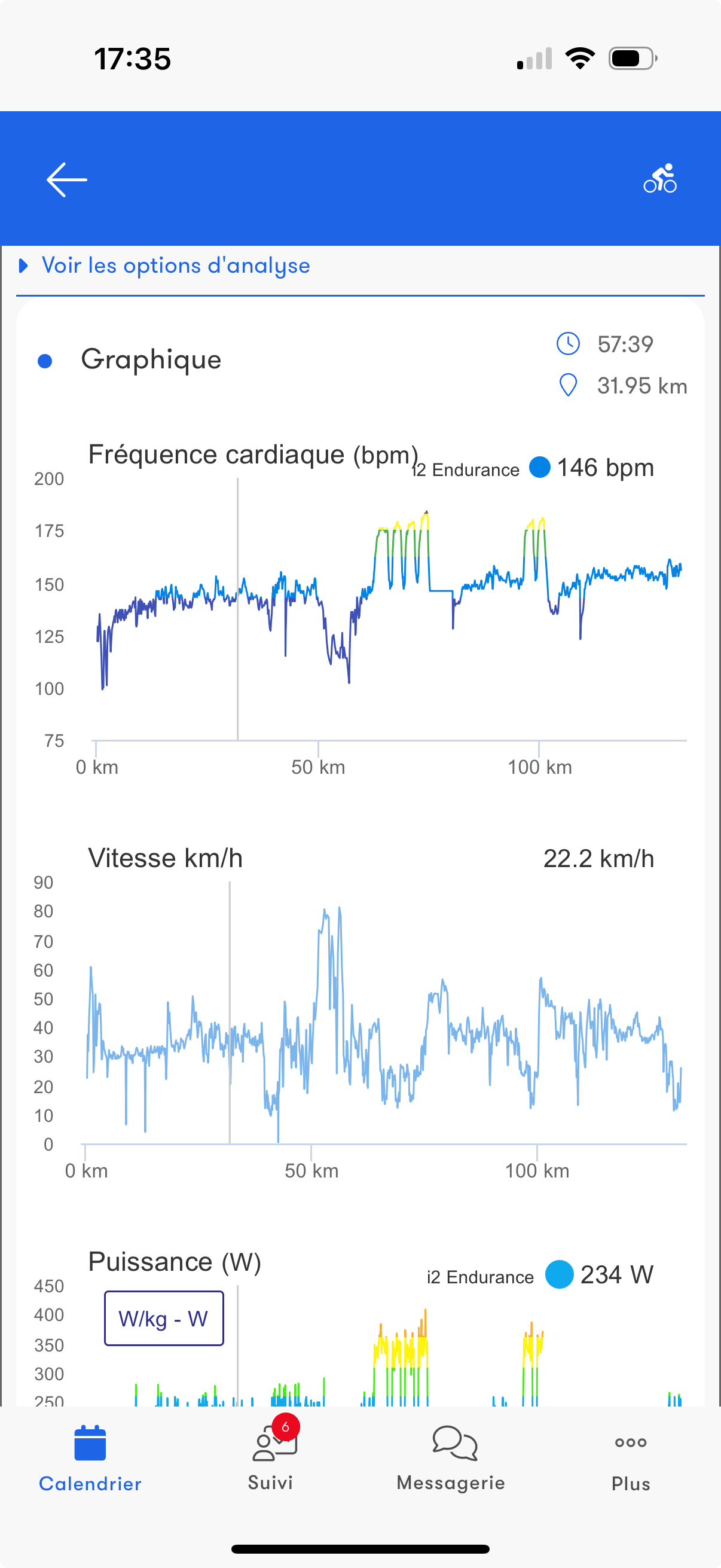
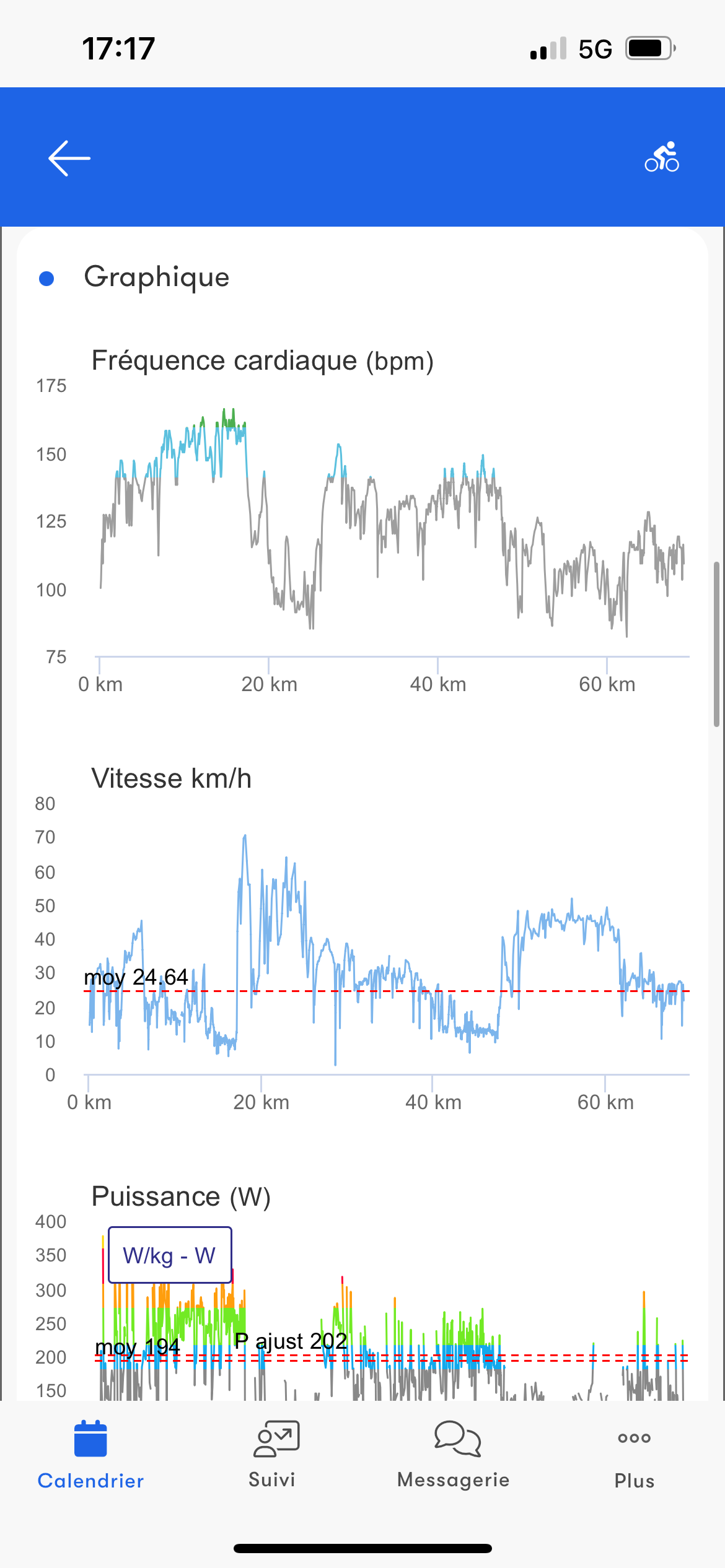
Access all the data from your watches and sensors. Curves such as heart rate or power are colored according to your training zones. Zoom, select, comment and customize your analyses for a precise visualization tailored to your needs.
Cycling specific
Power meter data gives you access to advanced metrics such as watt streams, cadence, torque, left/right balance and Wbal.
Visualize your power records and where they sit on the charts.
When you zoom in, left/right balance and pedaling phases adapt for an even more precise analysis.
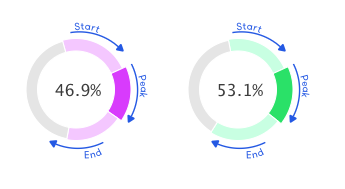
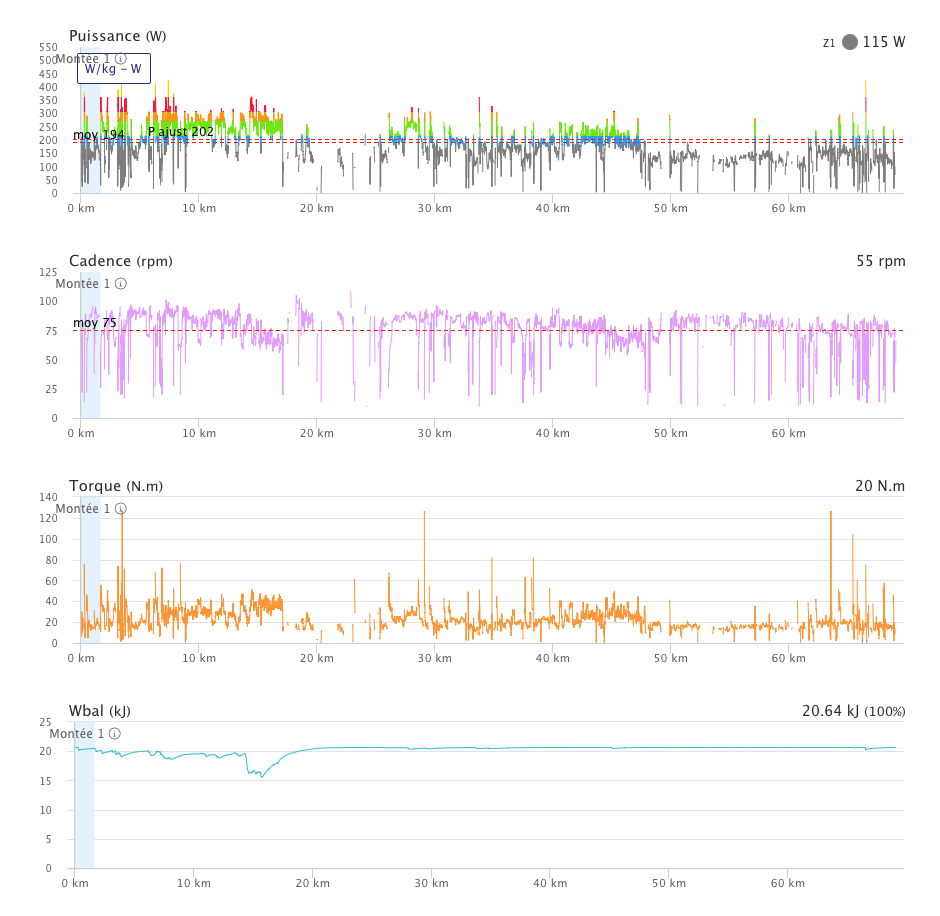
Visualize your power records and where they sit on the charts.
When you zoom in, left/right balance and pedaling phases adapt for an even more precise analysis.
Trail running specific
Workout analysis was designed in collaboration with trail running teams.
Access ascending speed and grade adjusted pace (GAP) on top of all the other tools.
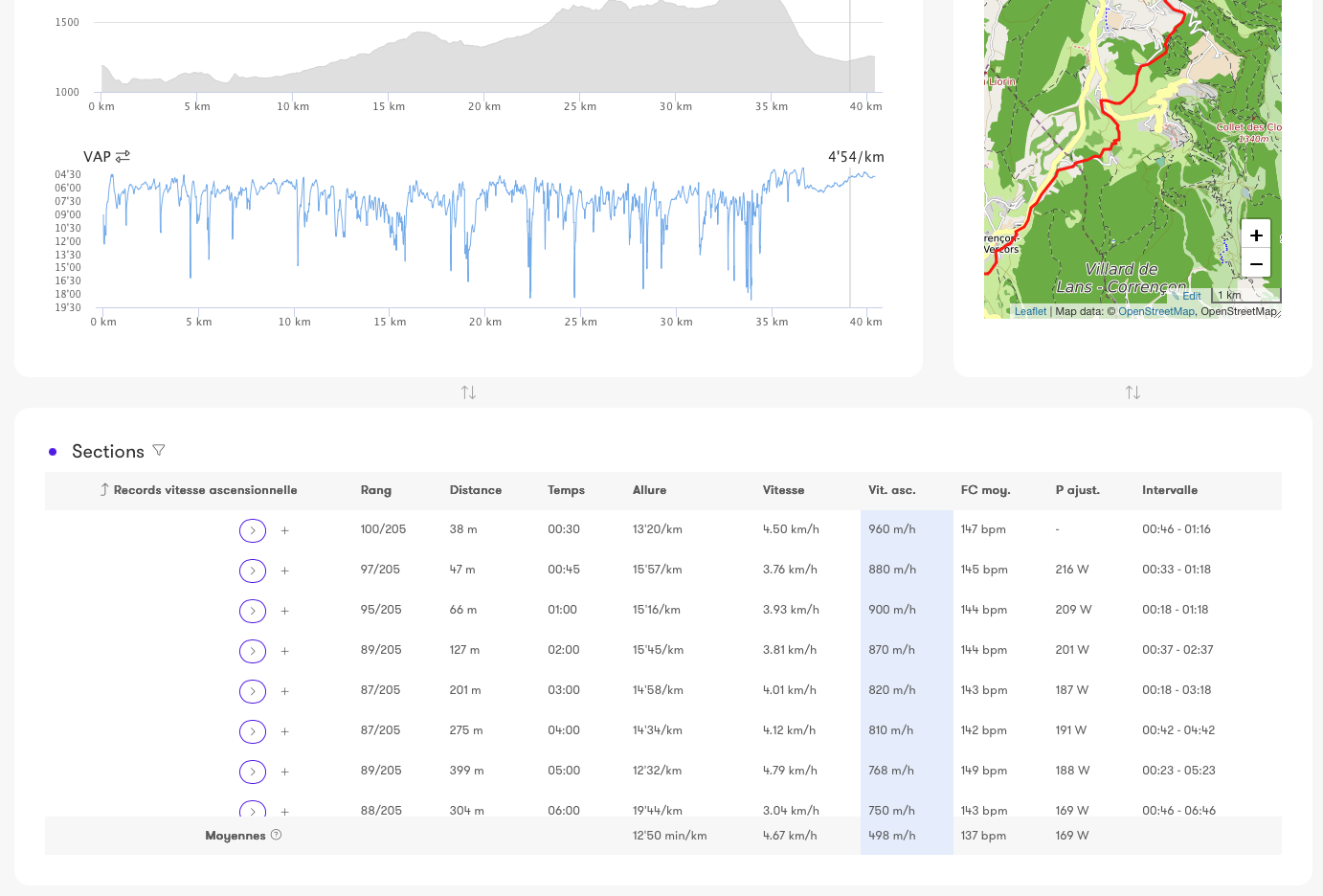
Access ascending speed and grade adjusted pace (GAP) on top of all the other tools.
Interval finder
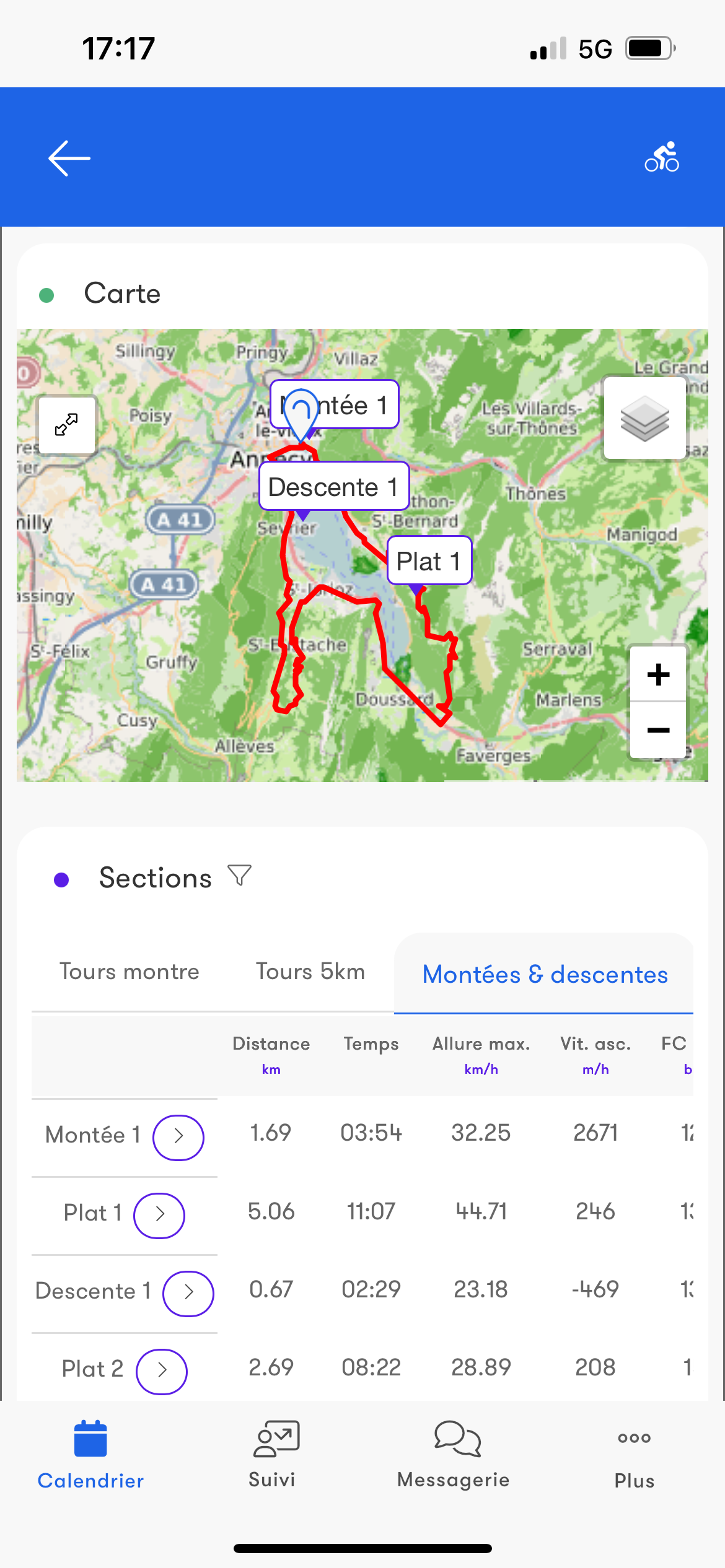
When analyzing a workout, automatically identify the best segments based on duration, distance or key indicators (heart rate, power, pace).
Results are displayed on the curves and in the section table.
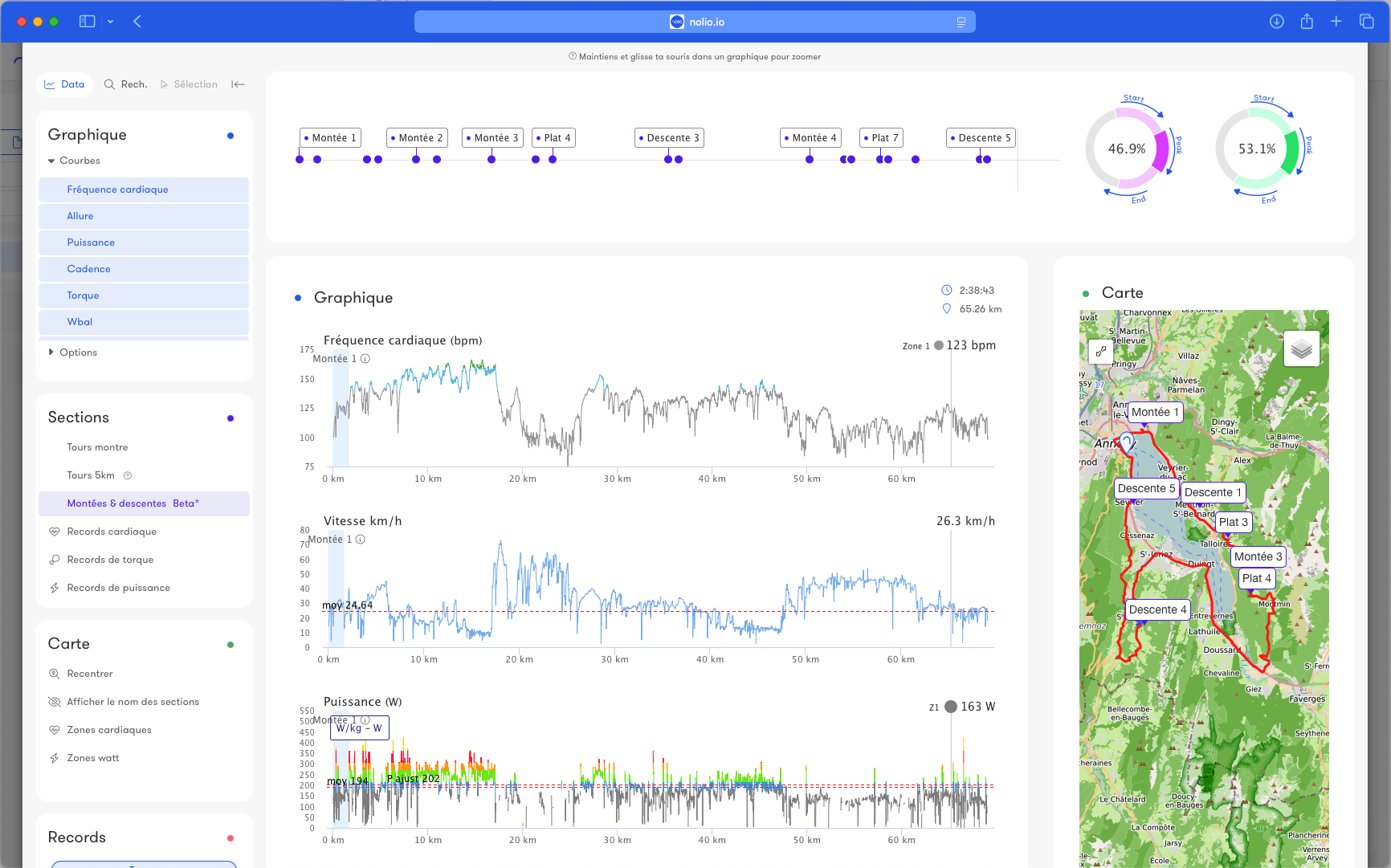
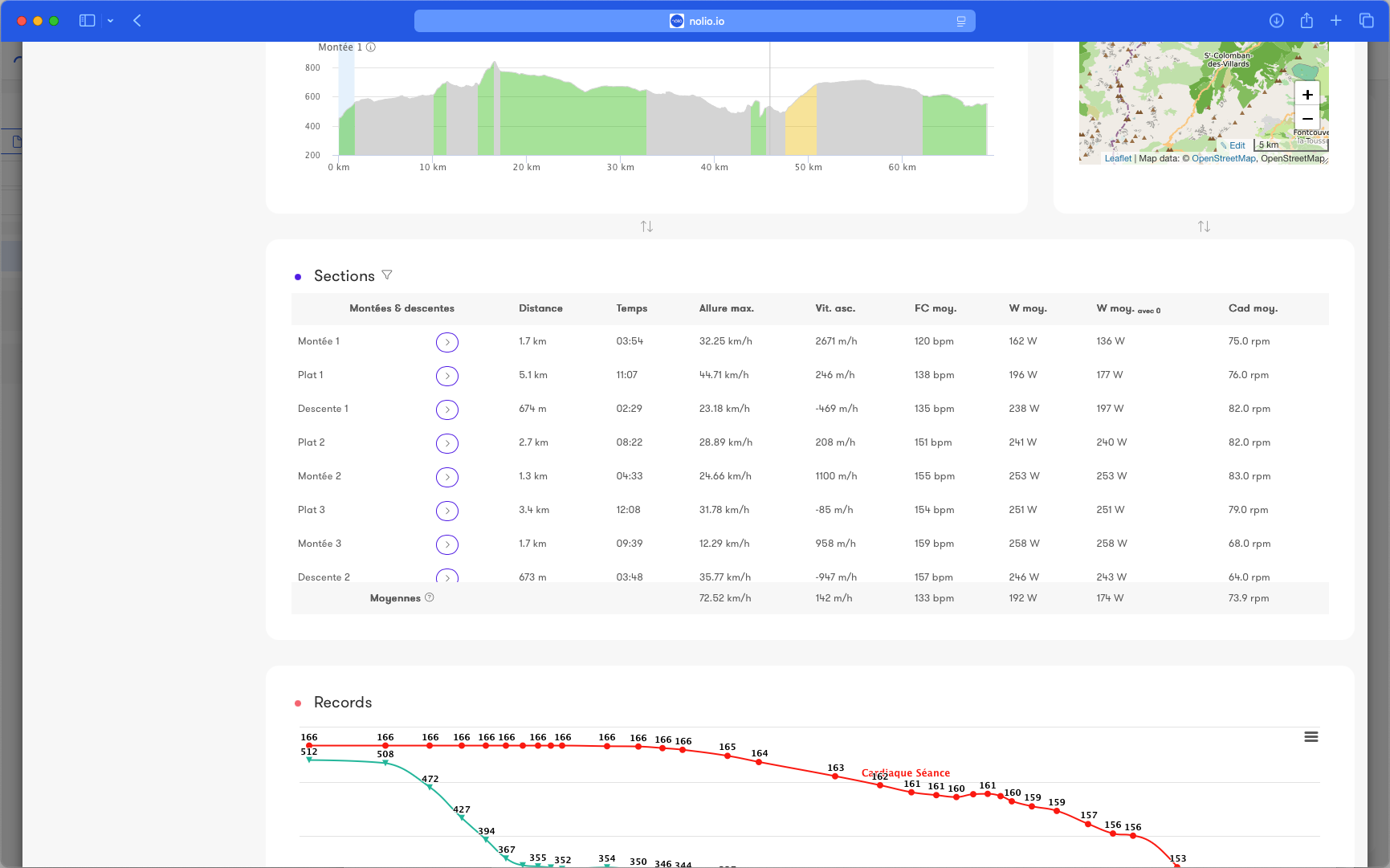
Results are displayed on the curves and in the section table.
Monitoring
Statistics
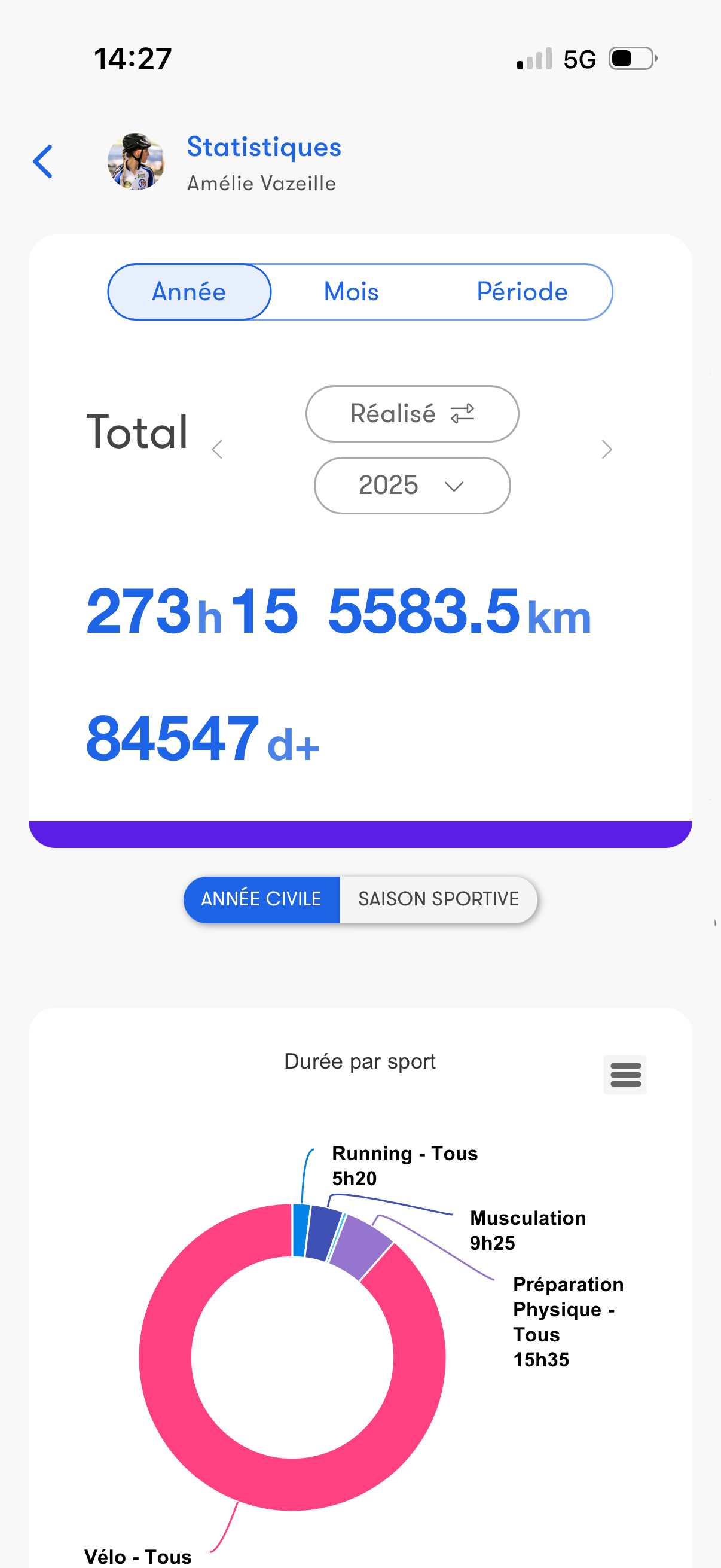
Get a complete analysis of your performance with statistics.
Customize your charts by selecting the data you care about.
Choose the analysis period.
Compare different periods or different athletes.
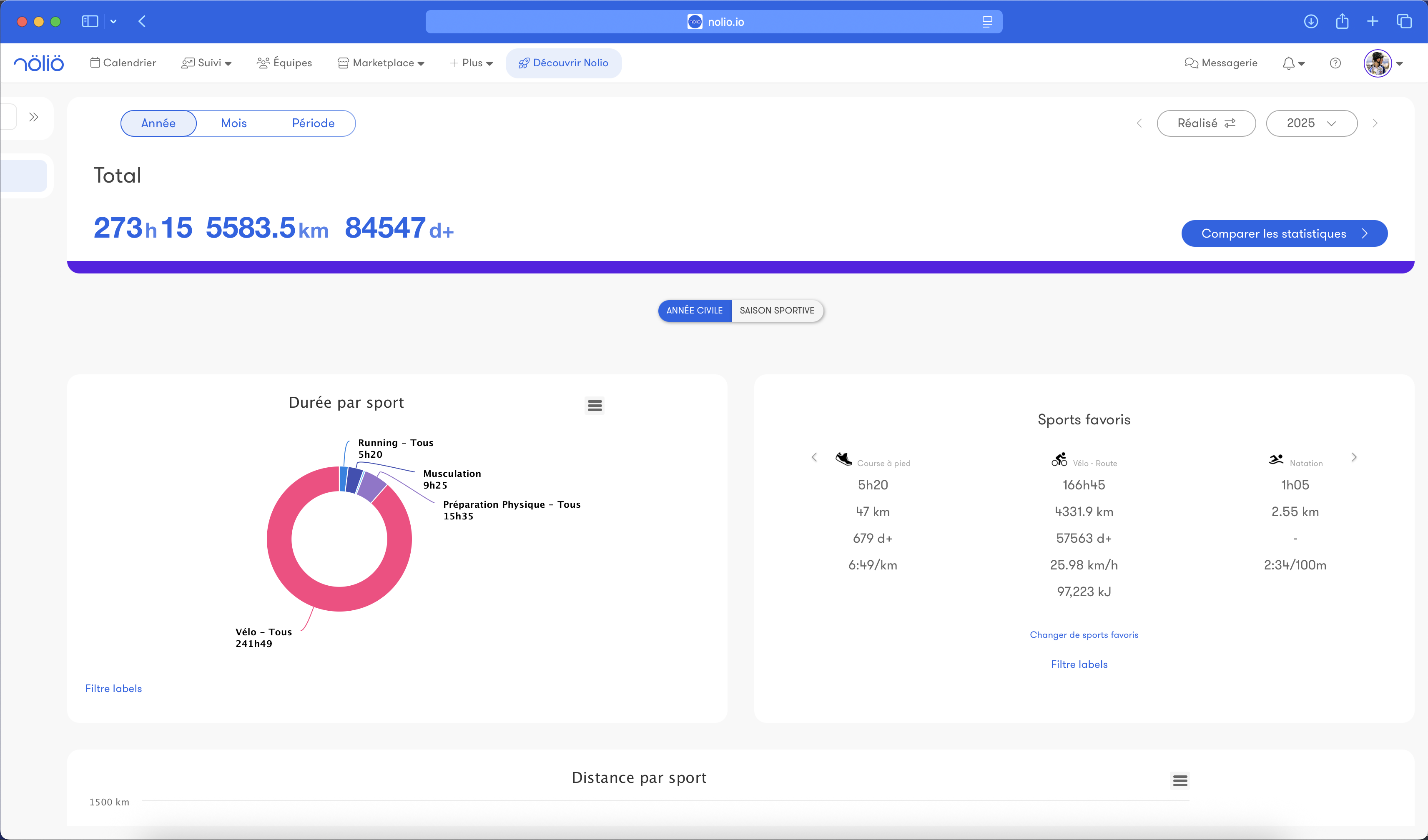
Customize your charts by selecting the data you care about.
Choose the analysis period.
Compare different periods or different athletes.
Metrics
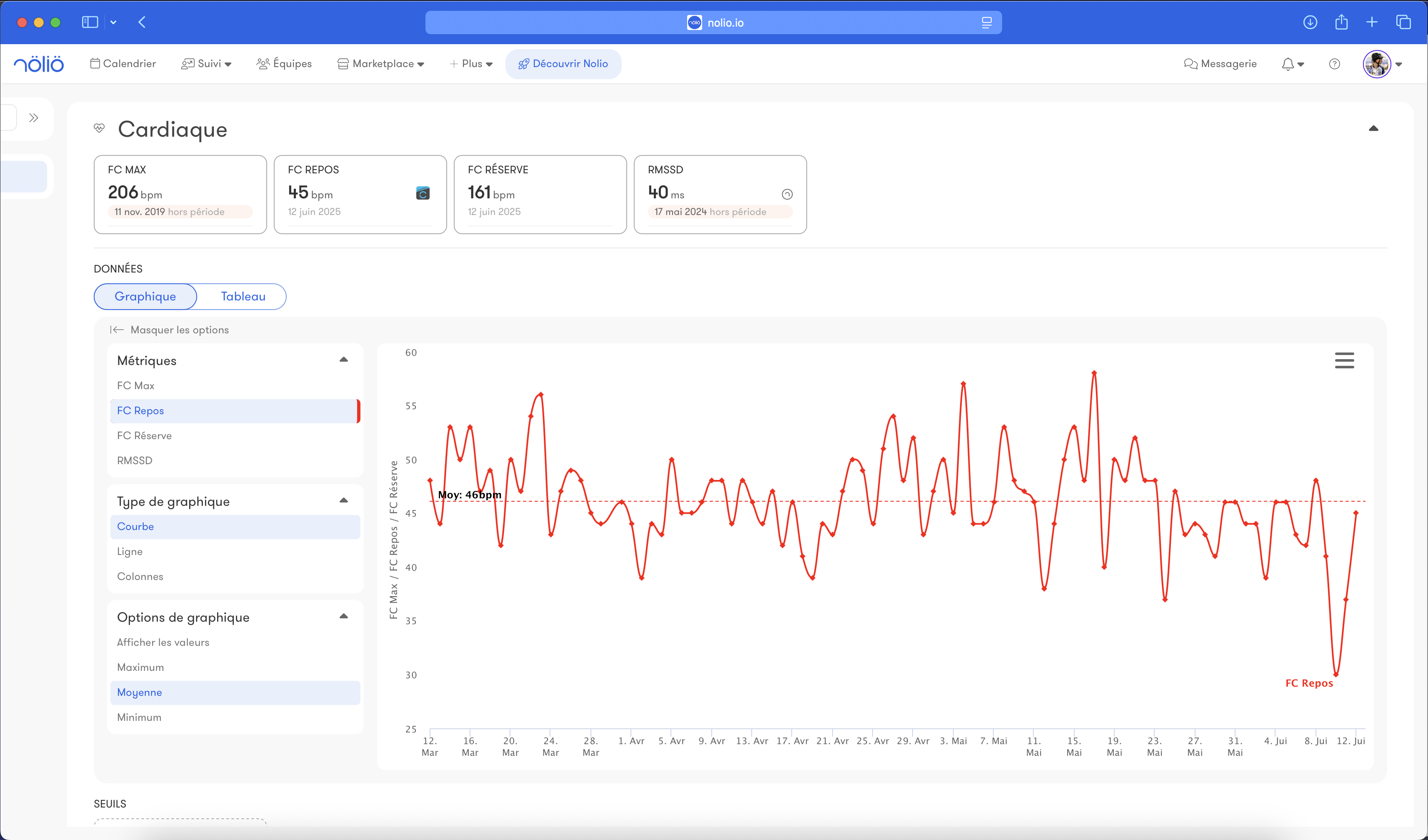
This space lets you centralize and analyze your key data in a fully customizable dashboard.
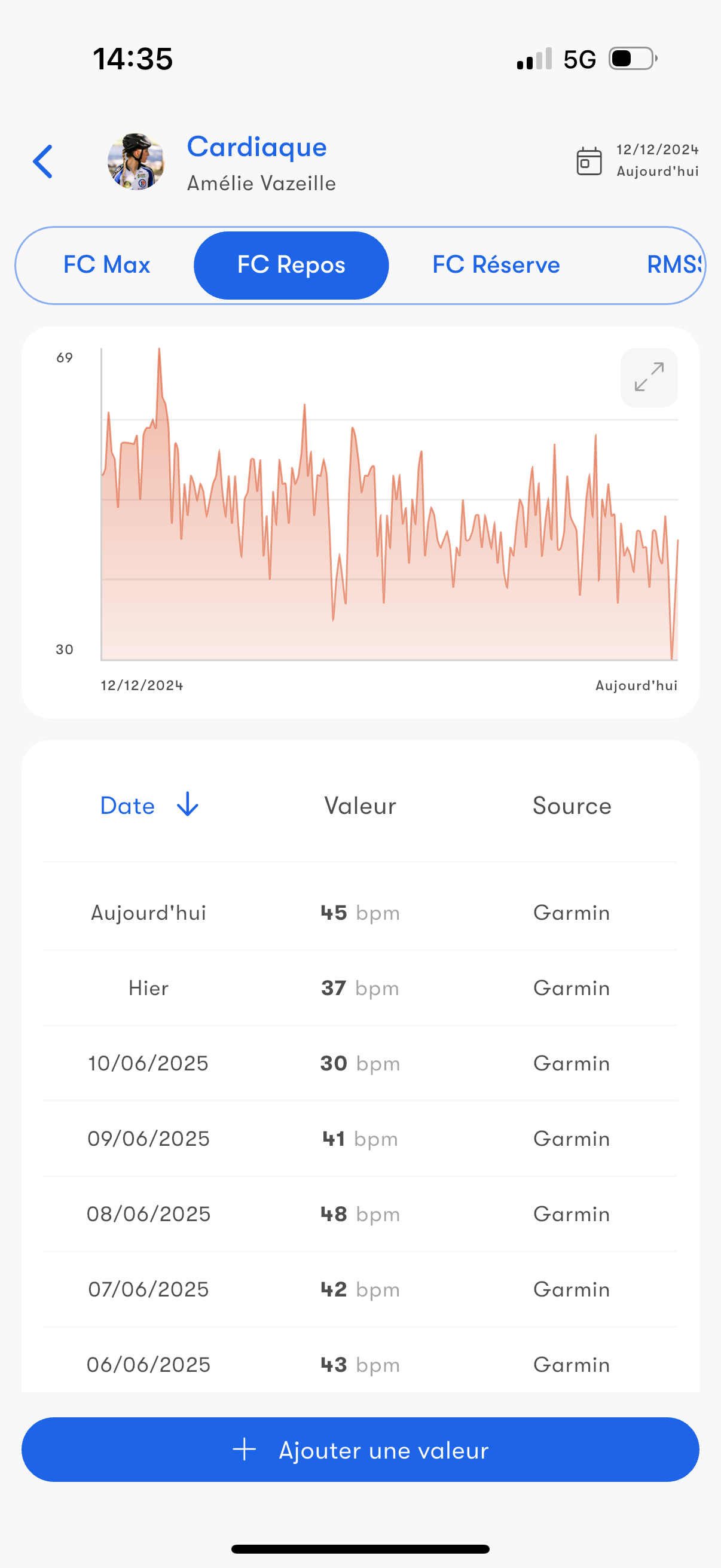
Track your health, performance and fitness indicators.
Select a specific period to refine your analysis and create your own views for monitoring tailored to your needs.
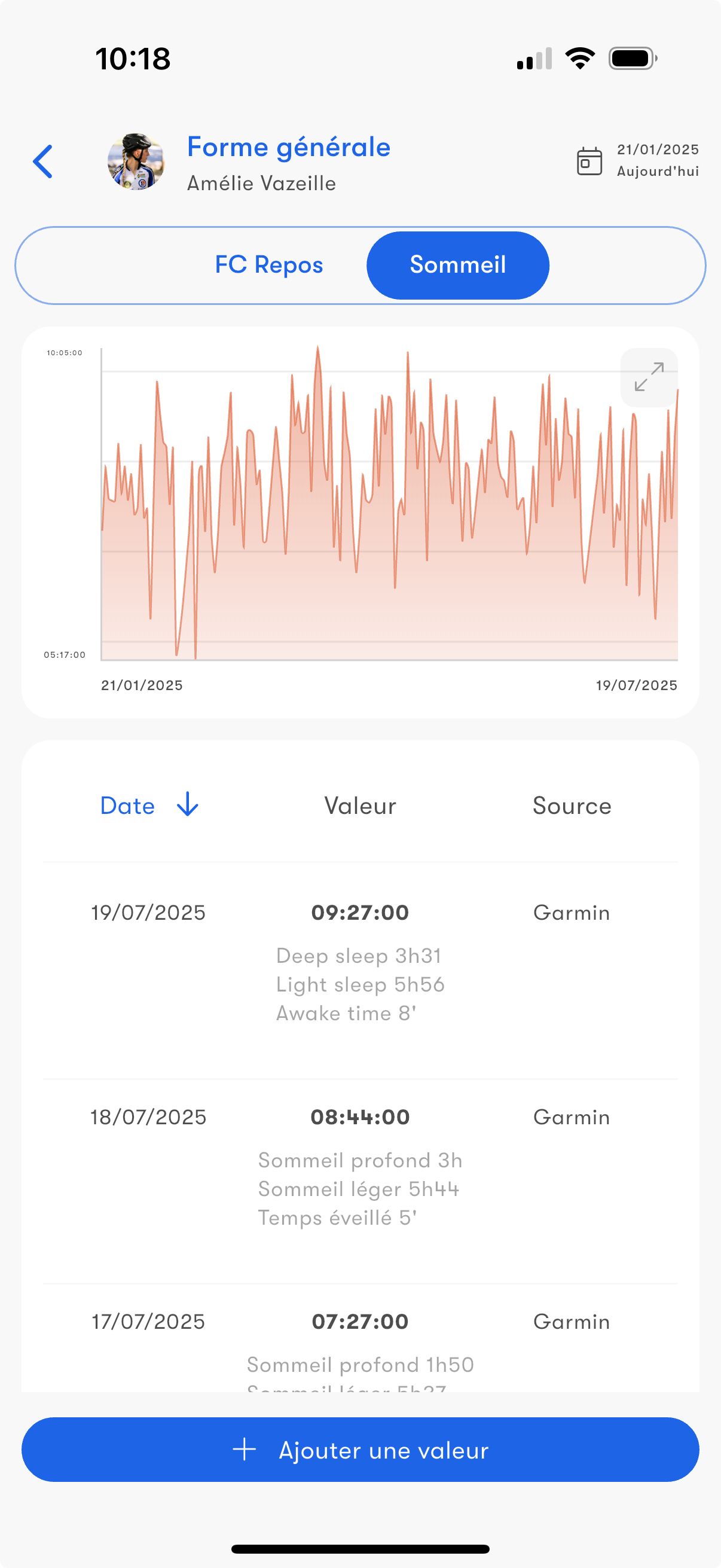
Data from watches and sensors, such as sleep, is collected automatically.
You can set custom criteria and receive notifications when you cross certain thresholds.
Track your health, performance and fitness indicators.
Select a specific period to refine your analysis and create your own views for monitoring tailored to your needs.
Data from watches and sensors, such as sleep, is collected automatically.
You can set custom criteria and receive notifications when you cross certain thresholds.
Default metrics
Nolio includes the classic fitness monitoring data such as sleep, resting HR and weight. To calibrate the athlete's training plan, training metrics such as VMA, max HR, FTP and max aerobic power are available.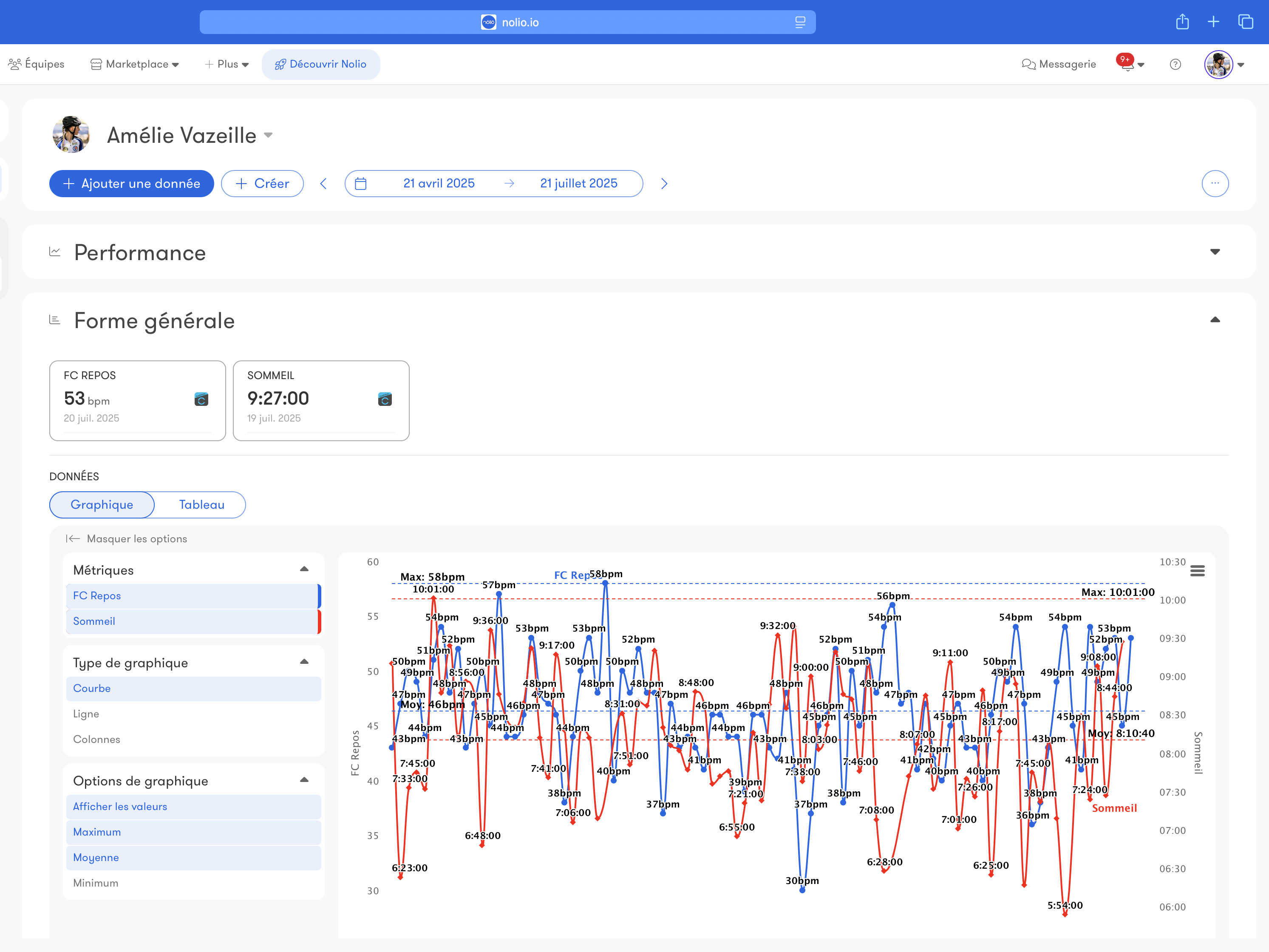
Custom metrics
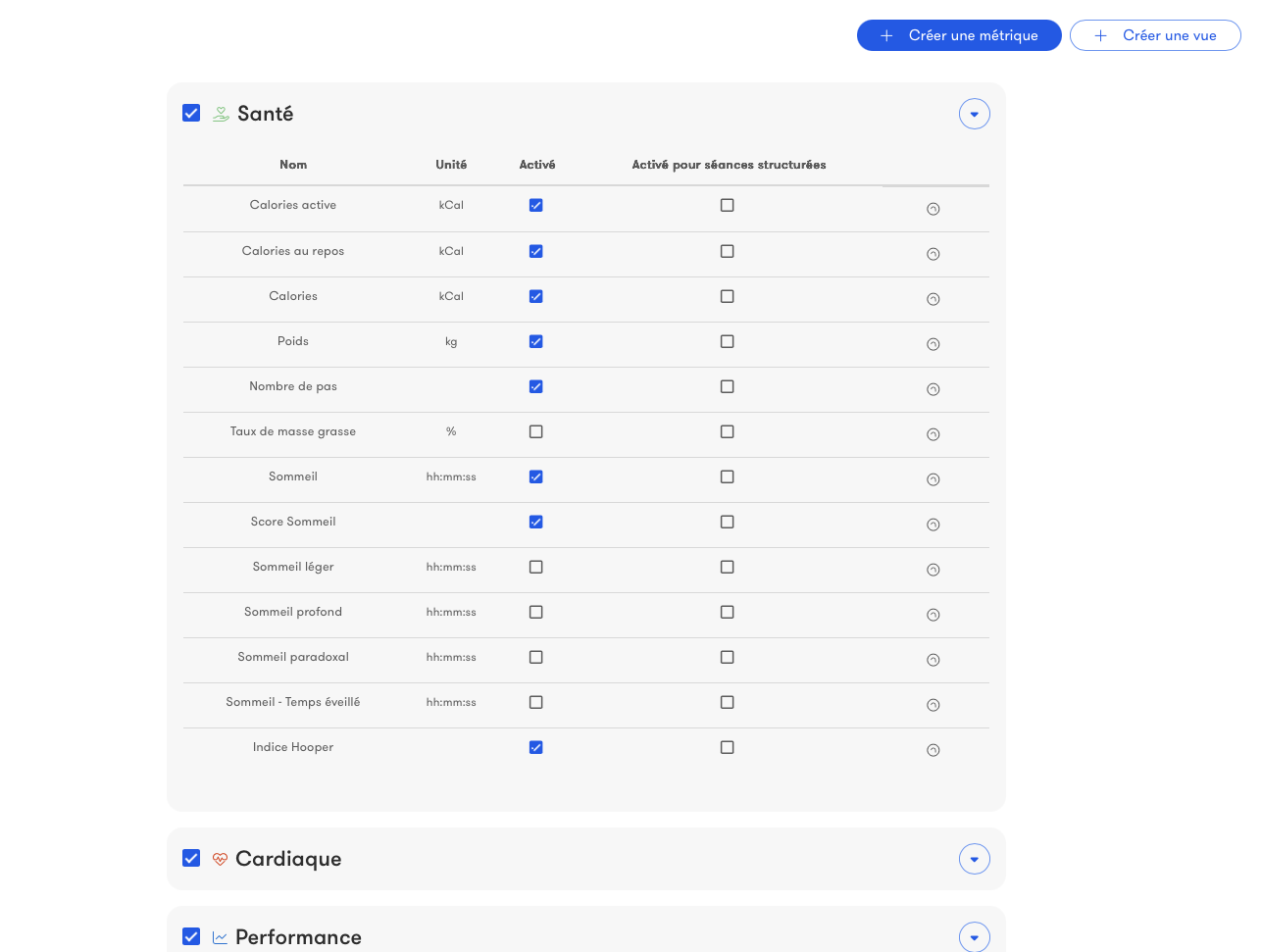
To meet your most specific needs, Nolio lets you create your own training metrics.You can use these metrics however you want, from tracking the data to building structured workouts.
Advanced metrics
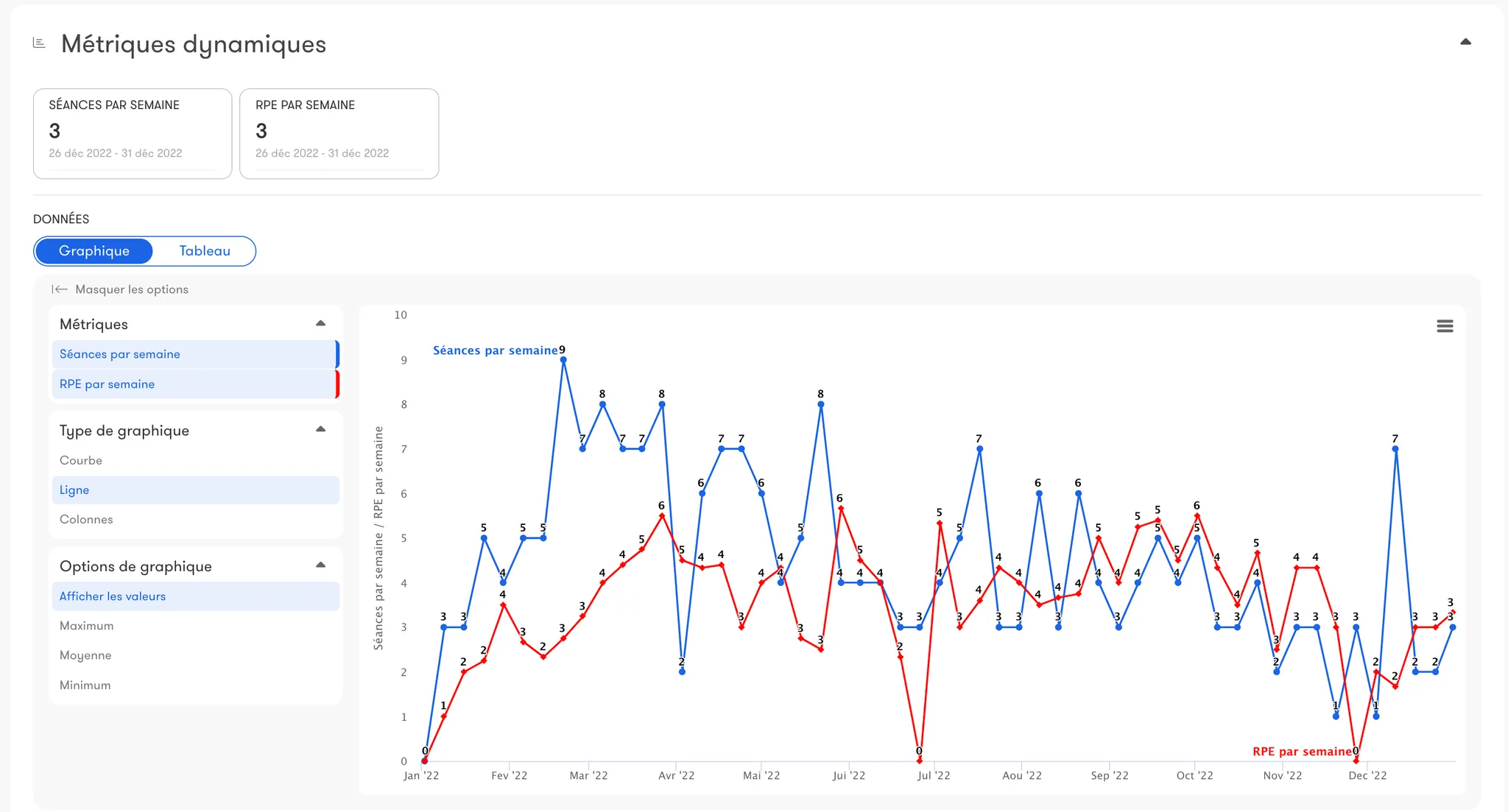
Create your own indicators by applying statistical functions (max, min, average, etc.) to your training data (duration, distance, elevation gain, RPE, etc.), and view them by day, week or month to precisely track your load or progression.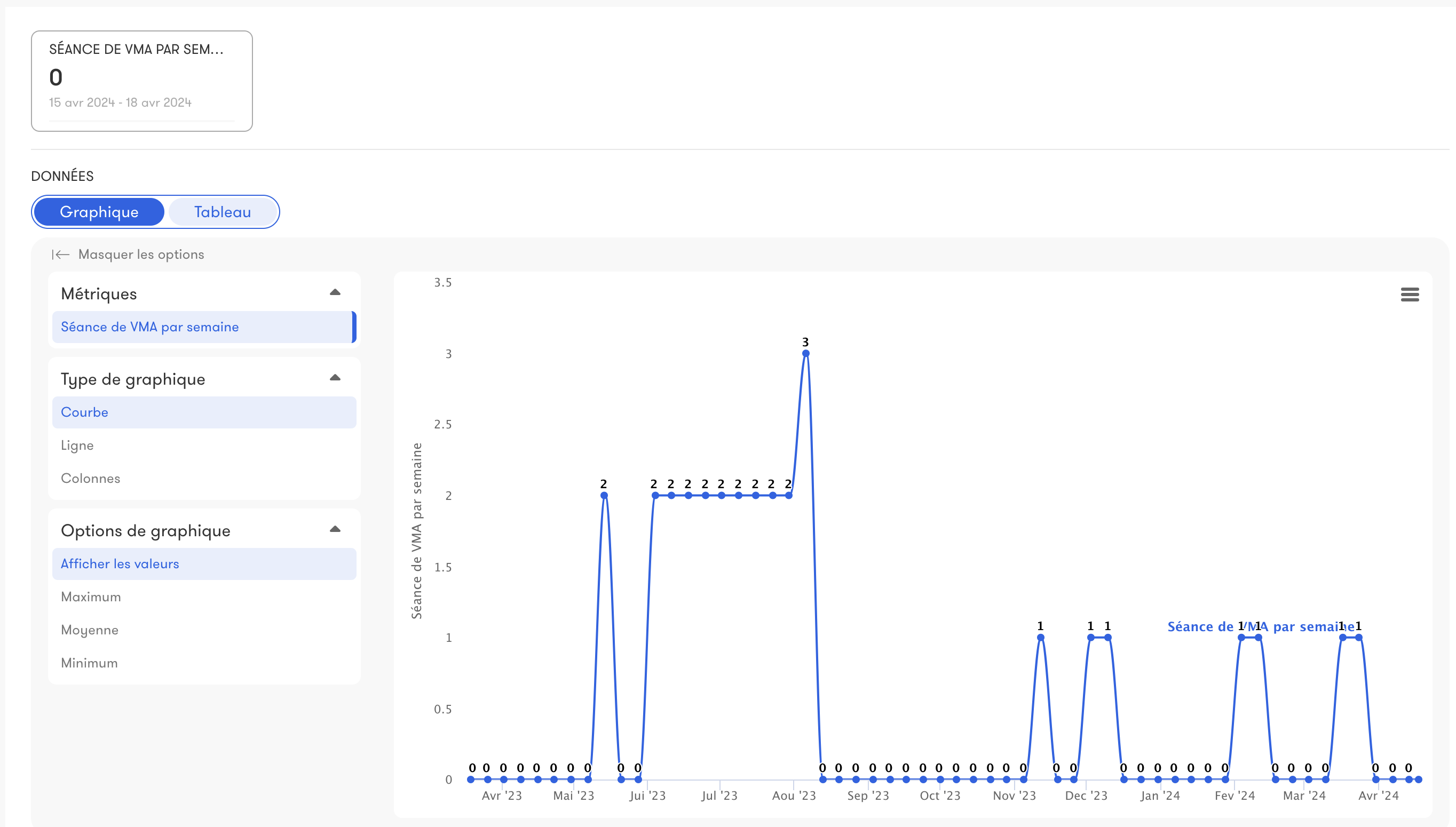
Personal bests
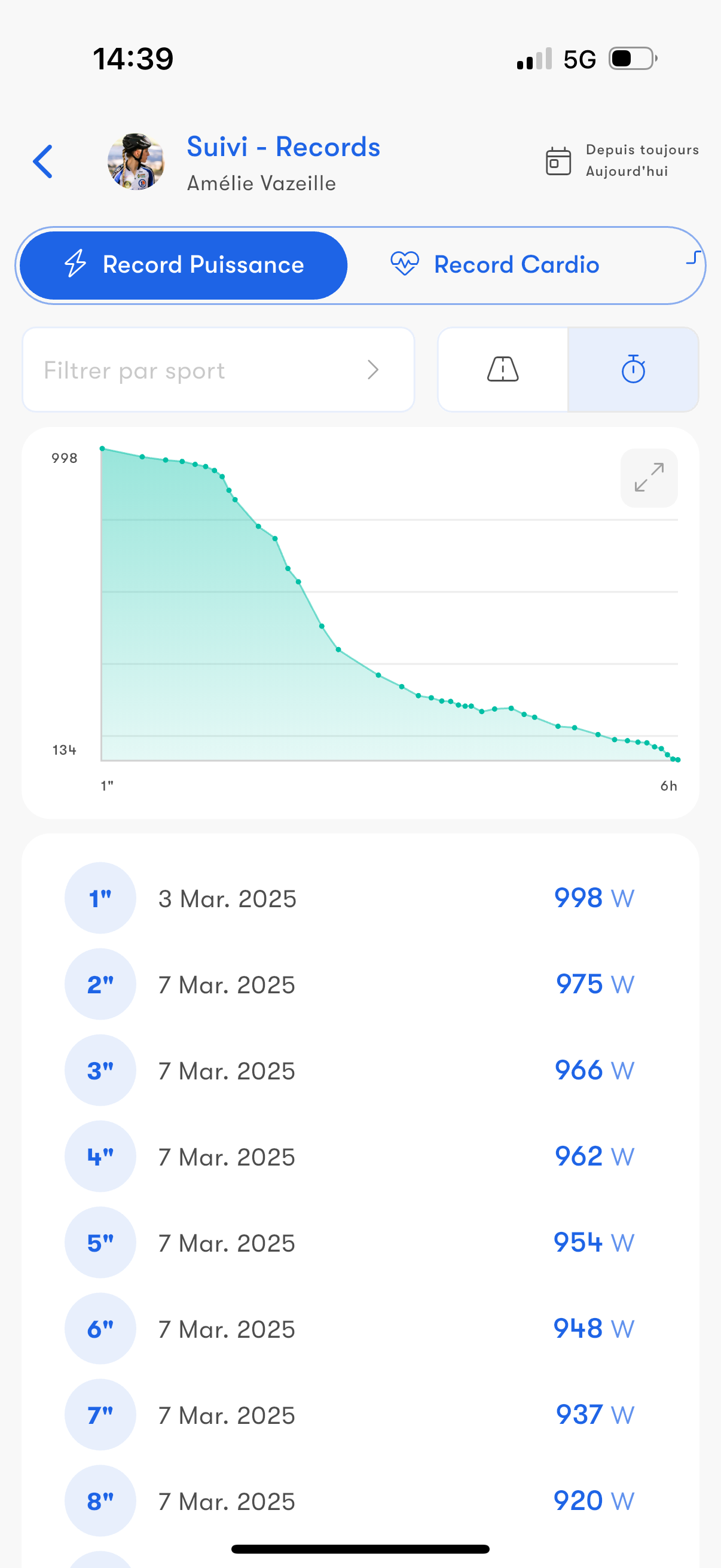
Access all your personal bests: power, pace, heart rate, cadence, torque, ascending speed and descending speed.
Find your best performances and get notified when you set a new record.
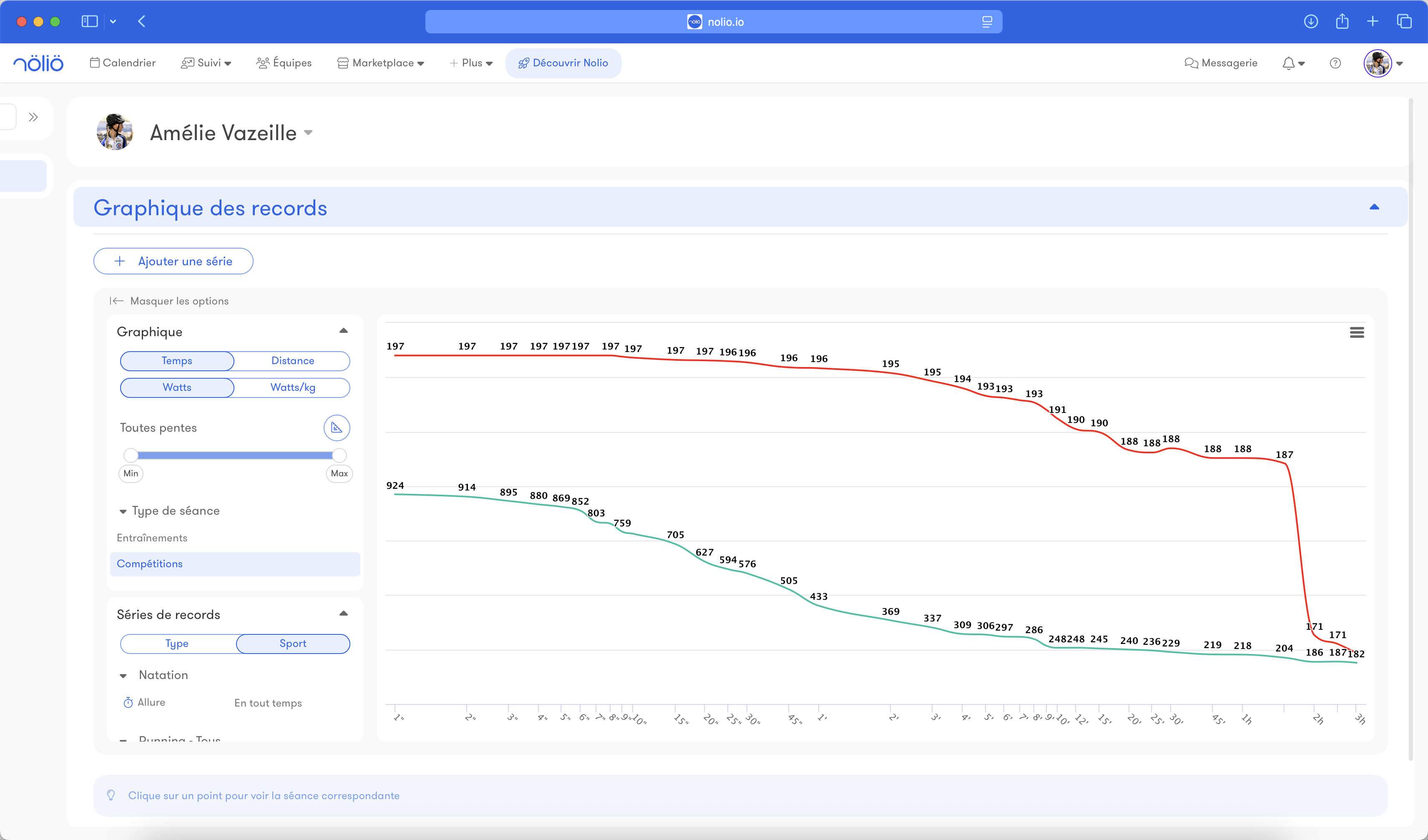
Find your best performances and get notified when you set a new record.
Heart rate variability - HRV
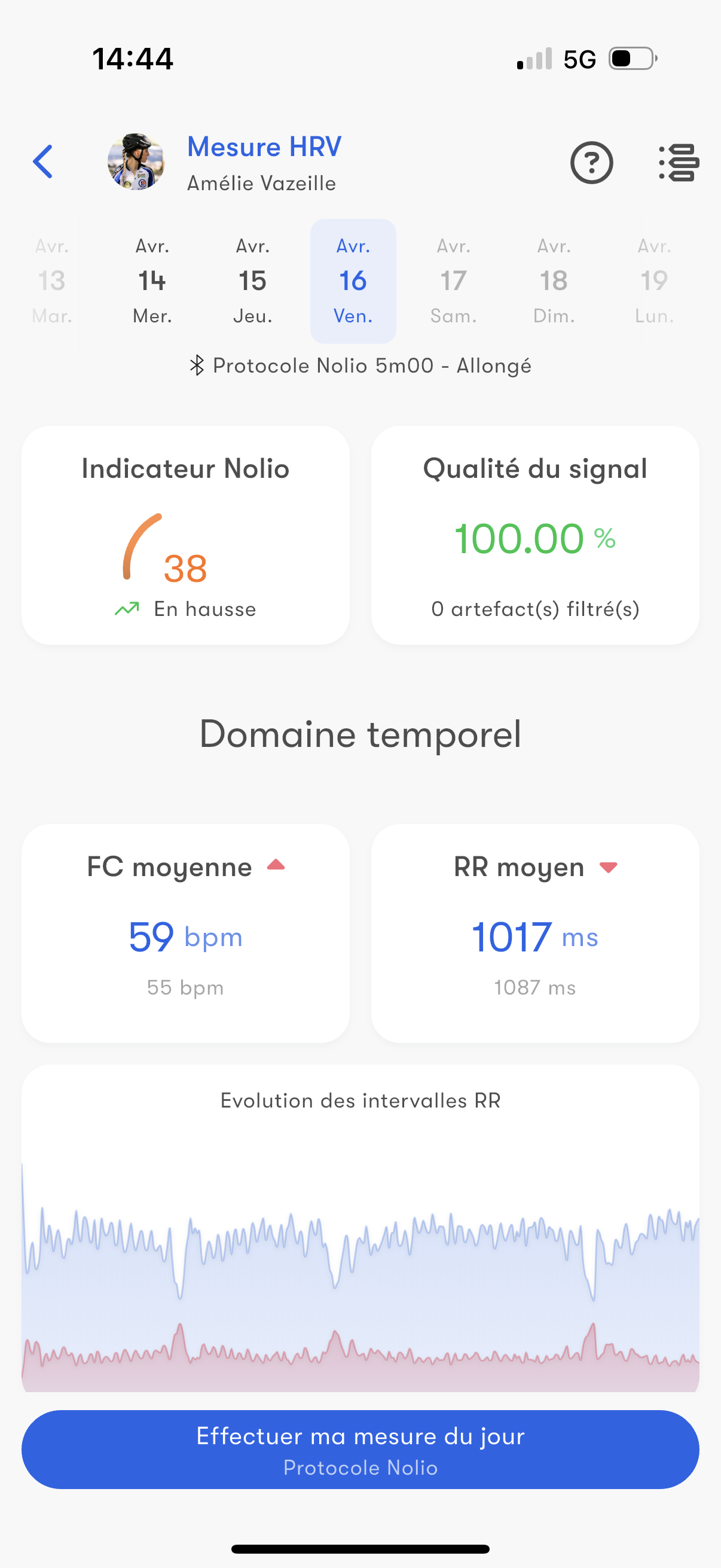
HRV (Heart Rate Variability) is a fitness indicator based on the variations between heartbeats.
On the Nolio mobile app, easily measure your HRV with your chest strap or a protocol using your smartphone camera.
If you want, you can also create your own protocol and use external sensors.
Once measured, analyze this data to understand how your body reacts to training and everyday stress.
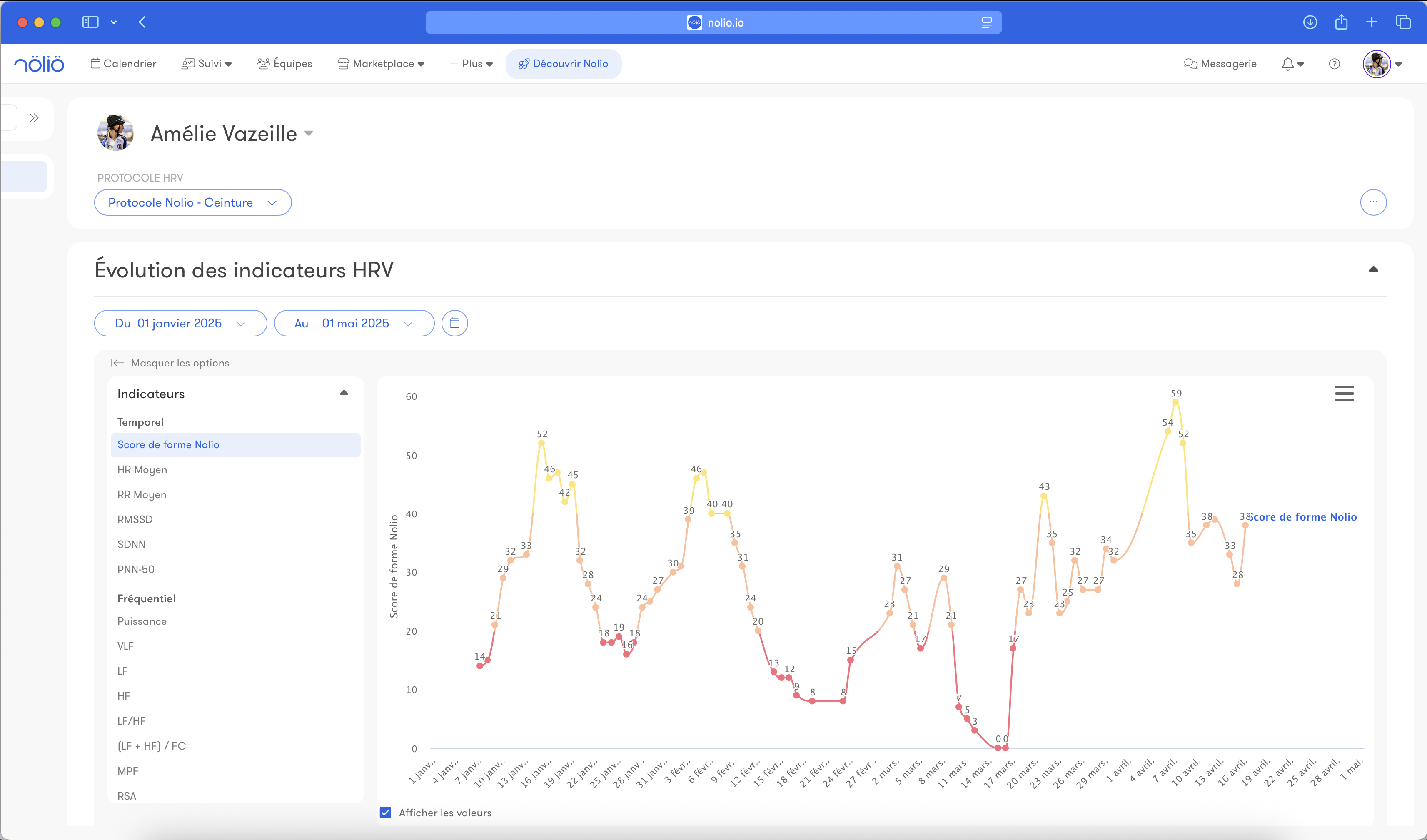
On the Nolio mobile app, easily measure your HRV with your chest strap or a protocol using your smartphone camera.
If you want, you can also create your own protocol and use external sensors.
Once measured, analyze this data to understand how your body reacts to training and everyday stress.
Group monitoring
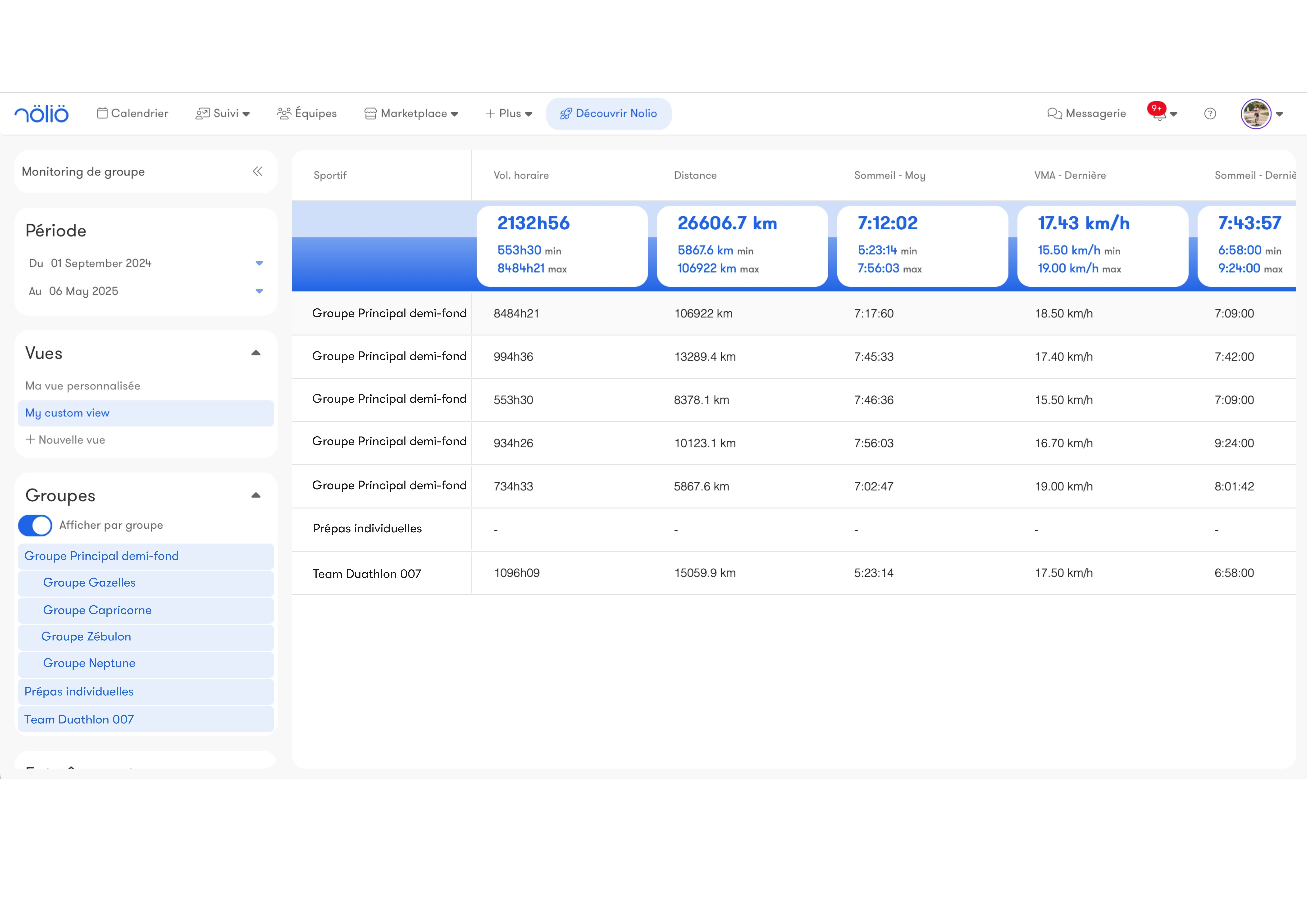
Access a summary of all the key data of your group of athletes.
View the indicators and period of your choice on a 100% customizable interface.
You can create different dashboards to match your needs.
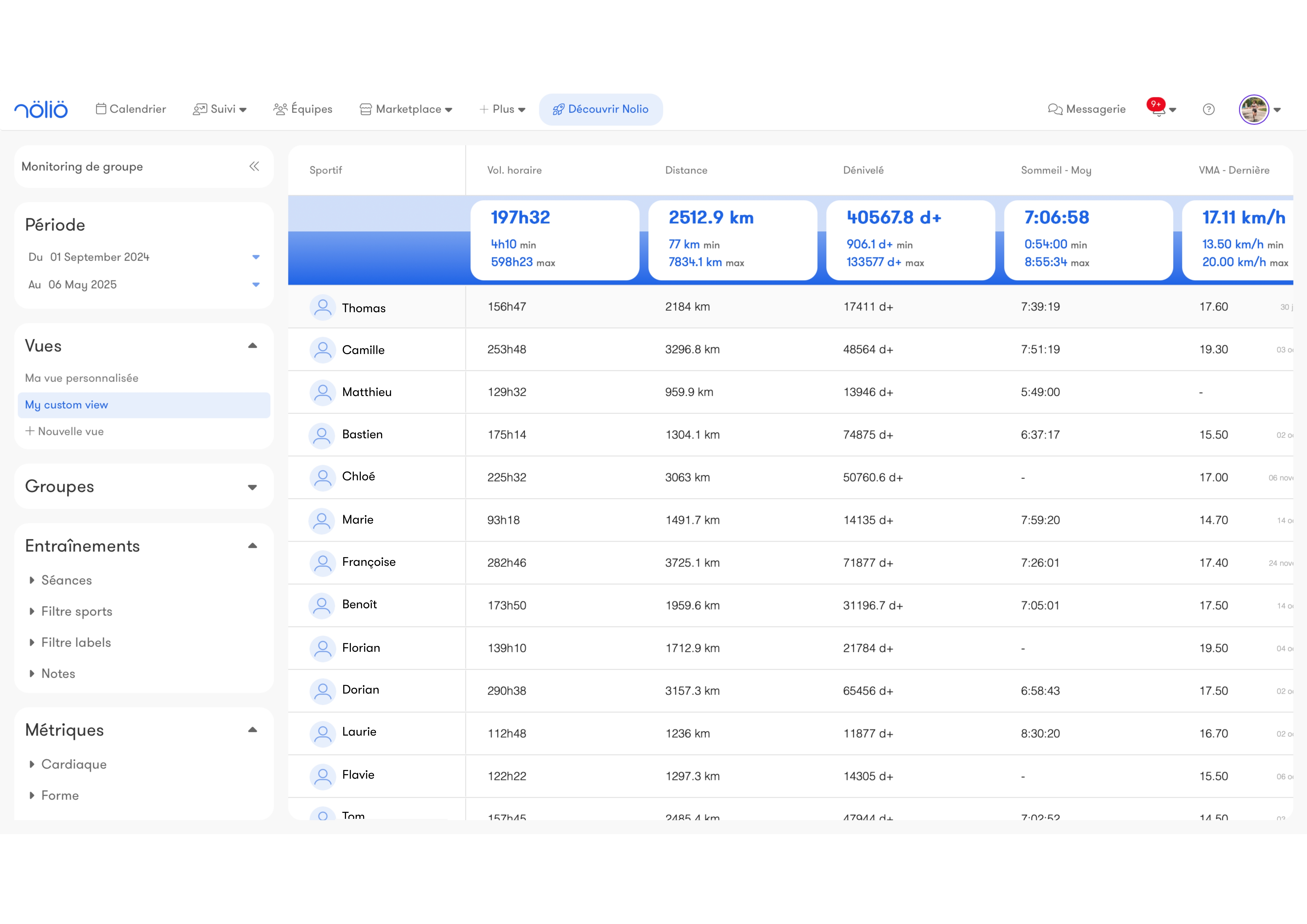
View the indicators and period of your choice on a 100% customizable interface.
You can create different dashboards to match your needs.
Forms
Track all your forms: every answer is centralized, so you can easily analyze how they evolve.
Equipment
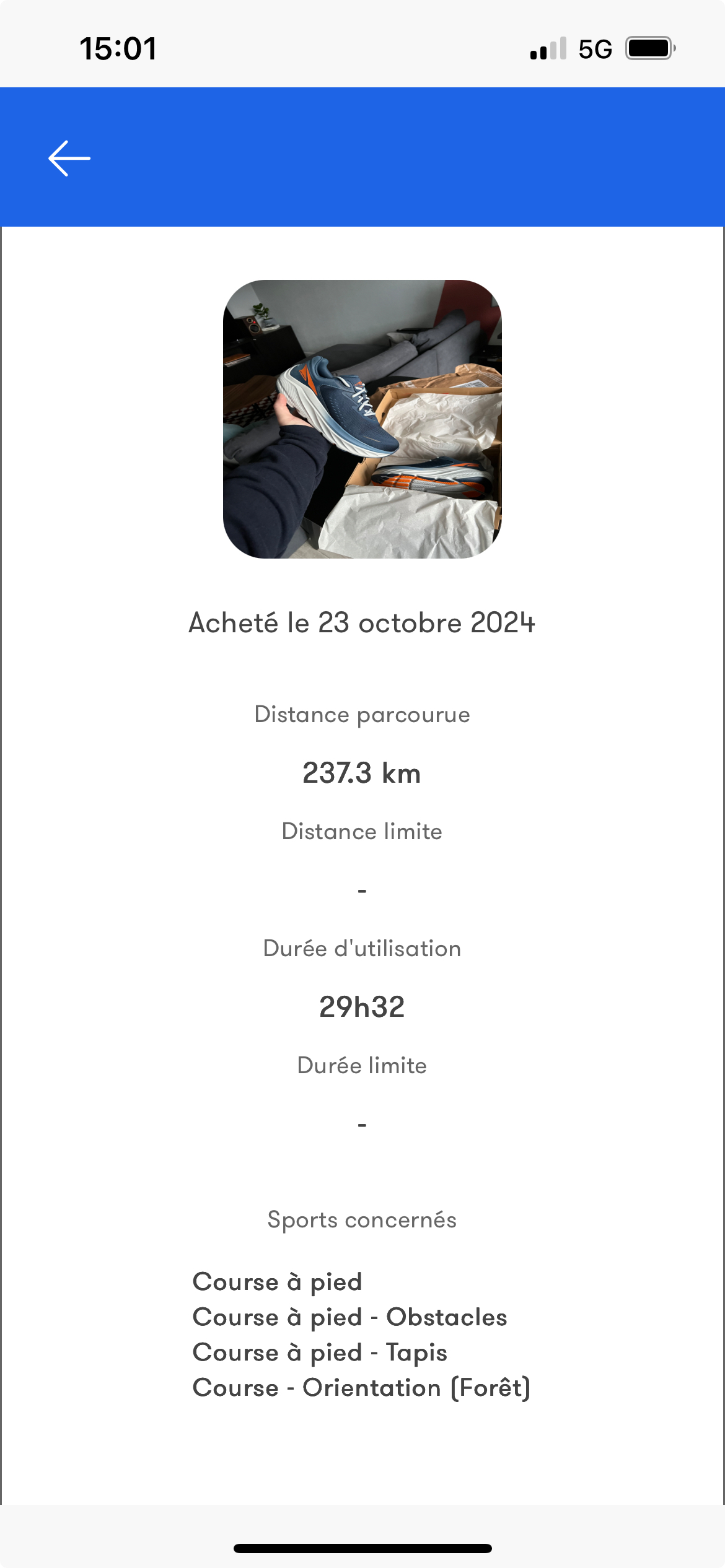
Track the use of your gear by automatically linking your equipment to each workout.
Whether it is your shoes or your bike, keep an eye on their mileage and get a notification when a wear threshold is reached.
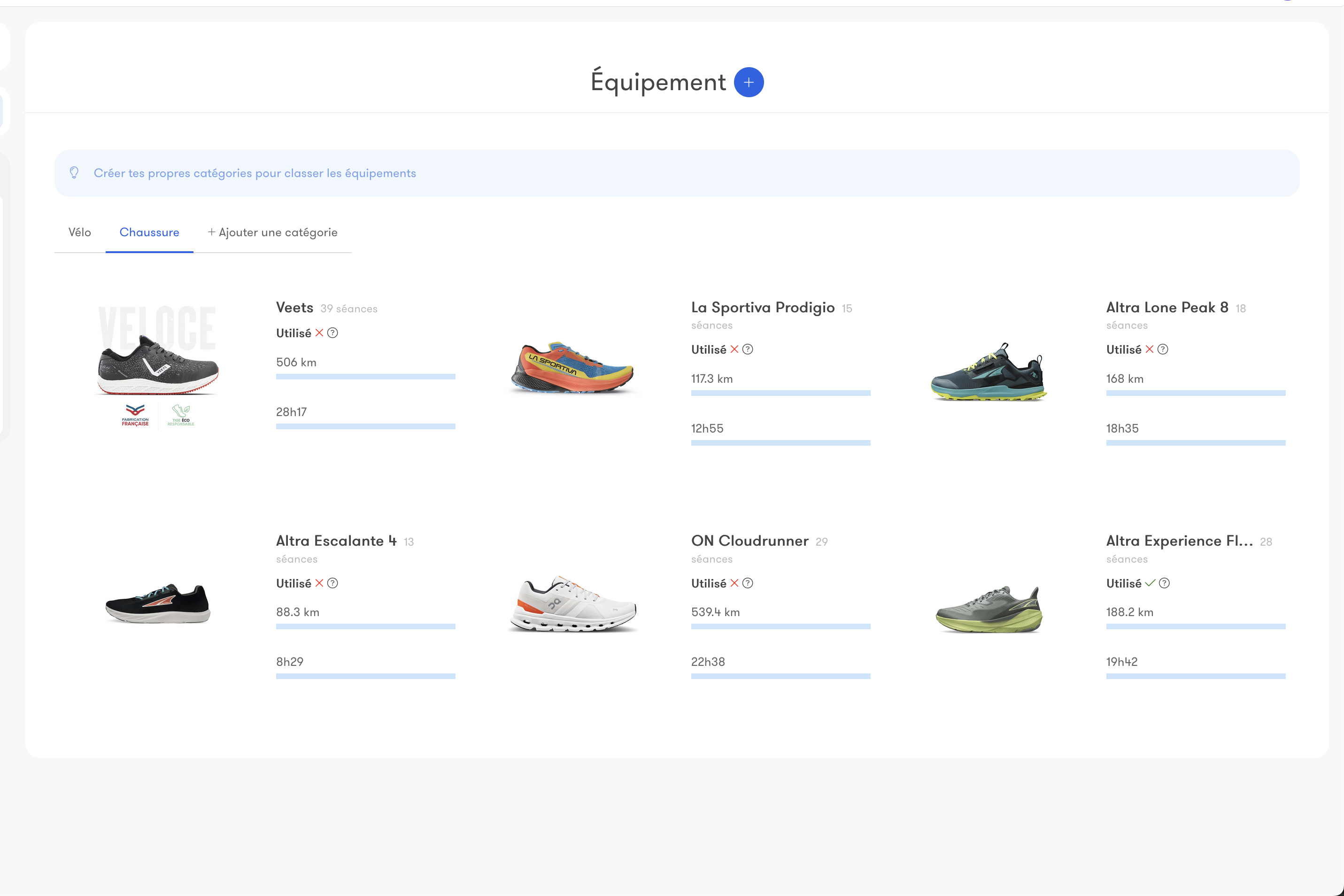
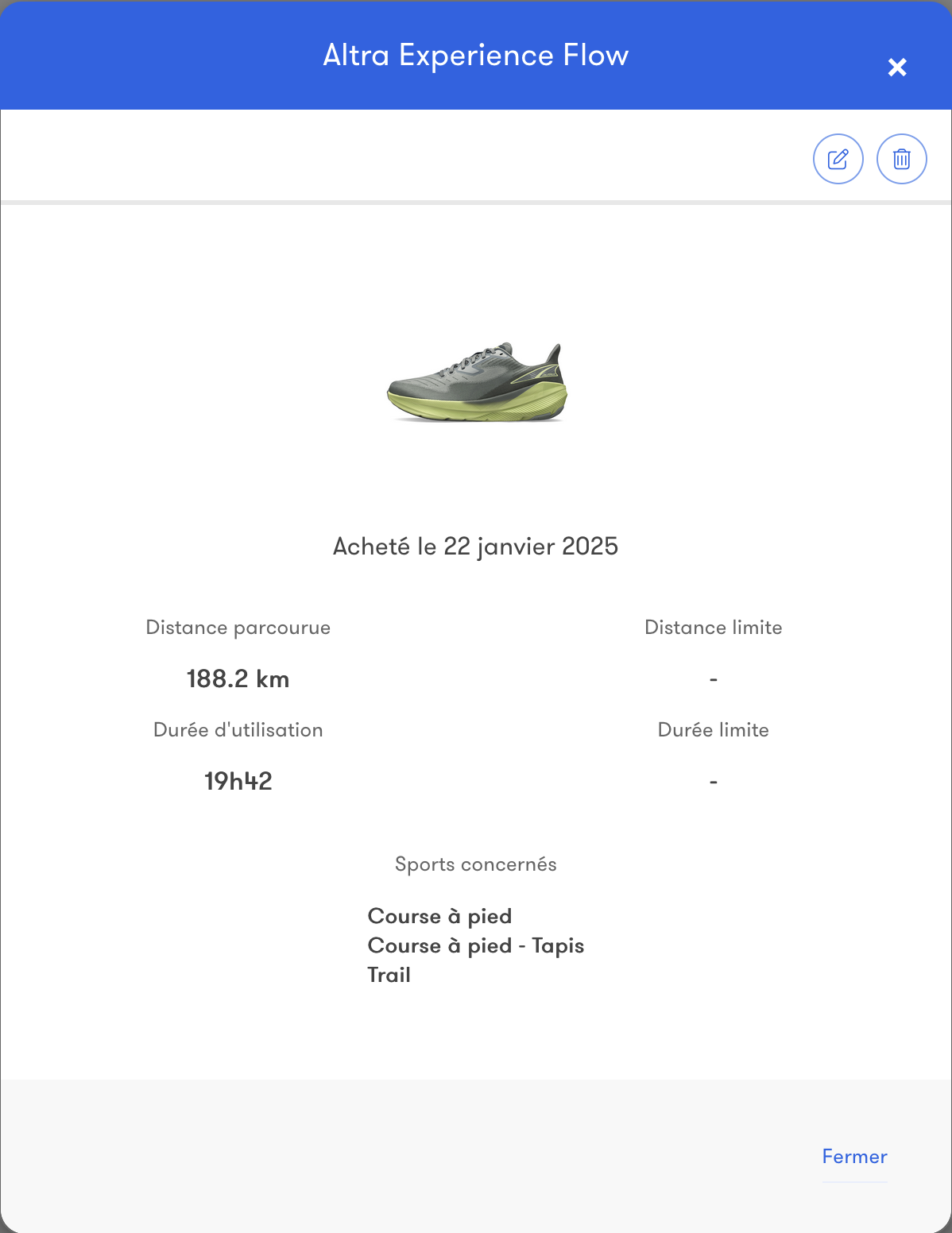
Whether it is your shoes or your bike, keep an eye on their mileage and get a notification when a wear threshold is reached.
Competitions
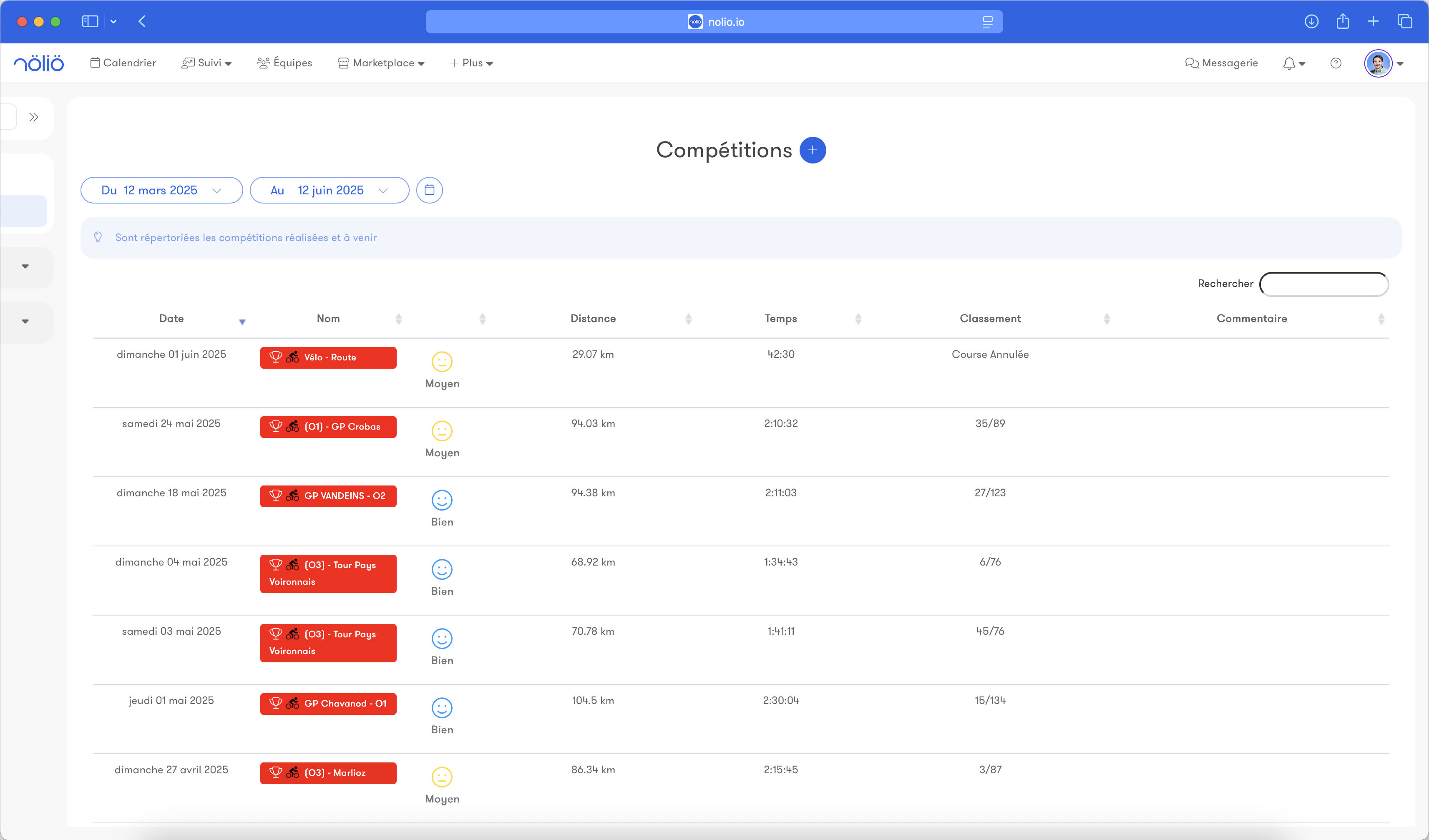
Add your key races and challenges to view your important deadlines.
Anticipate your preparation and adjust your training based on your performance goals.
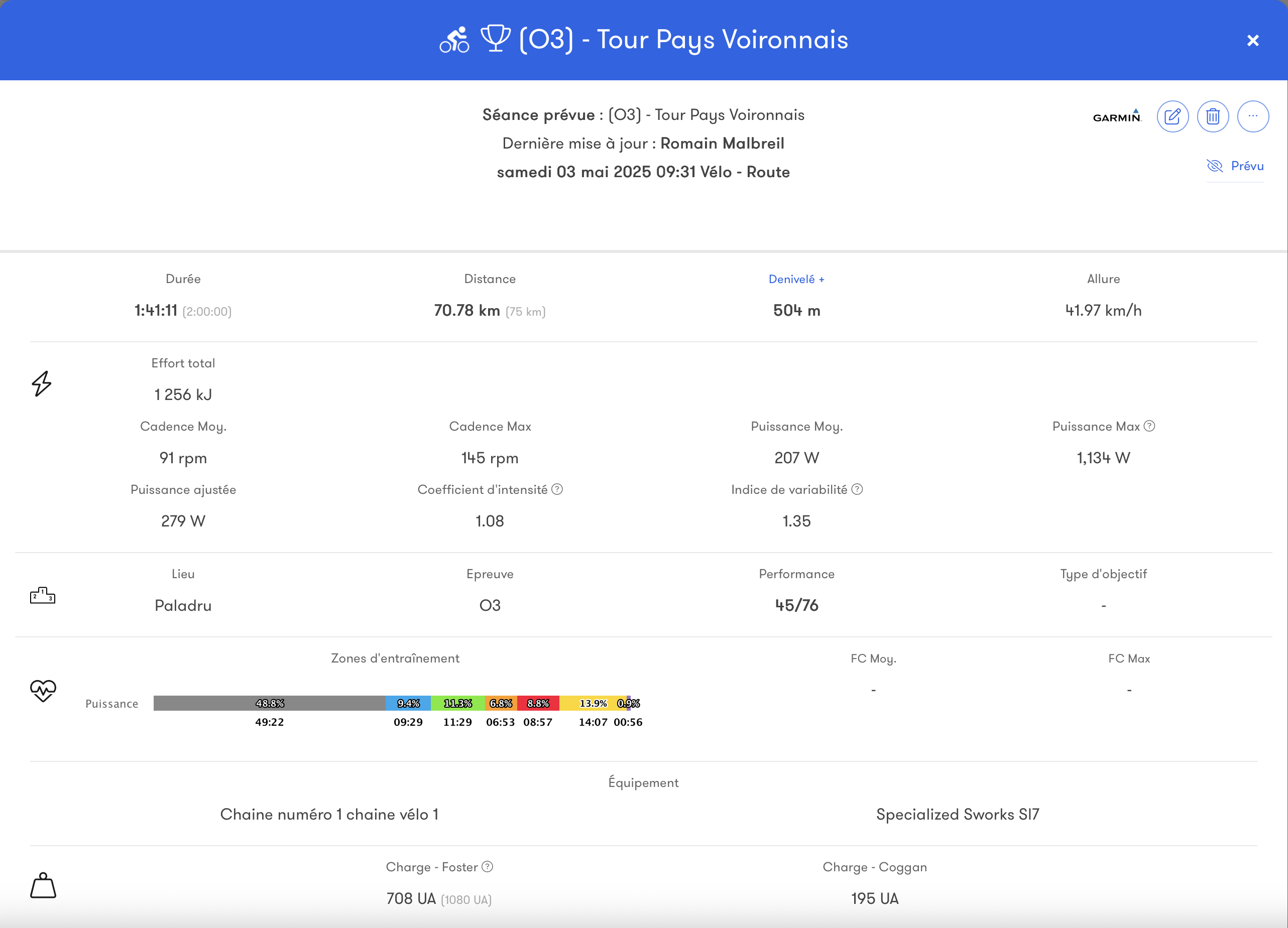
When adding a competition, specify the goal type (main, secondary), the location, your ranking and the link to the results for a detailed analysis.
Anticipate your preparation and adjust your training based on your performance goals.
When adding a competition, specify the goal type (main, secondary), the location, your ranking and the link to the results for a detailed analysis.
Team management
Teams, groups, subgroups
Nolio is a tool built for managing a team.
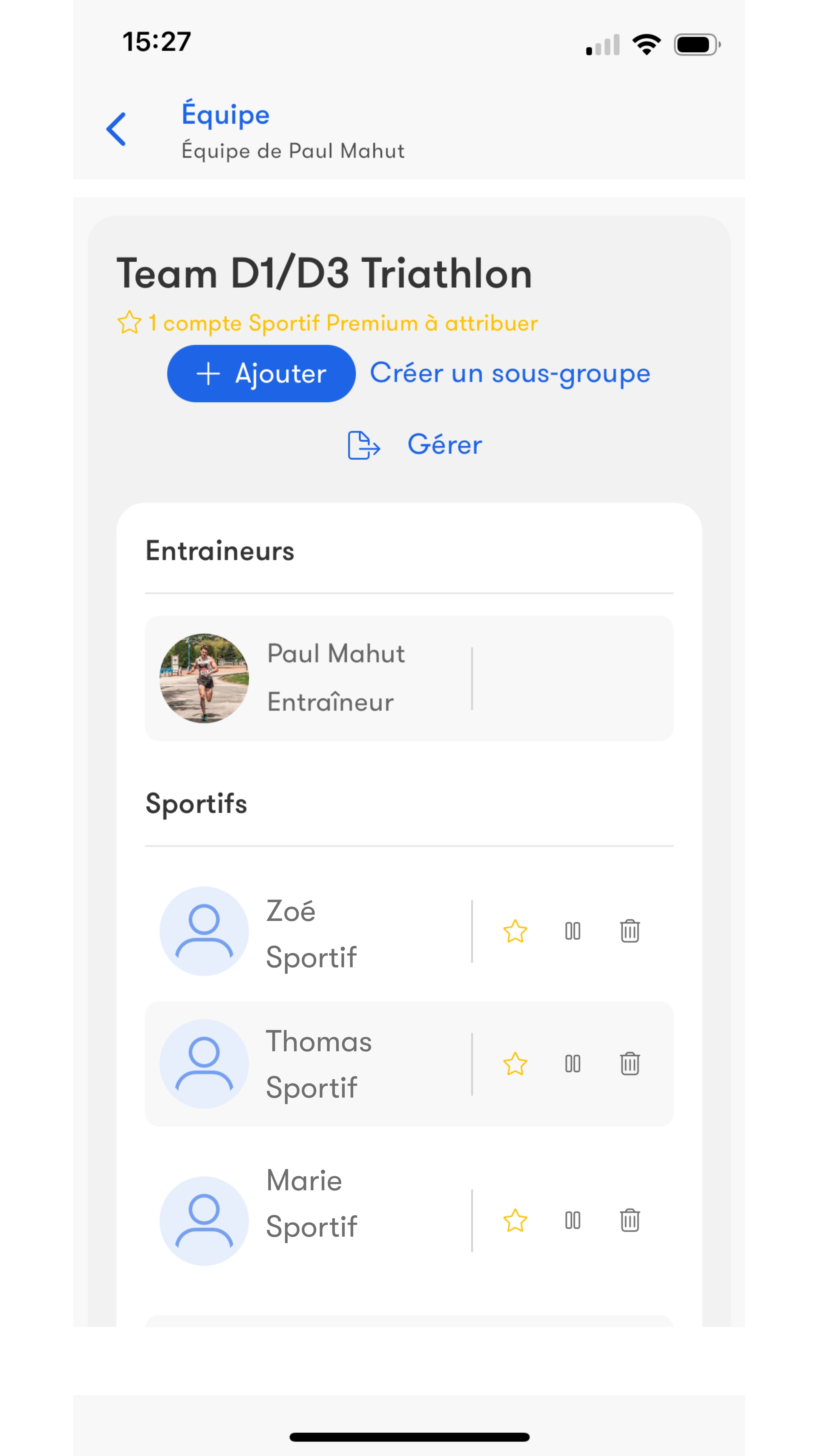
A team can hold an unlimited number of athletes and coaches.
Organize your athletes into groups and subgroups.
Athletes cannot access the data of the other athletes in the team.
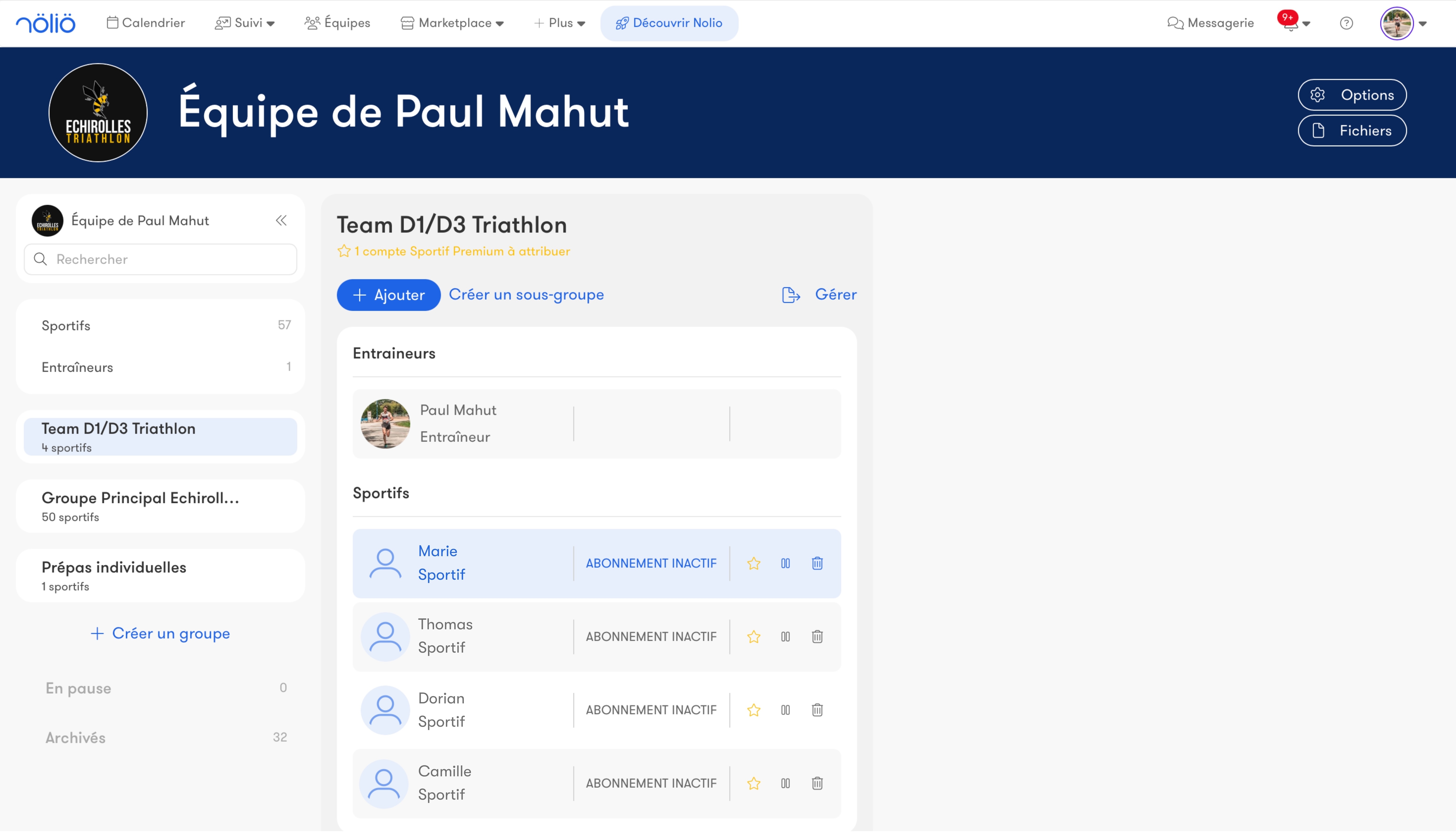
A team can hold an unlimited number of athletes and coaches.
Organize your athletes into groups and subgroups.
Athletes cannot access the data of the other athletes in the team.
Collaboration with other coaches
Collaborate with other coaches within your Nolio team.
Simply invite them from your team page.
Your team can hold as many coaches and athletes as you want.
An athlete can belong to several teams and therefore have several coaches.
You can also invite assistant coaches, who only have access to certain groups and have no admin rights.
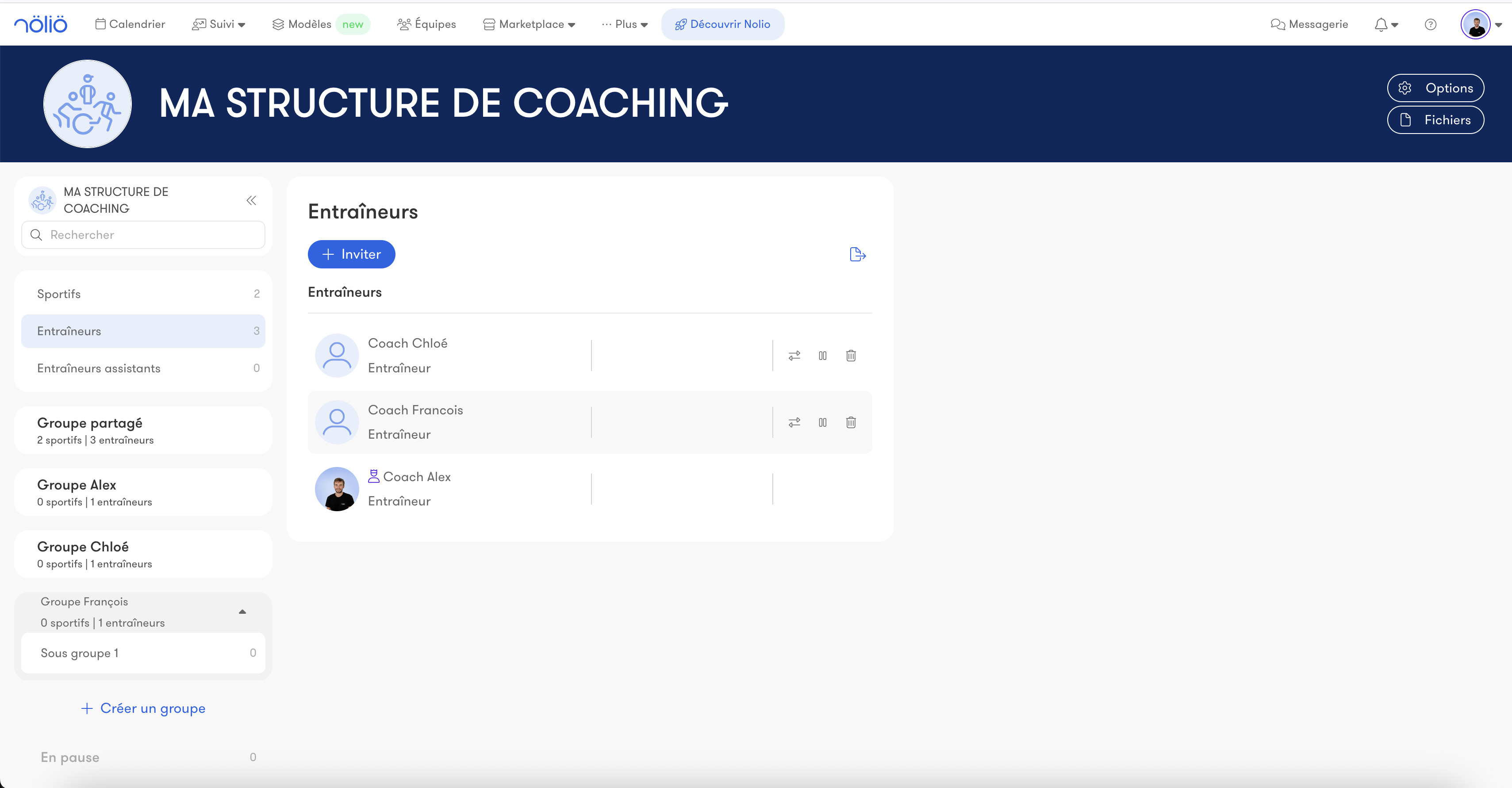
Simply invite them from your team page.
Your team can hold as many coaches and athletes as you want.
An athlete can belong to several teams and therefore have several coaches.
You can also invite assistant coaches, who only have access to certain groups and have no admin rights.
Messaging
Workout chat
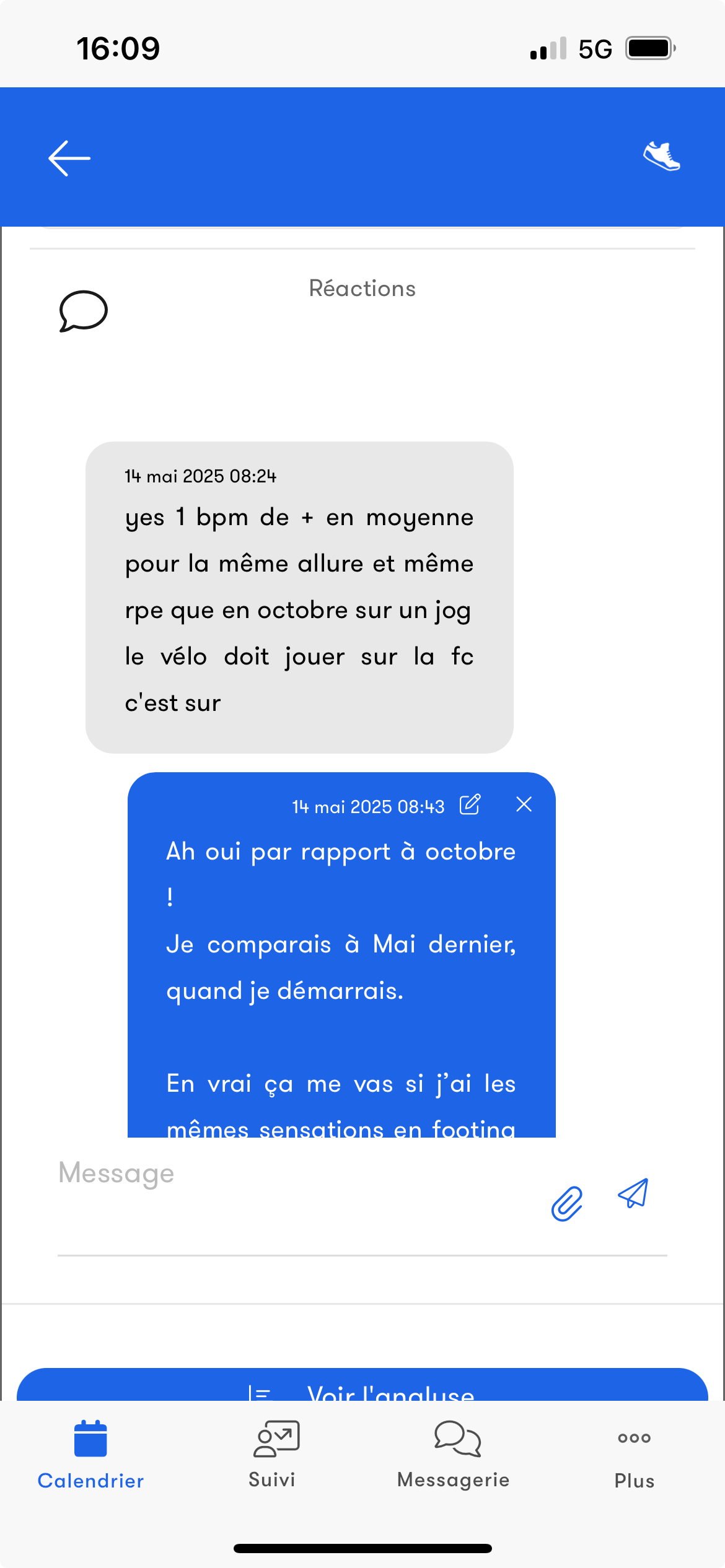
On Nolio, every workout becomes a space for discussion.
As an athlete, you can ask a question or request details about your planned workout directly in your planned calendar.
After the workout, you can share how you felt, report a difficulty or comment on your performance.
The coach can react, answer your questions and mark the workout as seen.
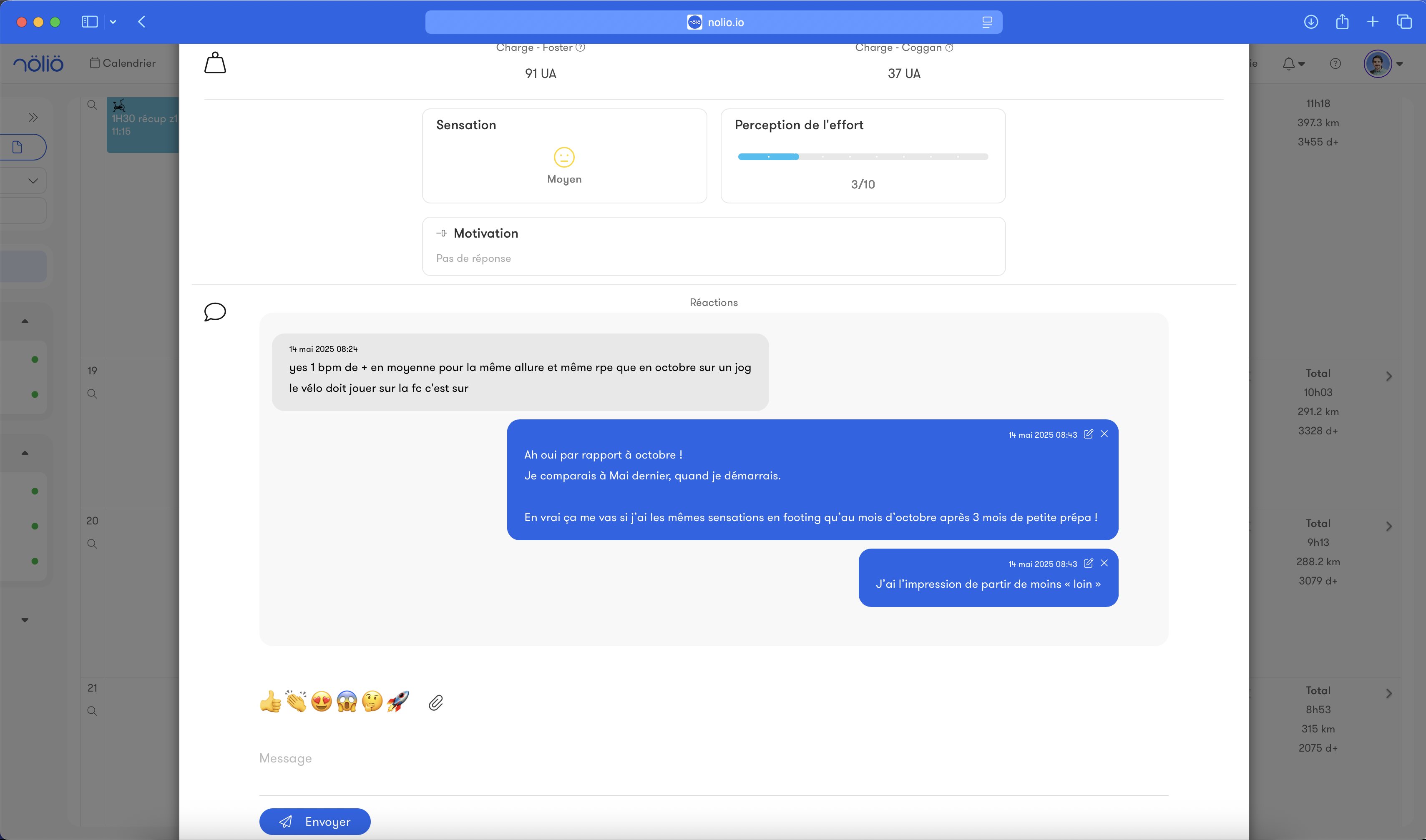
As an athlete, you can ask a question or request details about your planned workout directly in your planned calendar.
After the workout, you can share how you felt, report a difficulty or comment on your performance.
The coach can react, answer your questions and mark the workout as seen.
Instant chat in the app
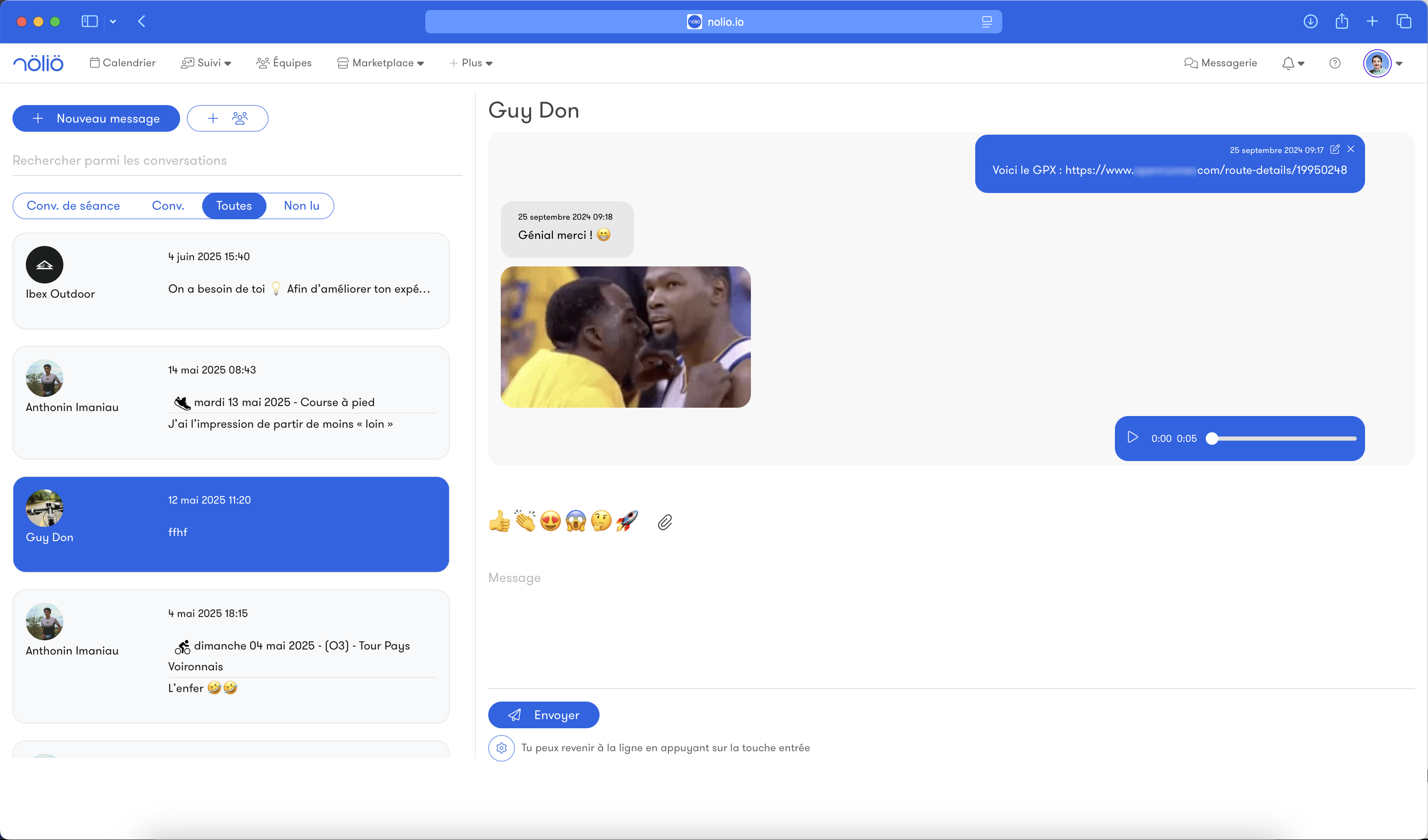
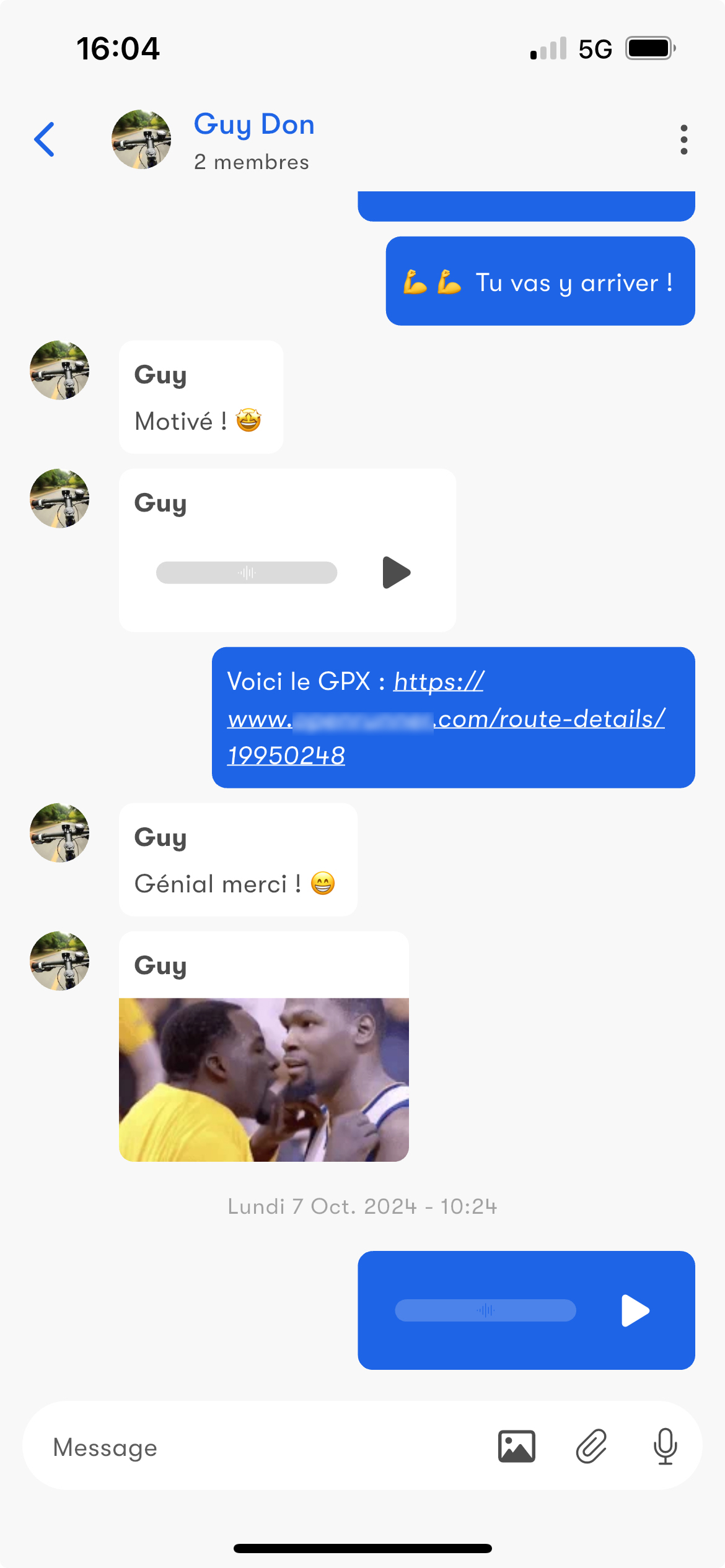
The built-in chat makes it easy for athletes and coaches to communicate.
Whether in one-on-one or group conversations, you can easily interact and share files.
No more need for other apps, everything is on Nolio.
Whether in one-on-one or group conversations, you can easily interact and share files.
No more need for other apps, everything is on Nolio.
Business features
Billing
Nolio simplifies the management of your business by gathering all your invoices in one place.
In your settings you will find several screens with all the useful documents, including:
- all the invoices of your Nolio subscription.
- the revenue you generated on Nolio through the Marketplace and athlete subscriptions, along with all the related receipts and invoices.
In your settings you will find several screens with all the useful documents, including:
- all the invoices of your Nolio subscription.
- the revenue you generated on Nolio through the Marketplace and athlete subscriptions, along with all the related receipts and invoices.
Secure payment via Stripe
Nolio chose to partner with Stripe for all transactions.
Stripe is a world-renowned payment service that guarantees the security of your banking data and transactions.
For your Nolio subscription, Marketplace sales and your athletes' subscriptions, funds go through Stripe in a simple, secure, transparent and efficient way.
Stripe is a world-renowned payment service that guarantees the security of your banking data and transactions.
For your Nolio subscription, Marketplace sales and your athletes' subscriptions, funds go through Stripe in a simple, secure, transparent and efficient way.
Automated athlete payments
Automate subscriptions so you no longer have to worry about transactions with your athletes.
Choose the monthly price and the start date of the recurring payment.
Your athlete enters their payment method and you receive the funds directly in your bank account.
An invoice is generated for you and your athlete at every payment.
Transaction fees apply to subscriptions automated through Nolio.
Choose the monthly price and the start date of the recurring payment.
Your athlete enters their payment method and you receive the funds directly in your bank account.
An invoice is generated for you and your athlete at every payment.
Transaction fees apply to subscriptions automated through Nolio.
The Marketplace
What is the Marketplace?
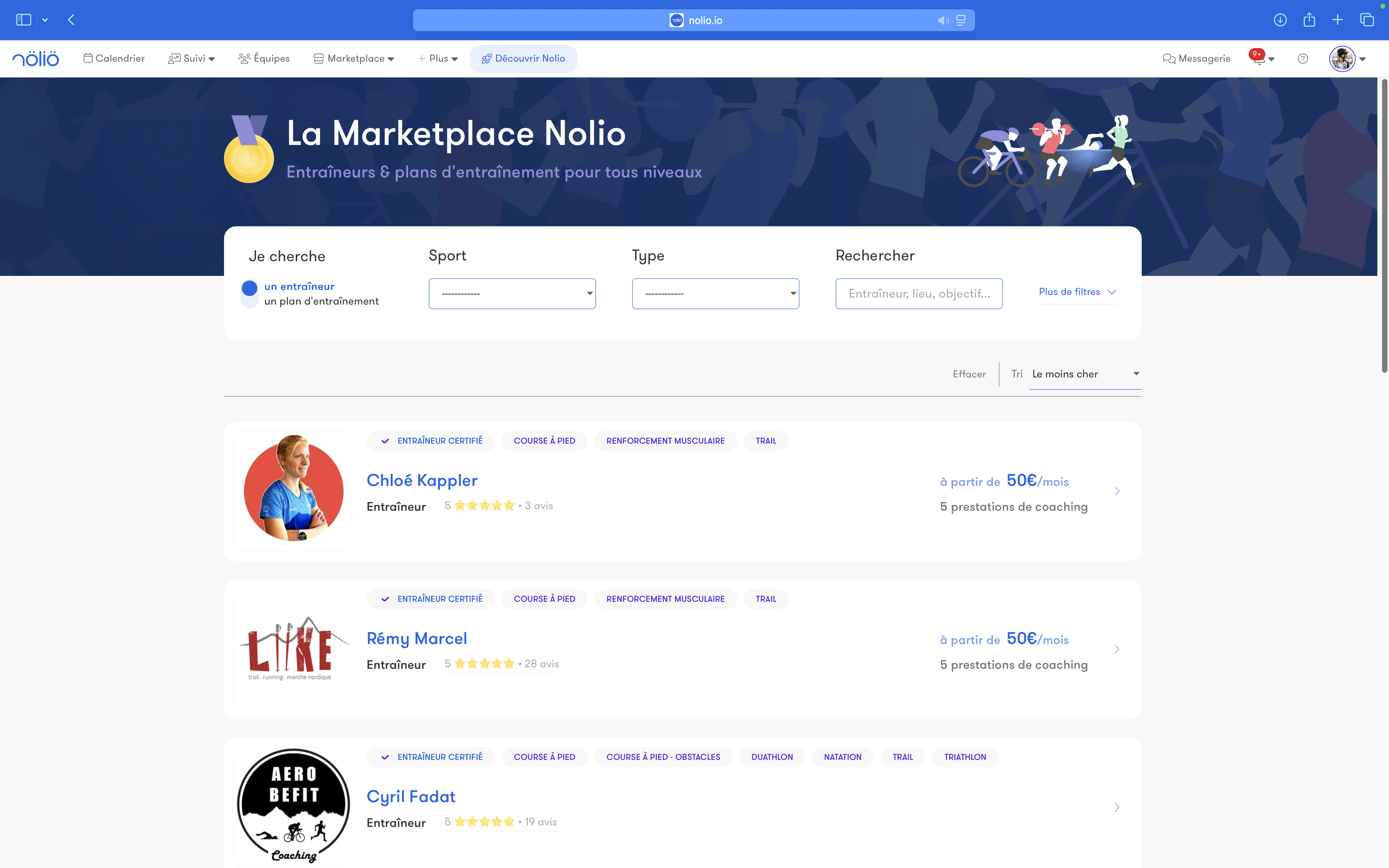
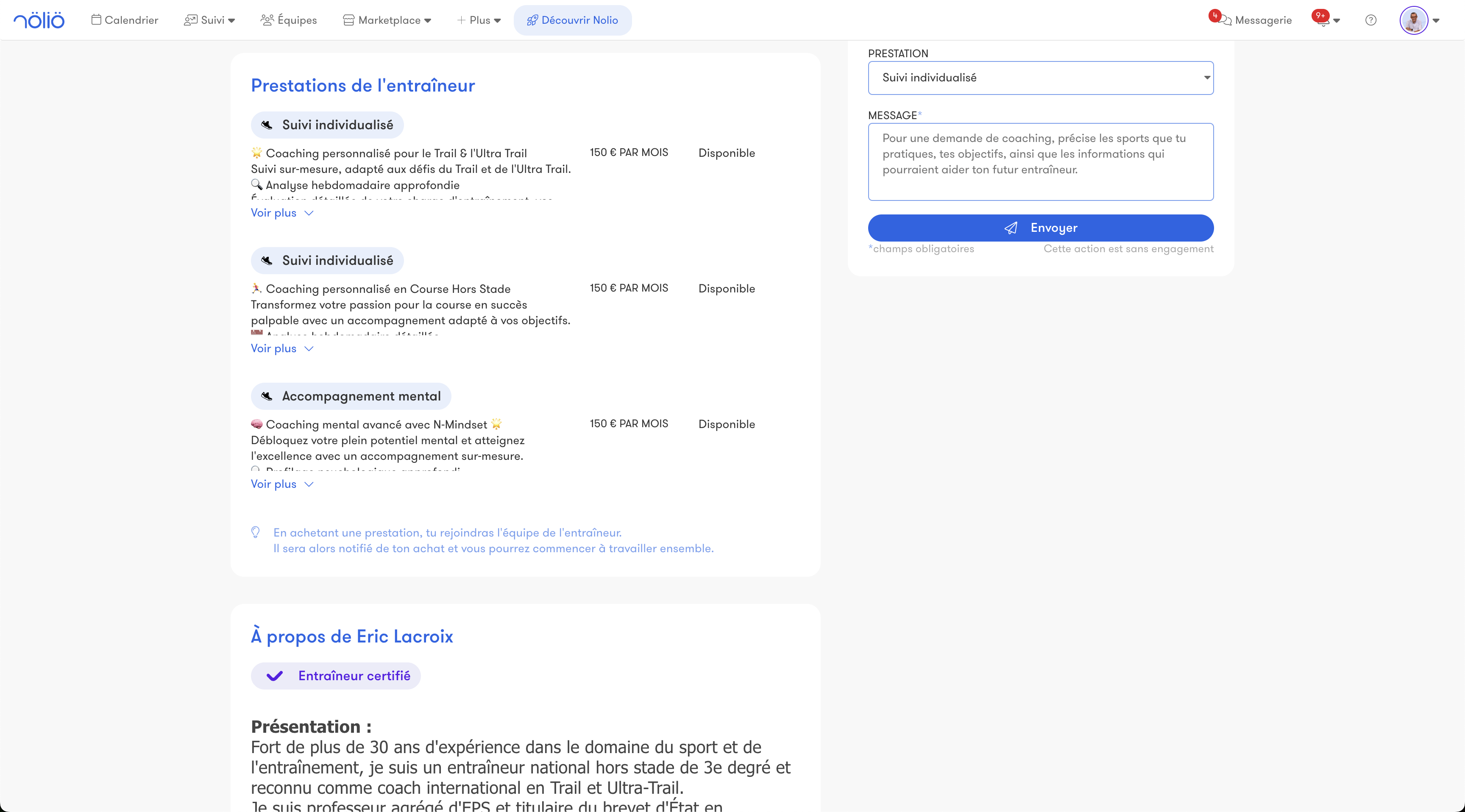
The Nolio Marketplace is a platform where coaches can offer their coaching services and training plans.
Whether you are looking for personalized coaching or a ready-made program, you will find solutions for every level, sport and goal.
Whether you are looking for personalized coaching or a ready-made program, you will find solutions for every level, sport and goal.
Coach page
Every coach has a detailed profile page where you can view their experience, their specialties and the reviews left by other athletes.
This information helps you choose the coach that best matches your expectations and needs.
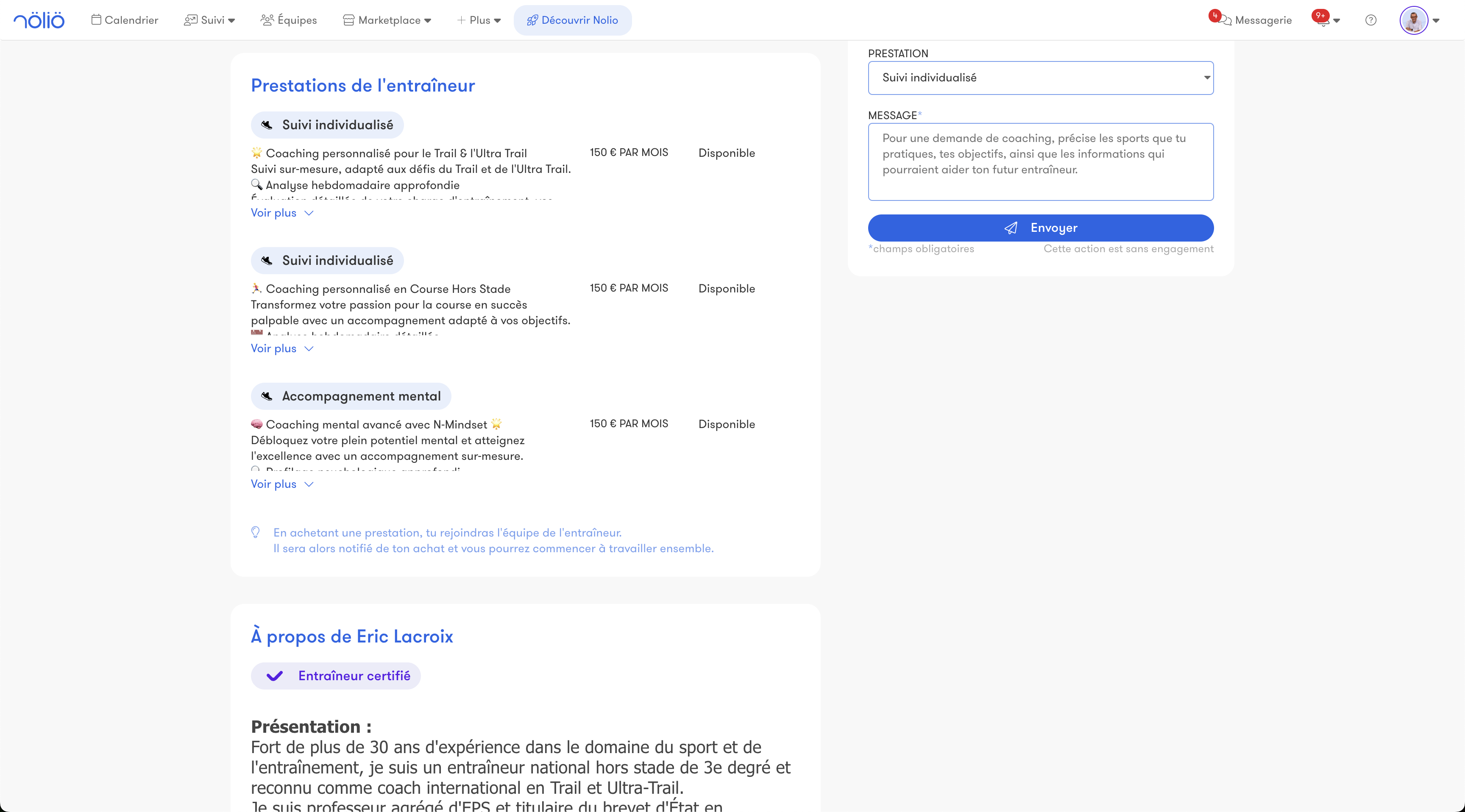
This information helps you choose the coach that best matches your expectations and needs.
Sell my training plans
As a coach, you can sell pre-built training plans for athletes who want to progress on their own.
These plans cover various disciplines and goals, offering an accessible solution for those who are not looking for personalized coaching.
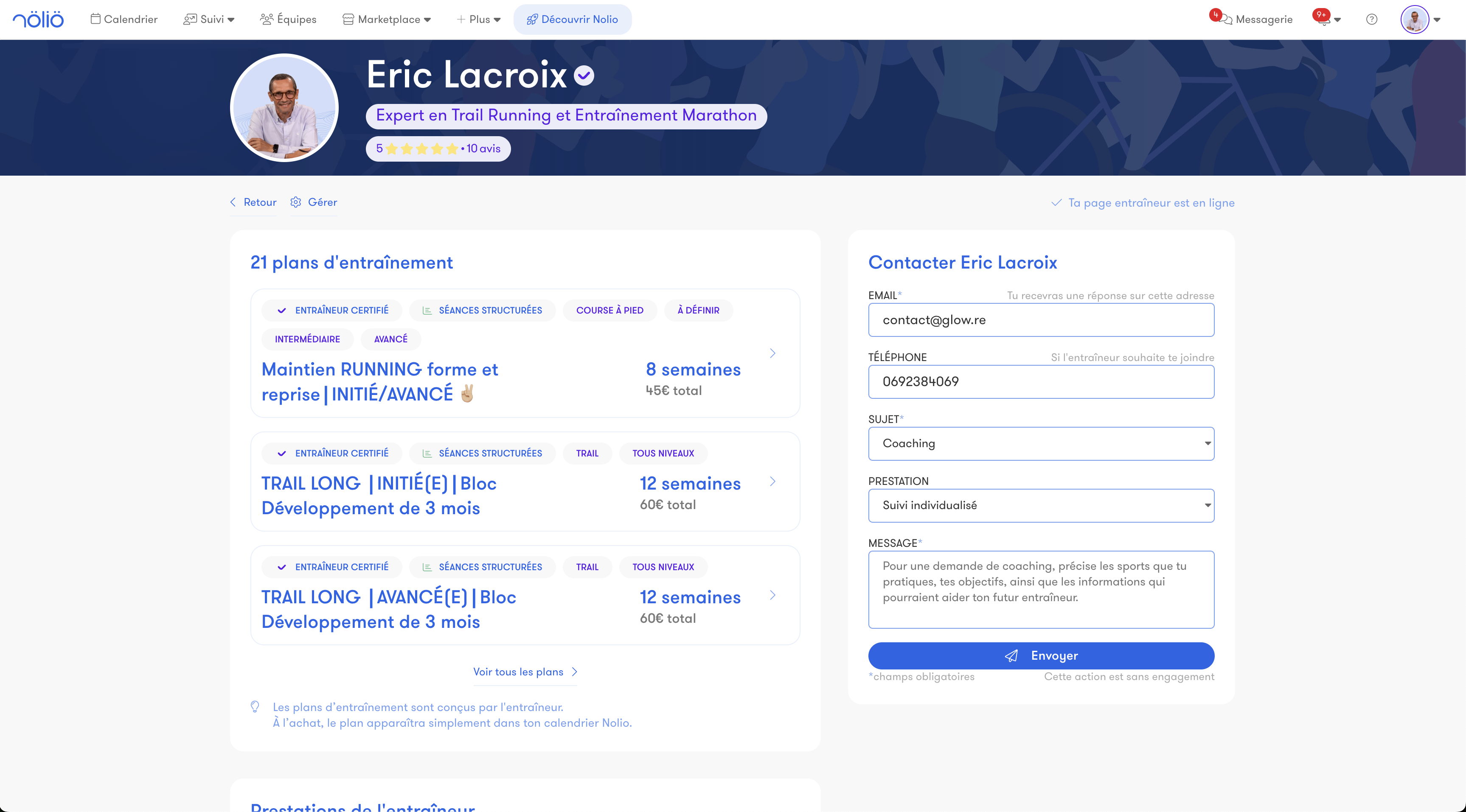
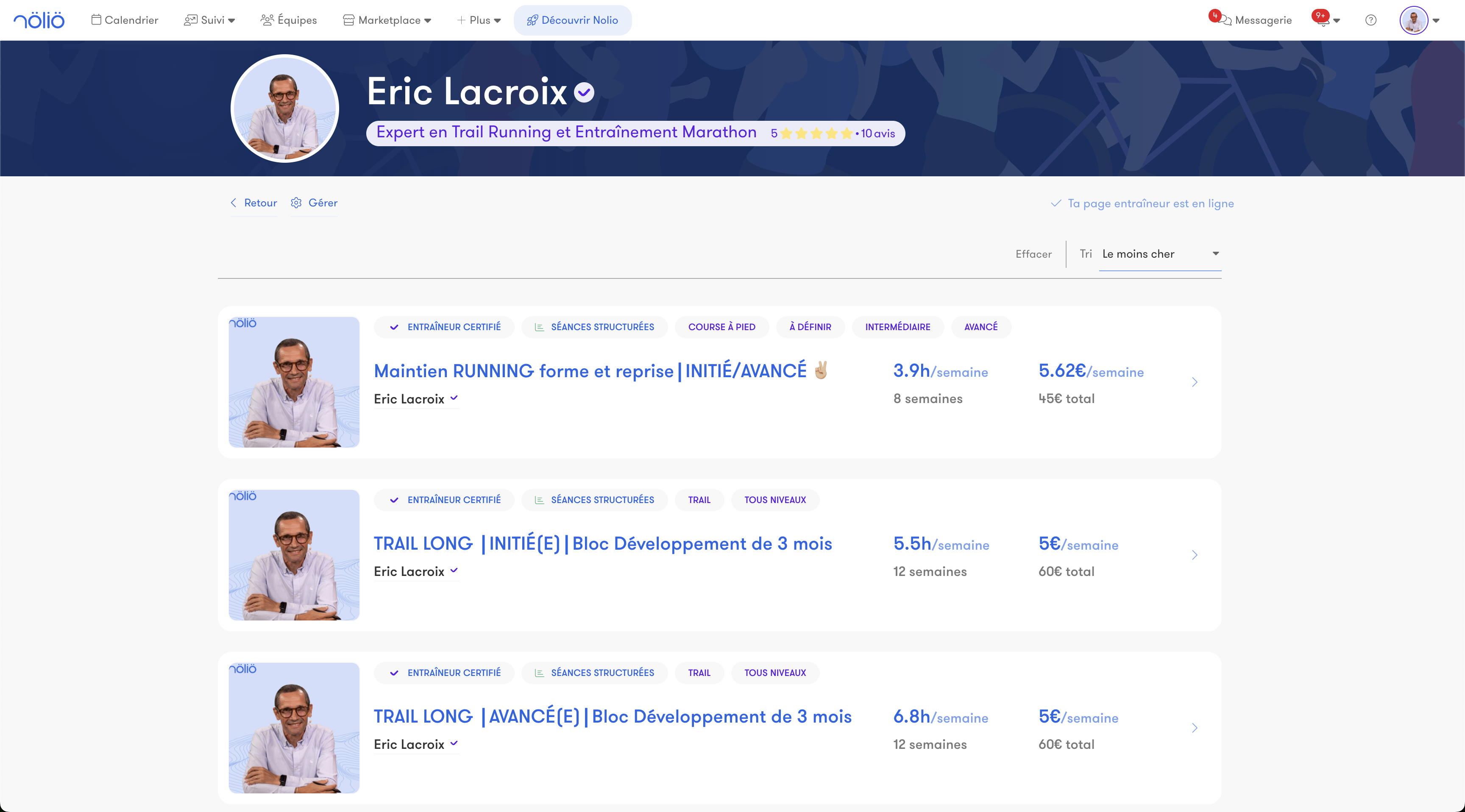
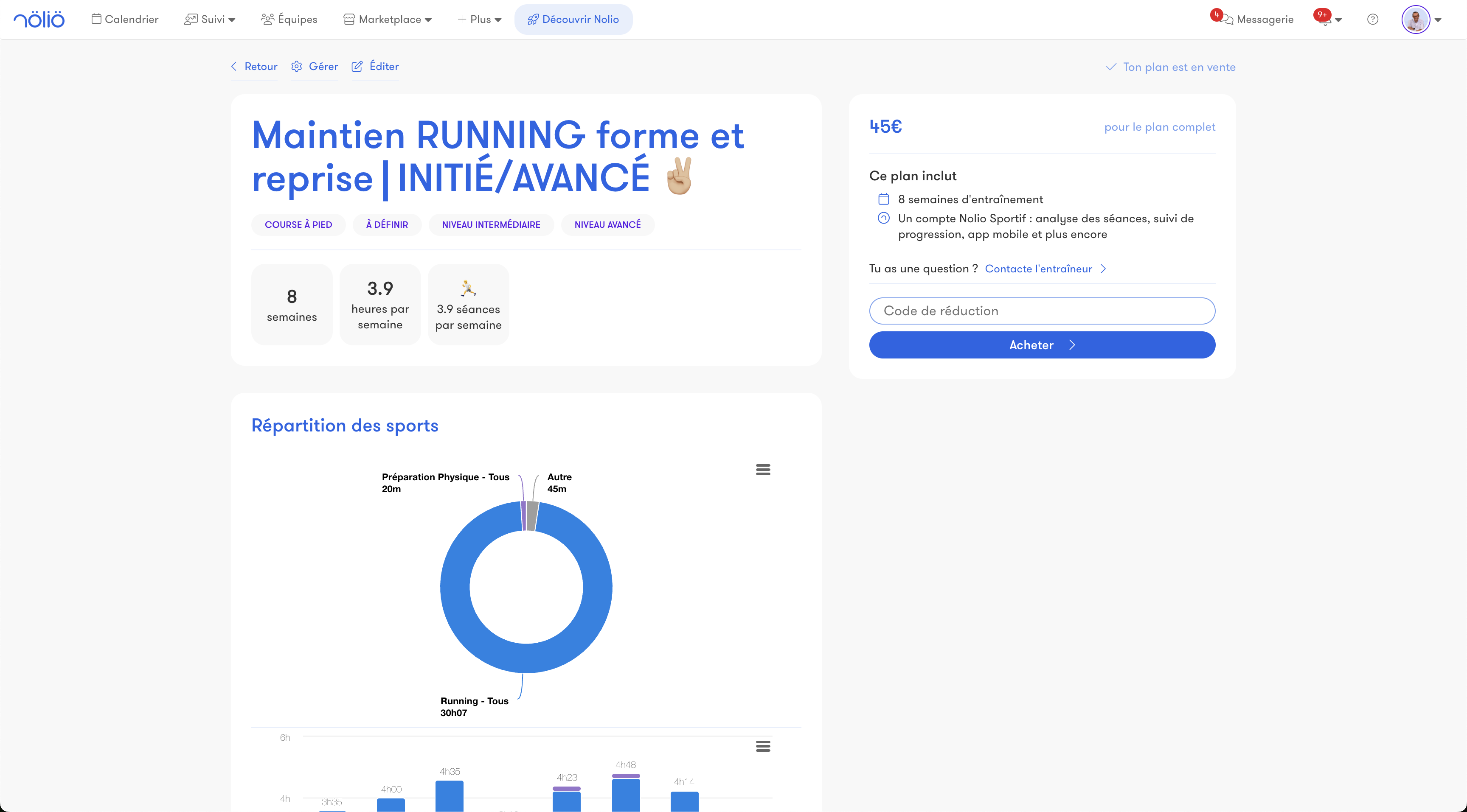
These plans cover various disciplines and goals, offering an accessible solution for those who are not looking for personalized coaching.
Sell my coaching services
If you are a coach, the Marketplace also lets you automate payment management for the individualized coaching of your athletes.
AI assistants (MCP)
Nolio in Claude and ChatGPT
Connect your Nolio account to Claude or ChatGPT and run your training in plain language. Check a calendar, compare planned and completed workouts, automate your repetitive tasks.
Plan in one sentence
Ask your assistant to add a structured workout, set a goal or apply a template to a whole group. A creation or a deletion can be undone.
Controlled access
You choose the permissions you grant (read, create, edit, delete) and can revoke them at any time from Settings > MCP. A coach only accesses the athletes they coach. Paid accounts only.
Other features
Notifications
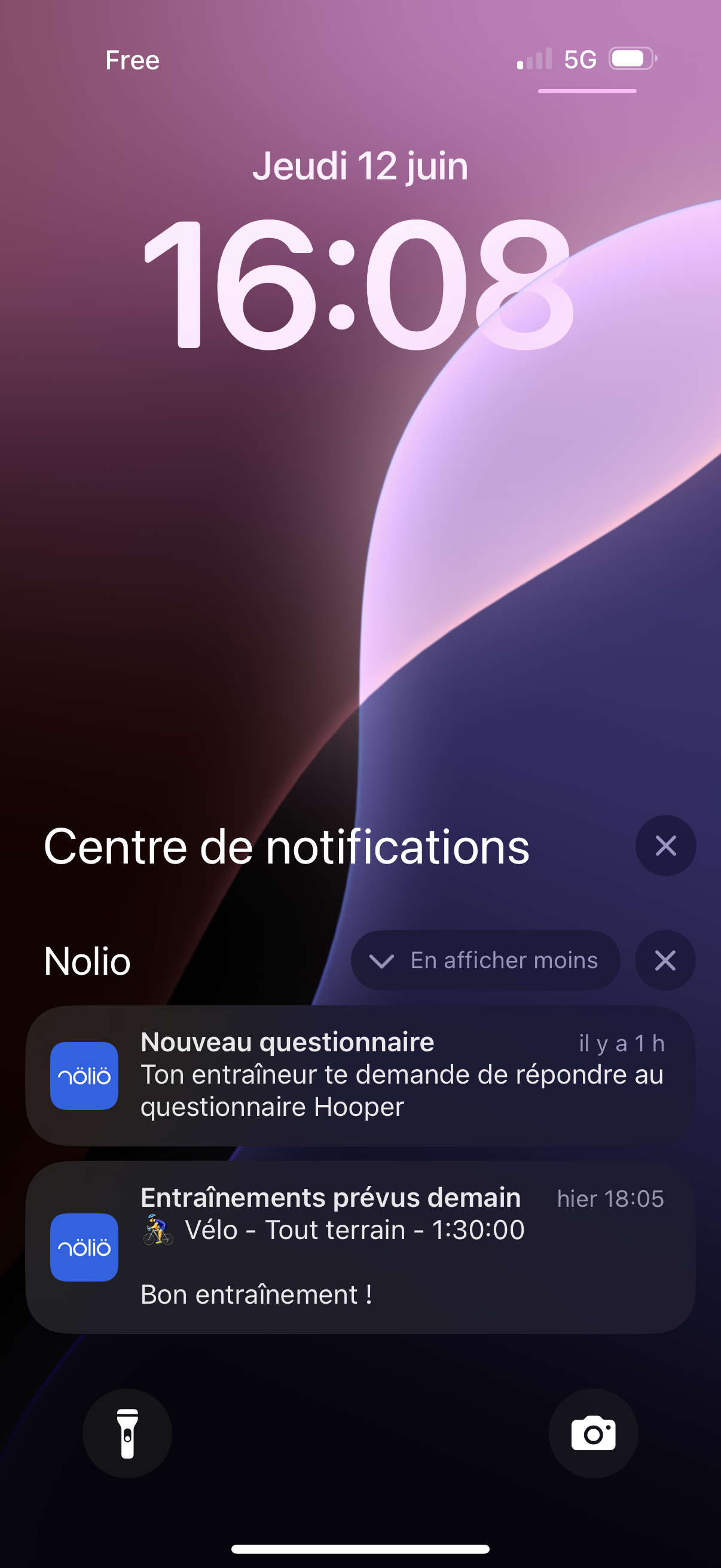
By email or on the Nolio mobile app, customize your notifications.
As a coach, choose the athletes you want to be notified about.
You can receive notifications when a new workout, a new competition, an RPE, feelings or comments are added.
As an athlete, choose the notifications you want to receive about your calendar, your chat, your thresholds and zones.
Tomorrow's workout, debrief, messages, zone updates… you can tailor everything.
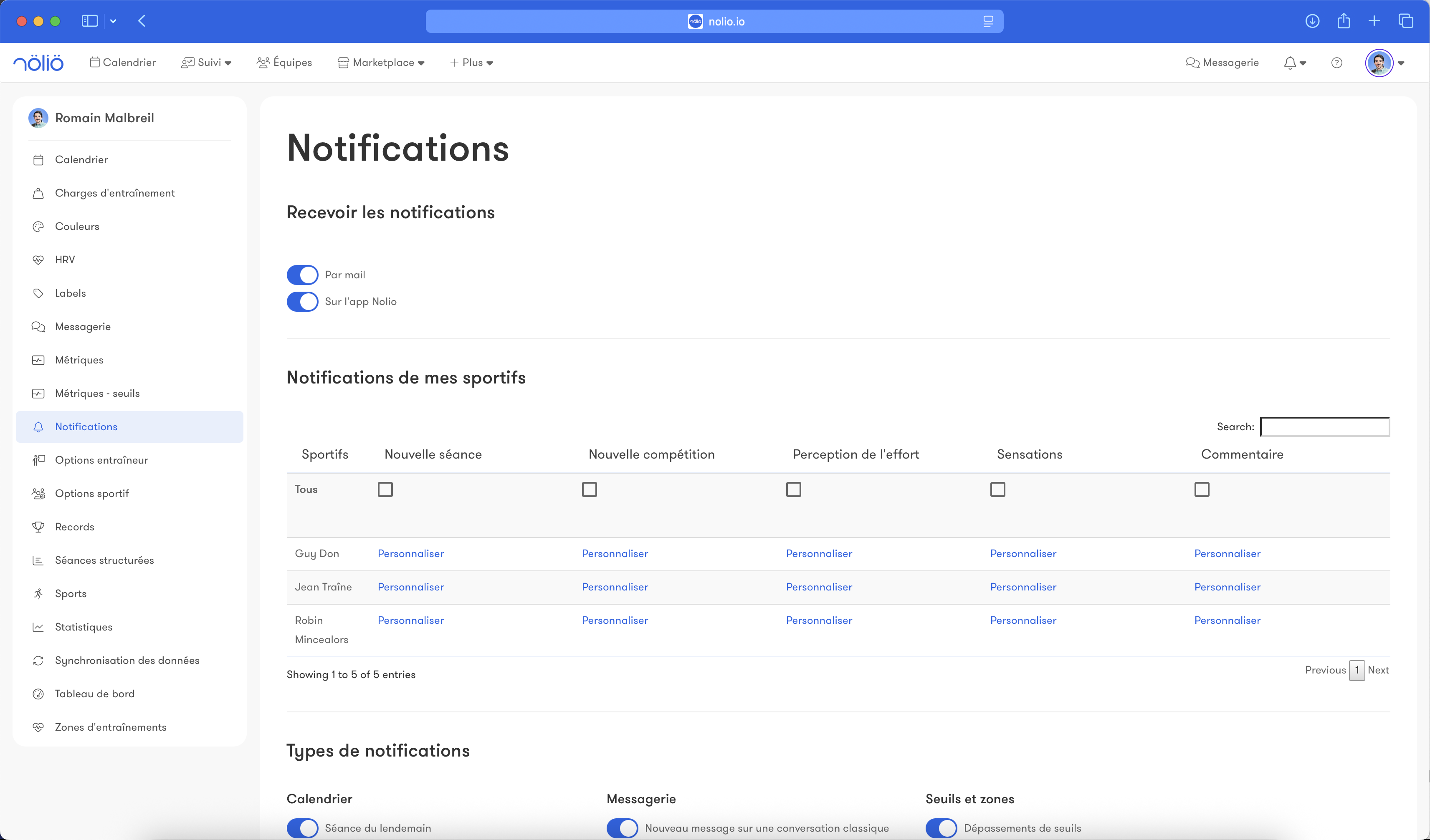
As a coach, choose the athletes you want to be notified about.
You can receive notifications when a new workout, a new competition, an RPE, feelings or comments are added.
As an athlete, choose the notifications you want to receive about your calendar, your chat, your thresholds and zones.
Tomorrow's workout, debrief, messages, zone updates… you can tailor everything.
Sync with an external calendar
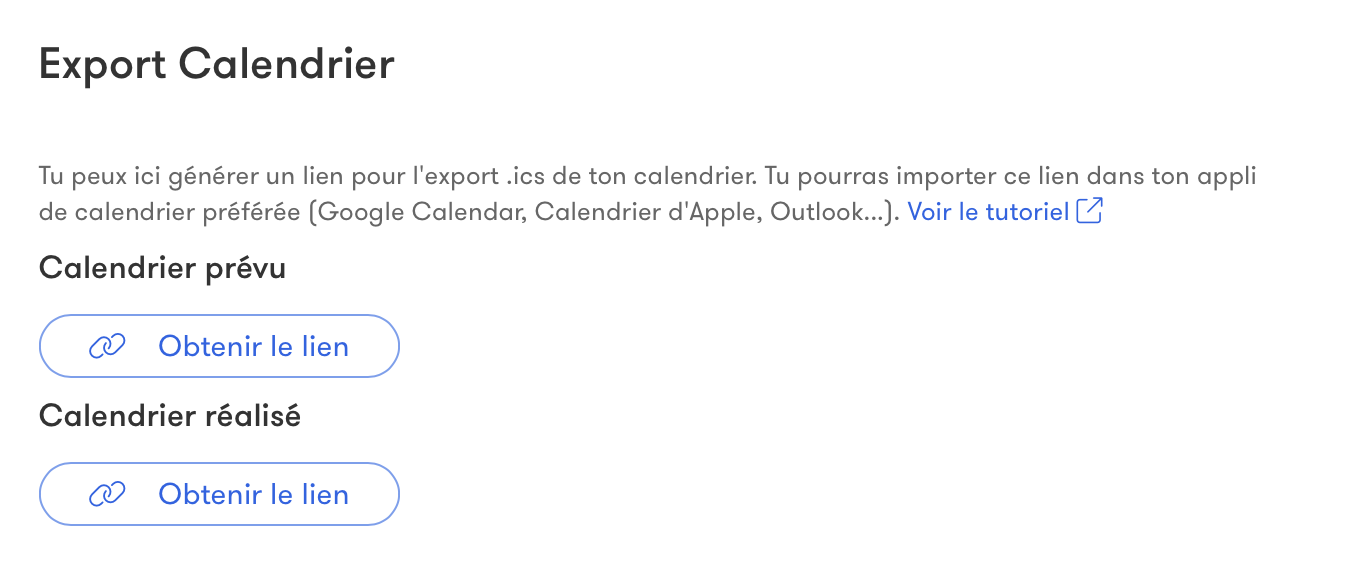
Sync Nolio with other calendars to find your workouts directly in your usual calendar app (Google Calendar, Apple Calendar, etc).